babibada
Members
-
Joined
-
Last visited
Everything posted by babibada
-
Thanks for the reply. After I made those changes, I cannot even get into the game. It crashed just after the game loaded.
-
I have a fresh installed environment based on Jeff Favignano's setup, and it randomly crashed after I went on duty. Sometimes 5 mins, sometimes over 10 mins. Here is the RPH log. Any advice and suggestion is appreciated! RagePluginHook.log
-
-
Not really help, still have this problem with my 2080Ti... Now I am thinking it is a problem with my GPU.
-
I tried, but it doesn't really help,,,
-
Thank you so much. Let me try.
-
Basically, I have this problem after every 5 mins I started the game. I only have some police vehicles installed, no graphics mods nor other vehicle mods. I have 2080 Ti and 64GB RAM, so I think it has nothing about my computer. I used to have this problem before, but not that often. Also, I have the Packfile Limit Adjuster and Heap Adjuster, nothing help. Does anyone have the same problem? Appreciate for any useful help!
-
So do you know which one is working currently with 0.4? Thanks, I will check it out.
-
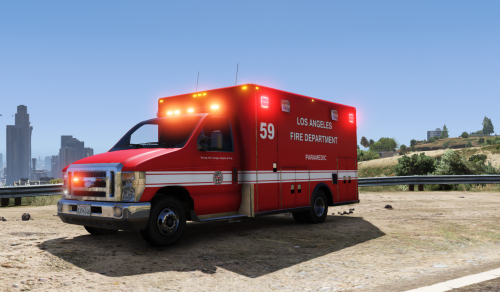
I just know that the transporter is in the backup menu, but how about the EMS, corner, or tow truck?
-
I just updated the newest RPH and ScriptHookV. The game still crashed when it was loading, and the pop-up window said there is a "ScriptHookV Core error: stack mismatch detected." What should I do right now?