Skip to content
View in the app

A better way to browse. Learn more.

LCPDFR.com

A full-screen app on your home screen with push notifications, badges and more.

To install this app on iOS and iPadOS
  1. Tap the Share icon in Safari
  2. Scroll the menu and tap Add to Home Screen.
  3. Tap Add in the top-right corner.
To install this app on Android
  1. Tap the 3-dot menu (⋮) in the top-right corner of the browser.
  2. Tap Add to Home screen or Install app.
  3. Confirm by tapping Install.

SNIT

Members
  • Joined

  • Last visited

Image Comments posted by SNIT

  1. 9 hours ago, SkillfulCorpse said:

    The thing is, I don't even know what you're referencing to! :laugh:

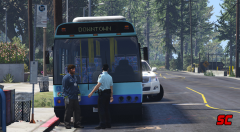
    "A man is wanted for questioning after he repeatedly hit the front of a bus with a hammer."

    This happened in Sydney a few months back.

  2. Shameless self-promotion but there is a NSW hilux if you're interested.. 


    Why where might I acquire this Ekalb? Is it really that good? and is it true that your mods can increase my penis size by up to 50%?


    THERE.IS.NO.SHAME

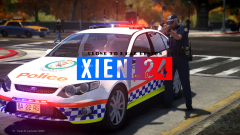
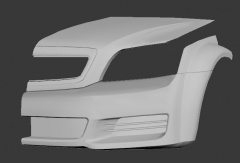
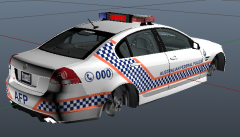
  3. I pass the Holden plant on my way to university and often see these bad boys sitting in the lot ready for shipping, and I have to say, well done, this is by far the best rendition yet, of course the 2013/14 interior would nice, but still fantastic work.


    one suggestion if you'll indulge me, the grill seems a bit too big horizontally.

Account

Navigation

Search

Search

Configure browser push notifications

Chrome (Android)
  1. Tap the lock icon next to the address bar.
  2. Tap Permissions → Notifications.
  3. Adjust your preference.
Chrome (Desktop)
  1. Click the padlock icon in the address bar.
  2. Select Site settings.
  3. Find Notifications and adjust your preference.