




andrewdom30
Members
-
Joined
-
Last visited
Everything posted by andrewdom30
-
-
 You probably have the pdb. in there too but just needed to check. I would reinstall the latest version and see if it helps.
- 1,743 comments
- 172 reviews
-
did you follow the readme and install everything correctly? everything should go in your (gta/plugins/lspdfr) folder.
- 1,743 comments
- 172 reviews
-
-
You need to keep the LSPDFR folder on your main directory and make a new lspdfr folder inside of your plugins folder. The only thing that should be in main plugins folder is LSPD First Response.dll and .pdb every mod that goes with lspdfr should go in (gta/plugins/lspdfr). @1Evan
- 1,743 comments
- 172 reviews
-
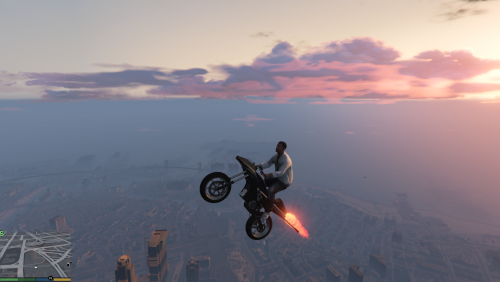 @LMS You should post the mod on https://www.gta5-mods.com/ since it has nothing to do with LSPDFR or any compatible plugins.
 -
 I put them in the LSPDFR folder inside the plugins folder and police smart radio, arrest manager, and callouts V don't load when i go on duty.
- 1,915 comments
- 242 reviews
-
Same thing happens here. I ran the troubleshooter and it didn't detect any problems. I redownloaded the mod and still nothing.
- 1,915 comments
- 242 reviews
-

