Agent00C4
Members
-
Joined
-
Last visited
Everything posted by Agent00C4
-
-
 Sooooo looking forward to this "old junk"!
 -
Cool. Should figure it out and release it.
-
How long do you think it'll take to get the pattern figured out?
-
Then what about the '93 Marked Caprice, unless it has the same Aerodynic...
-
Can you release the '90 LAPD Caprice?
-
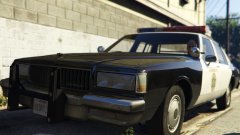 K... Hope you finish it soon.
 -
What needs to be done to make it ready?
-
How close is this to release?
-
 This going to be released soon?
 -
Andddddddd some LAPD footage at 6:10, sorry if you've already seen all this lol.
-
And some more LASD footage at 3:30
-
heres some good LASD footage, and some San Diego Sheriff...
-
Not sure how much help this is, there's a few interior shots from about 3:20 onwards.
-
The 1986 Caprice LASD. It tied in votes with the '95 caprice.
-
Since the '86 Caprice LASD tied with the '95 Caprice 9C1, can we get that next?
-
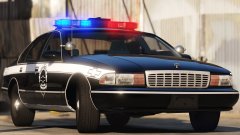 Want.
Want. -
Ok, looks awesome! Can't wait for your 70's/80's stuff
-
Is it going to be a Dev model?
-
Any more pictures of it? :P
-
How's the Dodge Aspen going?
-
-
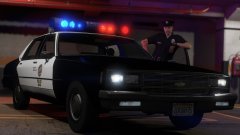 Oh, so what's left to do on the car before its ready for release?
 -
Lol how do they somewhat work?
-
Do the alley lights work on this?