
Officer Francis
Members
-
Joined
-
Last visited
-
Officer Francis changed their profile photo
-
 Yes, it SHOULD work if you have placed files in there before. If it doesn't place them in 9ng :)
- 35 comments
- 14 reviews
-
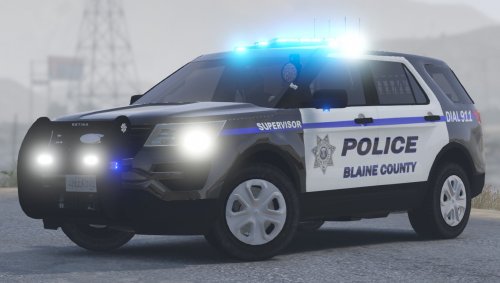
The sexiest SUV model out there. Only bad thing, the emergency lights are a bit too "weak", even on VisualV or RadianceV
- 35 comments
- 14 reviews
-
Using OpenIV, place it in the patchday9's vehicles.rpf folder, it's the best place to put custom vehicles.
- 35 comments
- 14 reviews
-
 Thank you so much Albo for the quick response. Found out the problem by the way, seems like an old mod called "Law Callouts" has not been updated anymore, causing multiple errors within LSPDFR and most of your own mods, which I have installed: basically the game freezed and crashed, causing Arrest Manager not to load at all. Deleting Law Callouts solved everything. Thank you again ;)
- 1,915 comments
- 242 reviews
-
I'm having some trouble lately, possibly after the last update. The mod doesn't seem to load all times and no jail points, grab-ped, or other features work. Do you think this is mod-conflicting-related or possibily a broken update? Thanks in advance, I really love this mod and would like to keep using it!
- 1,915 comments
- 242 reviews