Officer Joey Kuffman
-
Joined
-
Last visited
Everything posted by Officer Joey Kuffman
-
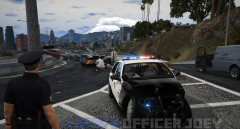
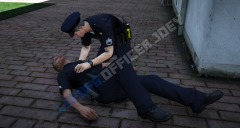
From the album: Officer Joey Kuffman Galleries
© Officer Joey Kuffman
-

From the album: Officer Joey Kuffman Galleries
© Officer Joey Kuffman
-

From the album: Officer Joey Kuffman Galleries
© Officer Joey Kuffman
-
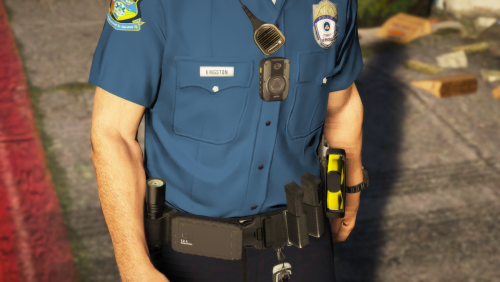 can you make glock logo on the magazine plates? small things matter right hehe I made it like this but doesnt look good xD
- 8 comments
- 5 reviews
-
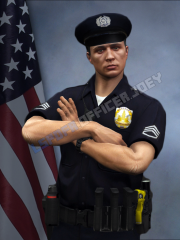 yes i used menyoo menu and i stood against a wall that had some color to crop out the ped more easy ;D
 -
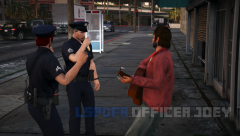
From the album: Officer Joey Kuffman Galleries
© Officer Joey Kuffman
-
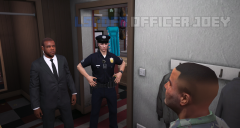
From the album: Officer Joey Kuffman Galleries
© Officer Joey Kuffman
-

From the album: Officer Joey Kuffman Galleries
© Officer Joey Kuffman
-

From the album: Officer Joey Kuffman Galleries
© Officer Joey Kuffman
-

From the album: Officer Joey Kuffman Galleries
© Officer Joey Kuffman
-
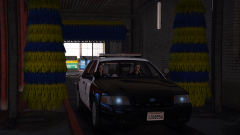
From the album: Officer Joey Kuffman Galleries
© Officer Joey Kuffman
-
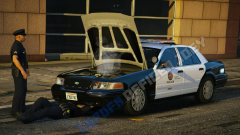
From the album: Officer Joey Kuffman Galleries
© Officer Joey Kuffman
-

From the album: Officer Joey Kuffman Galleries
© Officer Joey Kuffman
-
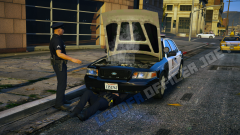
From the album: Officer Joey Kuffman Galleries
© Officer Joey Kuffman
-
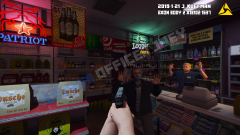
From the album: Officer Joey Kuffman Galleries
© Officer Joey Kuffman
-
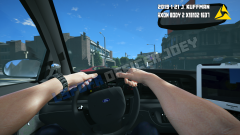
From the album: Officer Joey Kuffman Galleries
© Officer Joey Kuffman
-
-

From the album: Officer Joey Kuffman Galleries
© Officer Joey Kuffman
-
-
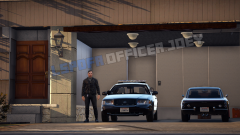
From the album: Officer Joey Kuffman Galleries
© Officer Joey Kuffman
-
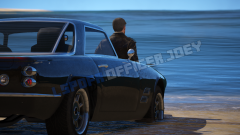
From the album: Officer Joey Kuffman Galleries
© Officer Joey Kuffman
-
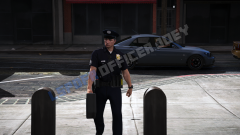
From the album: Officer Joey Kuffman Galleries
© Officer Joey Kuffman
-
photoshop hehe thx some peopel already stole my picture its sad
-
-