




Officer Joey Kuffman
Members
-
Joined
-
Last visited
Everything posted by Officer Joey Kuffman
-
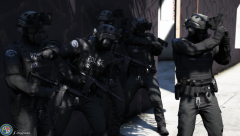
From the album: Officer Joey Kuffman Galleries
LSPD Tactical Unit -
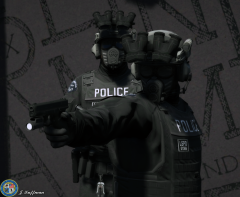
From the album: Officer Joey Kuffman Galleries
-
sadly quality sucks as lspdfr only allowes like 4mb of a picture file too small! so had to turn quality down!
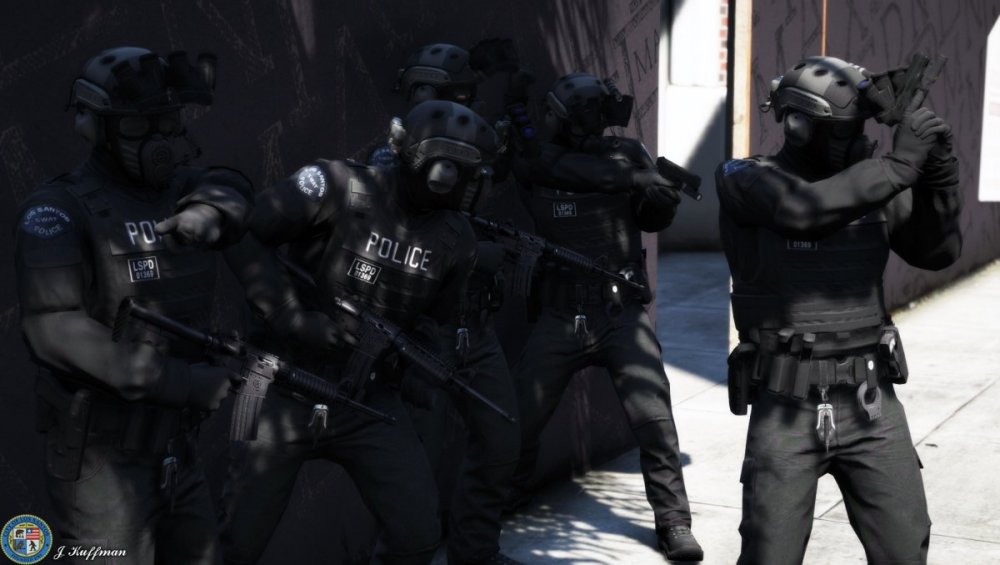
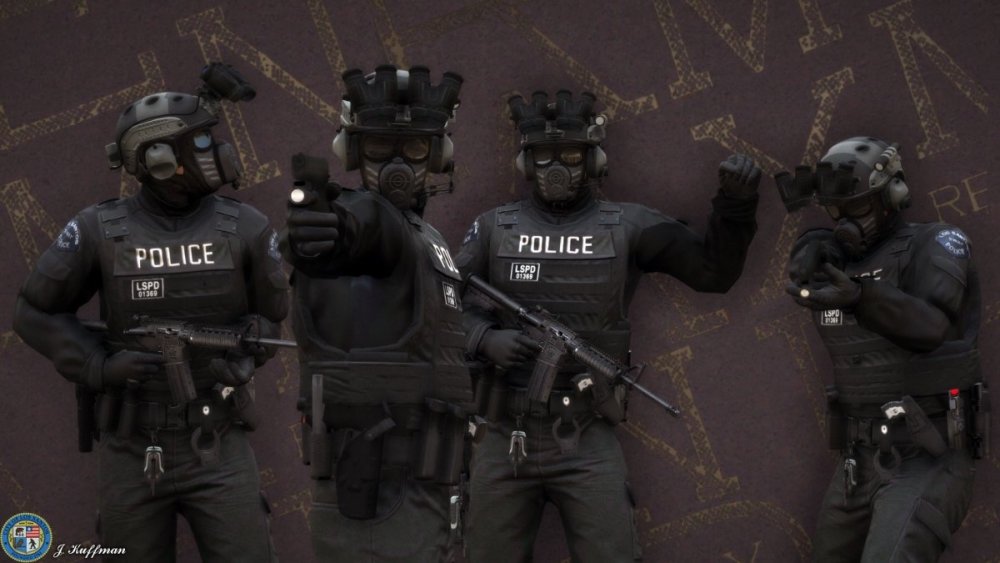
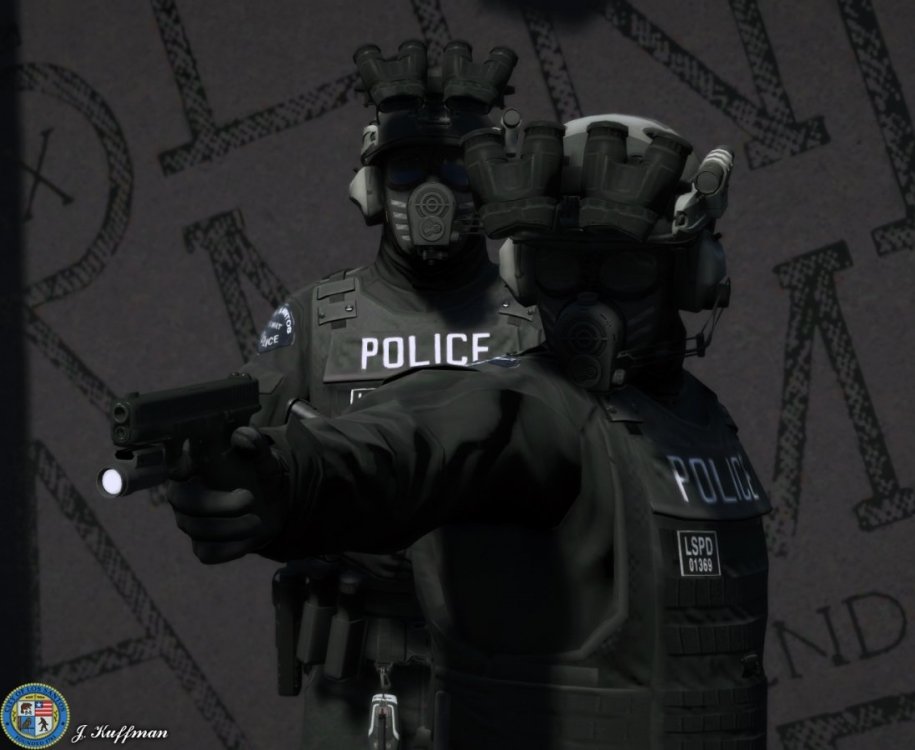
-
how many you have installed can you show me your plugins folder? if you remove all plugins does it work then>? little bit more information would be better to help you out.
-
remove them all. start over like i said before. add them one by one. see if you get crashes. thats the way you do it.
-
no its crashing because you have plugins that are too old and files that should not be in there.
-
no im sorry you gotta do it your self. watch tutorials on youtube on how to do it otherwise just make sure you only install plugins that are for this never version of lspdfr. you use so mutch old plugins. and too many! add plugins one by one to see what works and those are not. me my self im only using like 5 plugins to keep it stable.
-
holy shit no wonder why its not working omg. its so messy there so many files inside your plugins folder that should not be there. also in main menu jeeees i reallyt suggest you remove the intire plugins folder and start over only adding plugins not other weird stuff most of the plugins you are using are outdated. they dont work good enough for this new version of lspdfr
-
huh? and? it works now?
-
so show me a screenshot of the plugin list 😄
-
what is your plugin list? i see in log alot of outdated plugins running? did you try loading lspdfr without plugins?
-
not sure if its the problem but i see in your log this: [6/7/2020 6:21:18 PM.577] Command line option "DX11" is specified twice. Please remove one. [6/7/2020 6:21:18 PM.578] Command line option "windowed" is specified twice. Please remove one. [6/7/2020 6:21:18 PM.578] Command line option "ignoreDifferentVideoCard" is specified twice. Please remove one. open your command.txt inside main folder remove everything save it. [6/7/2020 6:22:47 PM.007] LSPD First Response: [TRACE] ExpandableFileParser::Parse: Reading content from file:lspdfr/data/cop_presets_outfits.xml also almost positive that your cop_presets_outfits.xml is not good as i see alot of messages about: No gender specified for outfit variation Armored Officer III+1 at line 47, defaulting to male No gender specified for outfit variation Armored Detective at line 56, defaulting to male No gender specified for outfit variation Officer at line 71, defaulting to male but im not sure. try to fix or download regular xml files to see if it changes anything. ps i had this before if i edited xml files and made 1 typo and it went black. so see your xml files
-
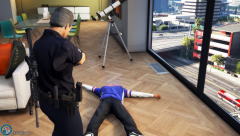
From the album: Officer Joey Kuffman Galleries
Hostage situation inside of an apartment. suspect Tased and arrested.© lspdfr.officer.joey
-
normally if i have nvidia overlay on i get that message Insufficient permissions or bad anti-virus. just saying if you have any type of overlay disable it. 😄
-
I have no clue what you mean 😄 as far as i know lspdfr already works for gta 5 from epic store.
-
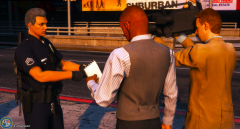
From the album: Officer Joey Kuffman Galleries
statement for tv news. about hostage situation. -
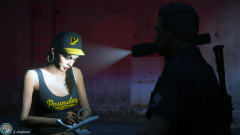
From the album: Officer Joey Kuffman Galleries
Statement after arrest. for breaking into werehouse. -
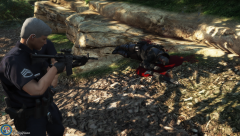
From the album: Officer Joey Kuffman Galleries
Shots fired. Suspect down -
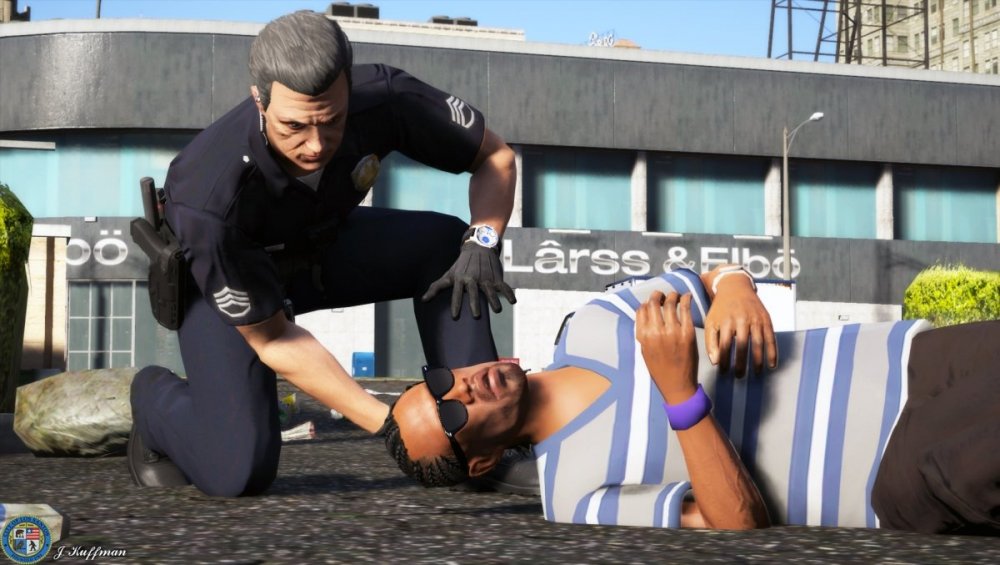
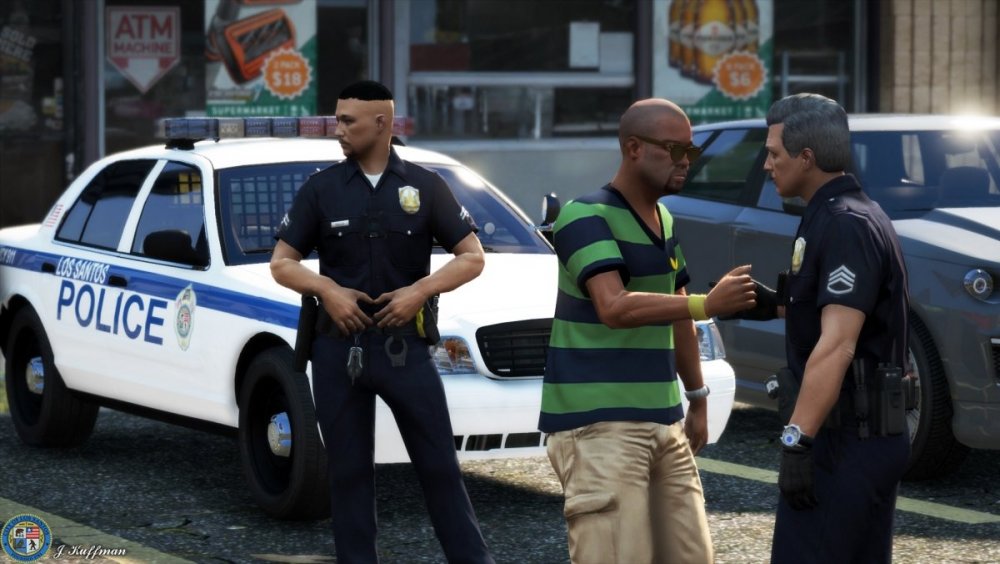
Communiy Policing Keep calm! help is on its way!
-
From the album: Officer Joey Kuffman Galleries
© Joey Kuffman
-
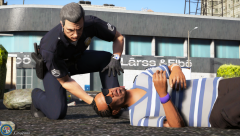
From the album: Officer Joey Kuffman Galleries
Keep calm! EMS is on its way! -
Outdated. all i can say 🙂
-
not sure if this makes it crash but it says in log: 6/7/2020 3:23:59 PM.349] Command line option "DX11" is specified twice. Please remove one. [6/7/2020 3:23:59 PM.354] Command line option "windowed" is specified twice. Please remove one. open the file commandline and remove all content in there.
-
me? no i only tell you so others can help you out. the thing is use only up-to-date plugins and you should be good remove all plugins add them 1 by 1 see witch one causes the crash!
-
well like he said its not. remove them you get prop less crashes.




