Mr Duck
Members
-
Joined
-
Last visited
Everything posted by Mr Duck
-
I looked in my mods folder i i think i might of found the problem with some left over models in there and now it runs fine but my game always becomes unstable when i add any vehicle models. Thanks so much for you help and time.
-
Hi yeah i loaded in first try but now stuff like my gun sound pack doesn't load. Is the _ making Rage or lspdfr not read my mods folder so there is an issue with my mods folder.
-
My game was working fine up until i added a 4 more vehicle texture models and the game would not load and just go to a black screen then just crash so i removed them however its still doing it so i removed all my vehicle models incluing dlc models and the game still does it. I'm pretty unexperienced with lsdpfr so idk what is going on so any help would be great thanks. Rage.Logs Below in spoiler.
-
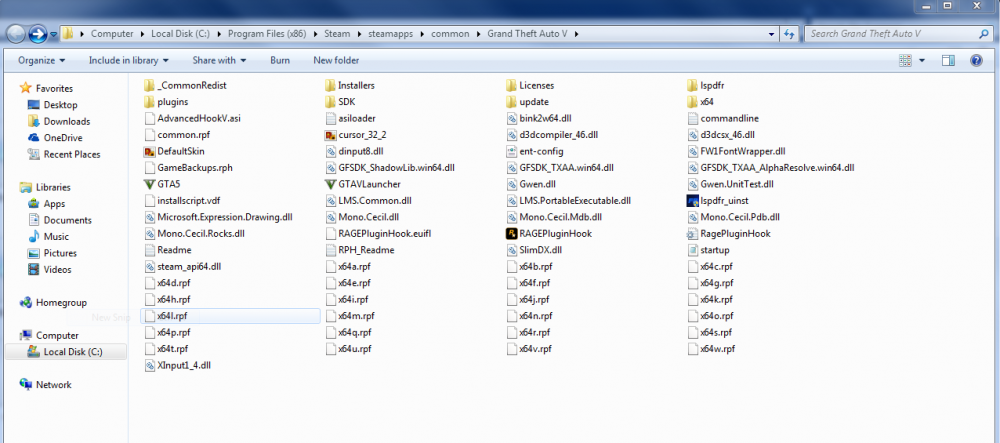
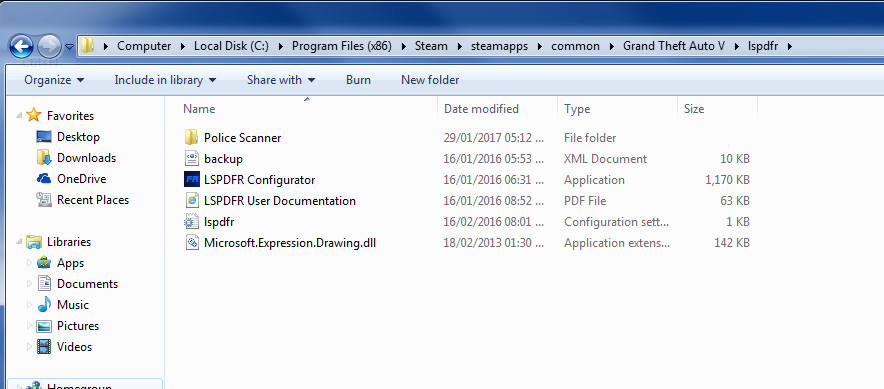
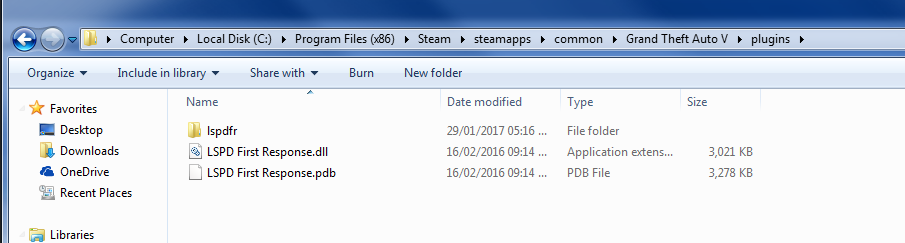
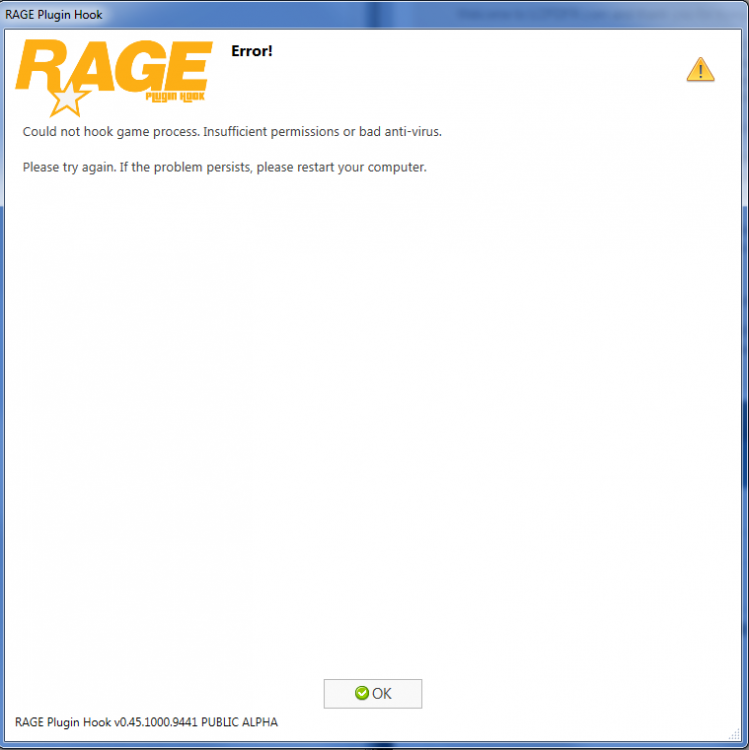
I have reinstalled GTA5 and watch lot of different methods on how to install and turned off my anti-virus and windows defender and I still get the same error pop up System Specs AMD FX-6300 Six-Core Processor 12g of DDR3 Ram (i have one more stick of 8gb of RAM if needed) NVIDIA GeForce GTX 670 Thermaltake Berlin 630w CPU Temps are allright GPU Temps are allright Any Help would be appreciated. Thank you