

Jack Odar
Members
-
Joined
-
Last visited
Everything posted by Jack Odar
-
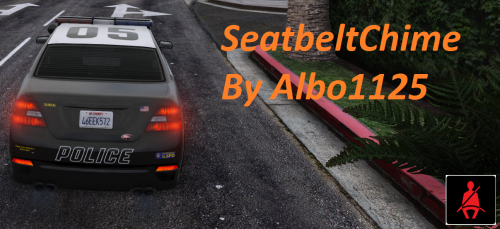 Why not add it for more RP? :) ------------------------------------------ Pourquoi pas l'ajouter pour plus de RP? :)
- 23 comments
- 13 reviews
-
-

- 1
-
-
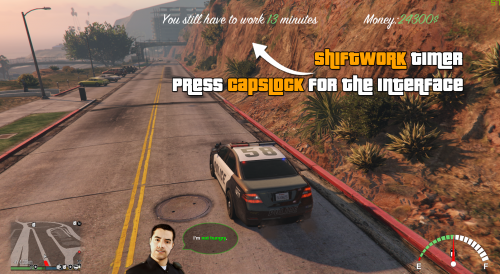 English: Amazing! Add fun with this plugin for LSPDFR! @Anarchiyx3 work very good! This is amazing to add more realism and RP scenes! -------------------------------------------------------- French/Français: Géniale! Ayez plus de fun avec ce plugin pour LSPDFR! @Anarchiyx3 travaille très bien! C'est géniale pour ajouter du réalisme et des scènes RP!
- 120 comments
- 13 reviews