


PhoenixFR
Members
-
Joined
-
Last visited
Everything posted by PhoenixFR
-
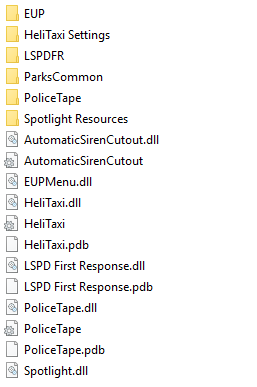
update j'ai trouvé le plugin qui me faisait crash il s'agisait de automatic siren cutout
-
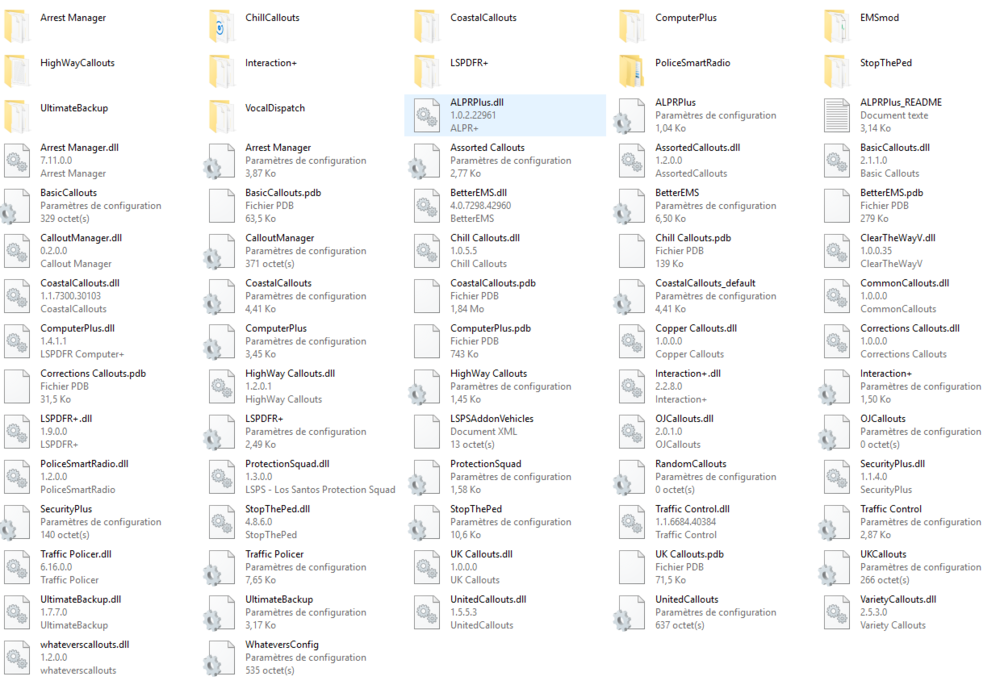
Bonjour a tous, alors depuis plusieurs jours lorsque j'essaye de prendre mon service mon GTA crash j'ai mit a jour tous mes plugins et j'ai réinstallé mon jeu aussi j'ai mit les logs les plus récents ainsi que les plugins que j'utilise si quelqu'un peux m'aider, RagePluginHook_16022020_124338.log
-
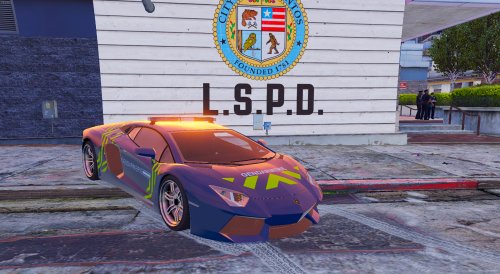 Bonjour si je veux mettre ce véhicule à la place de la police3 il me suffira de renommée les fichiers ytd ect ? Ou ce véhicule est uniquement pour la police2?
- 1 comment
- 3 reviews


