


Sullz
Members
-
Joined
-
Last visited
Everything posted by Sullz
-
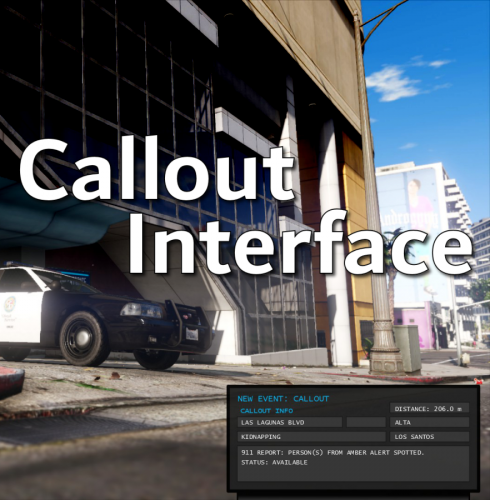 Hey @opus49, first off - amazing plug-in! Just… wow. I live the direction this is going in. Thank you so much for your hard work. I had a couple of questions for you. the APLR system doesn’t seem to match with the in-game data for vehicles and owners. For example, CI’s ALPR system will flag a vehicle for no insurance, but I’ll pull over the vehicle and compulite will tell me that everything’s fine. Also, the vehicle/ped checks seem to be very erratic. They just check whatever’s closest, which can get a bit confusing and takes away from the realism a bit. I was wondering if this was going to be worked on in the future. Regardless, I thank you again for all your hard work. This is truly an amazing mod!
- 453 comments
- 50 reviews
-
-

- 1
-
-
Well, I'm at a loss. RPH keeps freezing & crashing at "Loading and Populating Game World". I've re-installed both RPH and Scripthook without success, and have even whitelisted the game folder from my antivirus software. This started immediately after I downloaded a new vehicle pack, after changing the Carcols file I believe. I had also changed the siren pack at the same time. I've tried loading the game up without the mods folder with no success. I've tried changing the siren pack and removing the vehicle pack, but it still won't load. I went so far as deleting my mods folder and making a new one in OpenIV. No idea what to do next... but I'd appreciate any help! Here is my latest RPH log:
