



DcK
Members
-
Joined
-
Last visited
Everything posted by DcK
-
From the album: DcK's stuff
The university got a little visit before school starts back up...© D-Town Productions 2017
-
-
From the album: DcK's stuff
Paleto Bay FD crews got a visit from the secretive new Engine 11© D-Town Productions 2017
-
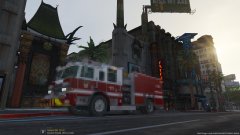
-

-
 Youll just have to wait (;
 -
Their being modeled after the real Pierce, however they are not being based on any specific department or vehicle they have made. Just making things to our liking
-
To address all your comments, the link provided will give you an idea of what is on it and whats to come. If you follow along with that page you'll follow along with the progress of all the trucks. This one included. It's typically updated daily by either me or the rest of our mod team.
-

-
From the album: DcK's stuff
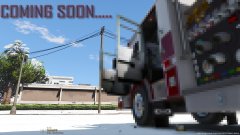
For those curious about this model, and what else might be coming soon. Follow our groups Trello: https://trello.com/b/kuqGUAwd/redhawk-modding-projects© D-Town Productions 2017
-
From the album: DcK's stuff
Hmmmm how many should we ask for to release..? Stay tuned for WIP shots and progress updates© D-Town Productions 2017
-

From the album: DcK's stuff
© D-Town Productions 2017
-
-

From the album: DcK's stuff
© D-Town Productions 2017
-
From the album: DcK's stuff
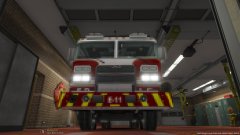
I know I'm teasing the community with these but... Good things come to those who wait© D-Town Productions 2017
-
 I literally just laughed my ass off lol
 -
HMMMM I might suspect a release soon (;
-
Damn!! How'd you know (;
-
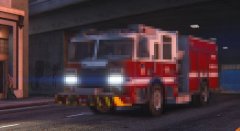
From the album: DcK's stuff
© D-Town Productions
-
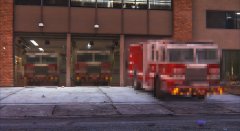
From the album: DcK's stuff
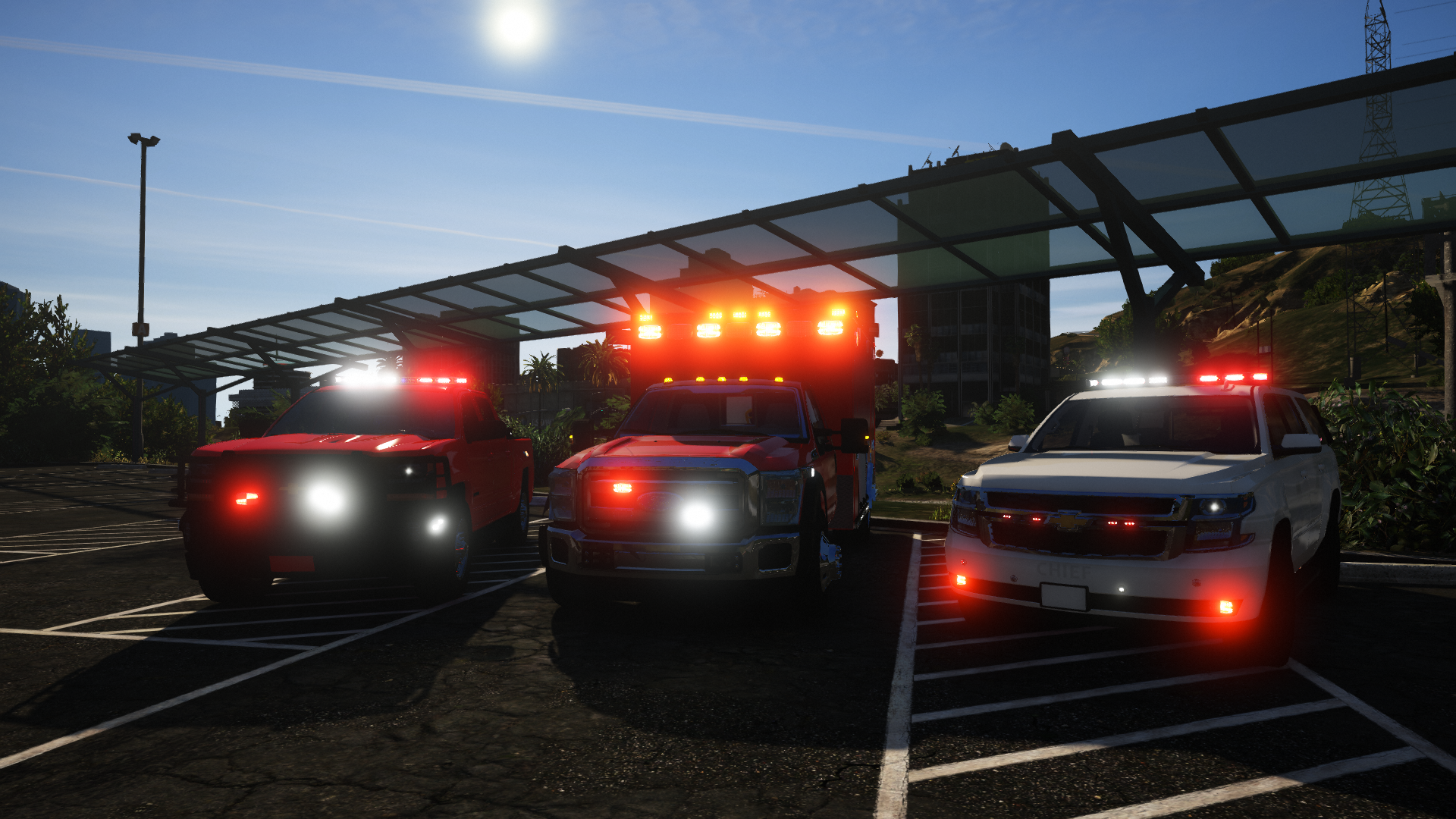
Cast your ballots today folks... Is it possible LSFD received three new units... with more coming (;© D-Town Productions 2017
-
From the album: DcK's stuff
© D-Town Productions 2017
-
Would it be possible to had rear only modes for the lights? With everything possible in GTA V I thought maybe this would be a cool feature since lots of officers use this feature in real life...
-
Recently purchased a new/used Panasonic Toughbook from Amazon. Got a review up last night. Check it out.
-
 What I'm tired of is people feeling entitled to things. I always see people commenting about how angry they are that something isn't going to be released. I mean are you serious?? That's absolutely ridiculous, no one has to release anything. The begging and PMing people and all these things people do to get models is ridiculous. It's just getting to where no one wants to release things cause a shit storm has to follow.
 -
You're talking about "getting facts right" yet your throwing out accusations and stuff like that. I don't need to know any history behind anything. I stand behind modelers who make good content, released or unreleased, and the people who support them. While I agree with not fucking over people who help you out, because I had plenty of people help me before I learned. It's unnecessary for people to be getting upset about stupid stuff like when a vehicle is gonna be released. I see the same thing with people and ELS. It's constantly the same thing, comment after comment of people asking the same question. Be patient and let the dev stuff get worked out and I'm sure it will be released.


