


Spectre1312
Members
-
Joined
-
Last visited
Everything posted by Spectre1312
-
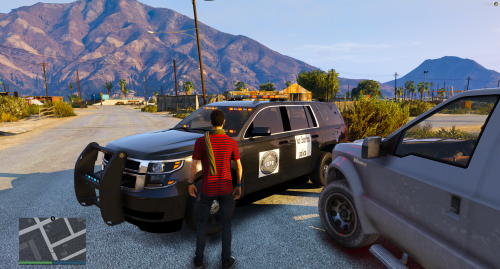 Well if this is a serious post, the text should be white, and there shouldn't be a background. The text should be a more realistic font for what a police department would use, That logo is squished. You should always place is perfectly square and without a background. Quite a bit of detail could be added here, aka text on the trunk, text above the wheel wells on the rear end, Unit number on the top of the vehicle, etc
- 2 comments
- 2 reviews
-
-

- 1
-
-
 Hey, I'm brand new to texturing so please leave feedback. Spectre. YOU NEED THIS VEHICLE TO USE THIS TEXTURE. ALL CREDITS BUT THE TEXTURE ARE TO HIM.
- 9 comments
- 1 review
-
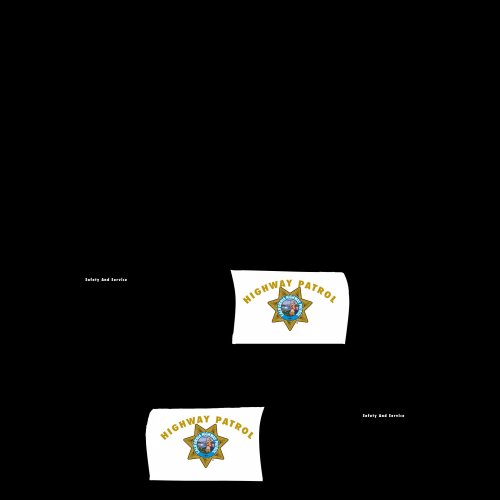 Hey, I'm brand new to texturing so please leave feedback. Spectre. YOU NEED THIS VEHICLE TO USE THIS TEXTURE. ALL CREDITS BUT THE TEXTURE ARE TO HIM.

