


Jurr
Members
-
Joined
-
Last visited
Everything posted by Jurr
-
-
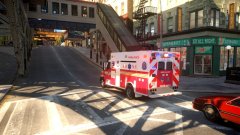
From the album: WIP Skins
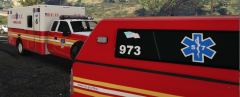
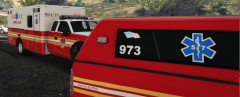
This a fictional WIP for the Freightliner M2 2014 Ambulance. -
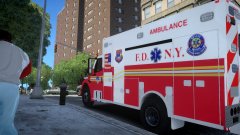 The model? no but the skin yes
 -
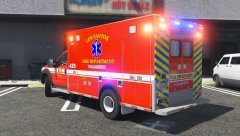
This a fictional WIP for the Freightliner M2 2014 Ambulance. Let me know if you'd like to see its release as I want to know how interested people are in it.
-
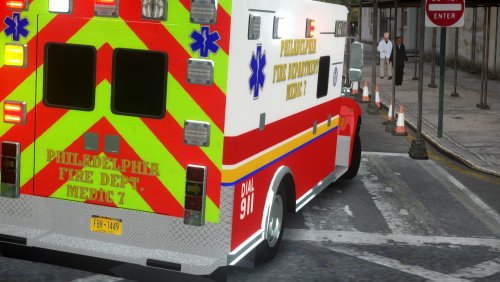 Ignore the NY plates! You will need KevinDV's Durastar International Durastar ambulance here: Enjoy! Feel free to use the skin to help make your own skins, just credit me. To install: Go to ambulance.wtd and replace Replace with all provided files Livery_sign_1 riffle metal metal
- 6 comments
- 1 review
-
bump. i still cannot find the template.
-
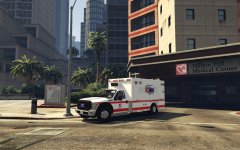 Is this ambulance grill only black or will we see silver grill too?
 -
0
-
 rear window decals are a plus!!
 -
-
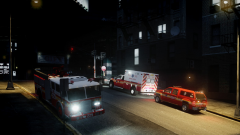
From the album: FDNY
-
-
-
-
So I decided to try and do it myself, my only problem is I get this vehicles.oac(Line 1680): WAVE Audio format is not supported. Audio must be MONO (1 channel) and 16 bits Bit depth.i fixed this in audicy program and have no fix. I know there is a PA4000 siren in the American sirens pack but it doesnt sound like the FDNY siren which is what Im going after. 0x1C98C4D5.wav 0x144C8602.wav POLICE_WARNING.wav AMBULANCE_WARNING.wav
-
-
Any chance anyone can make this ambulance siren?
-
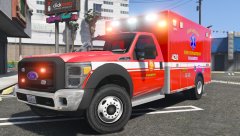 can you please add a component option of a vent overhead the cabin?
 -
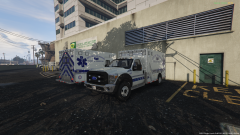 is this still being worked on? i want to help texture
 -
 Any chance you can add a version with less lights ? I want to make an NYPD version of this!
- 269 comments
- 67 reviews
-
-



.thumb.png.317840e646daa237dd2ebf110ecf9884.png)