Skip to content
View in the app

A better way to browse. Learn more.

LCPDFR.com

A full-screen app on your home screen with push notifications, badges and more.

To install this app on iOS and iPadOS
  1. Tap the Share icon in Safari
  2. Scroll the menu and tap Add to Home Screen.
  3. Tap Add in the top-right corner.
To install this app on Android
  1. Tap the 3-dot menu (⋮) in the top-right corner of the browser.
  2. Tap Add to Home screen or Install app.
  3. Confirm by tapping Install.

Avet03

Members
  • Joined

  • Last visited

Everything posted by Avet03

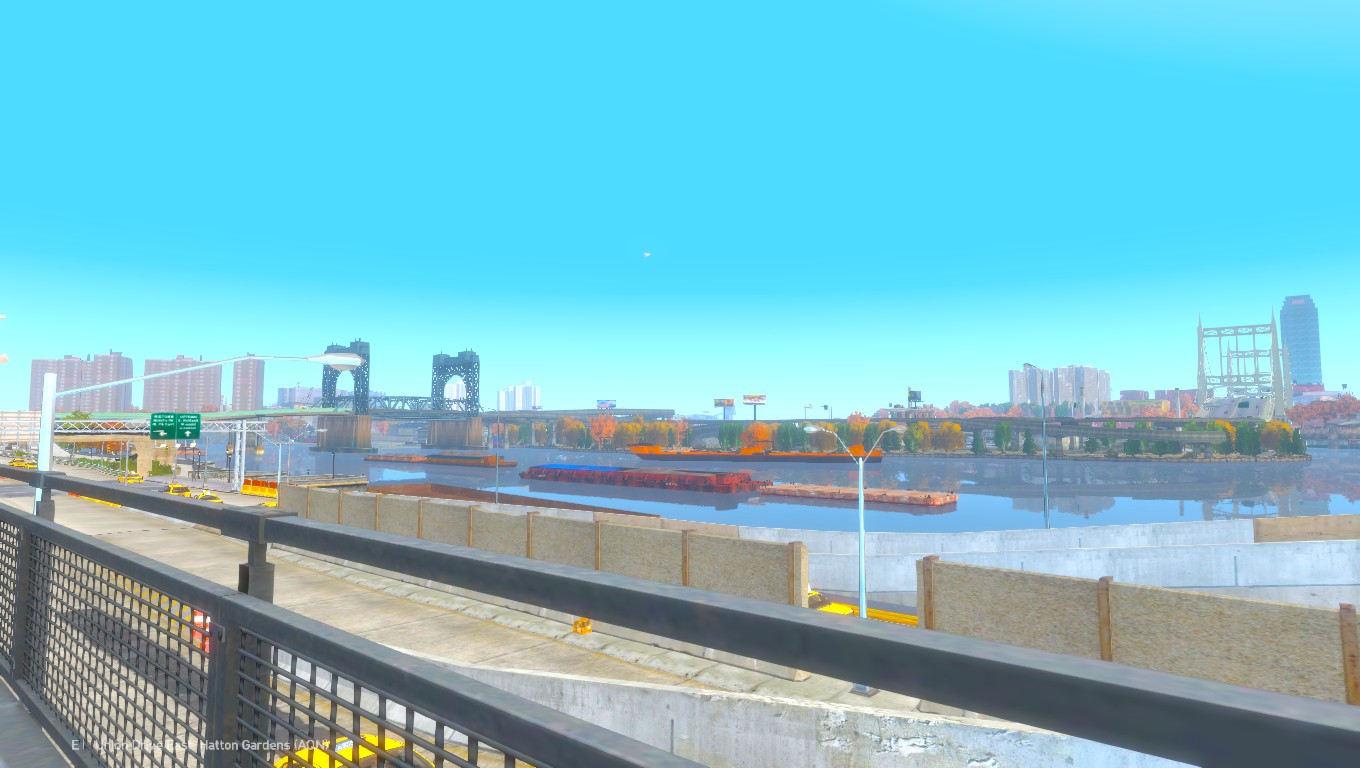
  1. This?????? http://www.gta4-mods.com/misc/game4video-enb-107-f17186
  2. Avet03 posted a gallery image in GTA IV Galleries
  3. Avet03 posted a gallery image in GTA IV Galleries
  4. Avet03 posted a gallery image in GTA IV Galleries
  5. Avet03 posted a gallery image in GTA IV Galleries
  6. Avet03 posted a gallery image in GTA IV Galleries
  7. Avet03 posted a gallery image in GTA IV Galleries
  8. Avet03 posted a gallery image in GTA IV Galleries
  9. Avet03 posted a gallery image in GTA IV Galleries
  10. Avet03 posted a gallery image in GTA IV Galleries
  11. Avet03 posted a gallery image in GTA IV Galleries
  12. Avet03 posted a gallery image in GTA IV Galleries
    • 387 downloads
    • Version 1.0.0
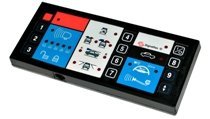
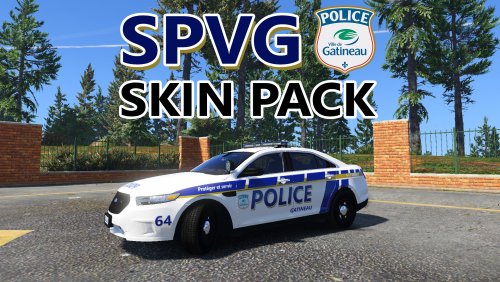
    Siren signaflex police of Québec Air Horn don't work sorry Video on real life NucleaireQc Channel: https://www.youtube.com/channel/UC-TL9a4lzdgD4FepYAP-hWQ
  13. Are you speak in french? Just shows cars, turn on the lights etc. <You can use bandicam>
  14. you(HZ30) can make a video on this skin plsssssss?
  15. finally I managed to do that its work on gta 4 THANK YOU!!!!!!!!!!!!!!!!!!!!!!!!!!!!!!!!!!!!!!!!!!!!!!!!
  16. it also works for gta 4?
    Moi aussi je voulais un pack de Gatineau MERCI!!!

Account

Navigation

Search

Search

Configure browser push notifications

Chrome (Android)
  1. Tap the lock icon next to the address bar.
  2. Tap Permissions → Notifications.
  3. Adjust your preference.
Chrome (Desktop)
  1. Click the padlock icon in the address bar.
  2. Select Site settings.
  3. Find Notifications and adjust your preference.