Skip to content
View in the app

A better way to browse. Learn more.

LCPDFR.com

A full-screen app on your home screen with push notifications, badges and more.

To install this app on iOS and iPadOS
  1. Tap the Share icon in Safari
  2. Scroll the menu and tap Add to Home Screen.
  3. Tap Add in the top-right corner.
To install this app on Android
  1. Tap the 3-dot menu (⋮) in the top-right corner of the browser.
  2. Tap Add to Home screen or Install app.
  3. Confirm by tapping Install.

FordPIU

Members
  • Joined

  • Last visited

Everything posted by FordPIU

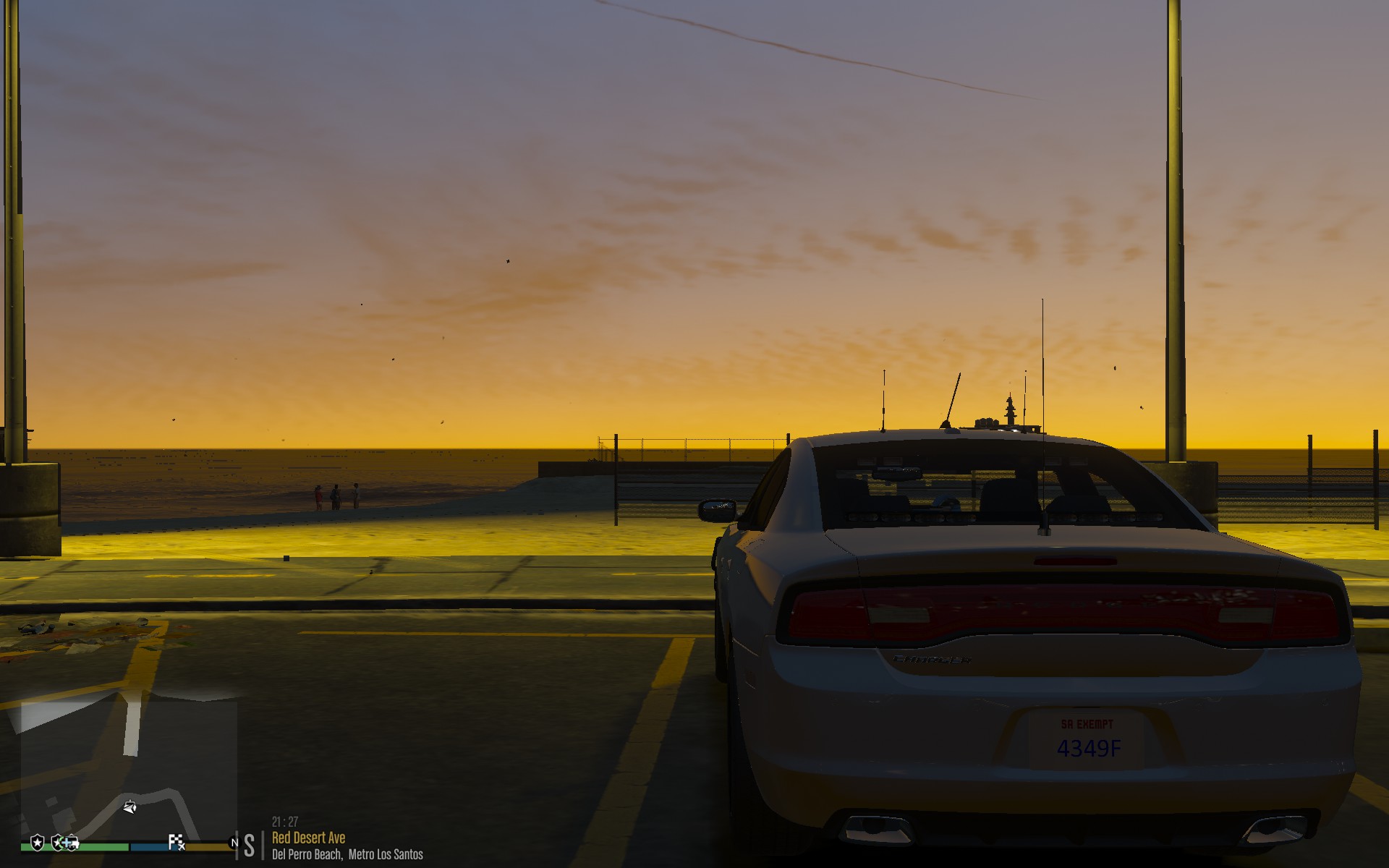
  1. PostFX on Ultra will add more "flare" 🙂
  2. When I try to link my account it comes with "An error occured while validating your account: The remove sever returned an error: (403) Forbidden" Im open to Any Fix Thanks!
  3. I believe you arent suppose to do what I did and put all the contents of the Installation into the game dictionary, I just installed LCPDFR somewhere else and moved all its contents. Im watching Jeff's Tutorials... RIP
  4. Whenever I load the game it wont load Information: I got 1.1 windows 10 I did lcpdfr before on windows 10 so idk why its not working Help plz


Account

Navigation

Search

Search

Configure browser push notifications

Chrome (Android)
  1. Tap the lock icon next to the address bar.
  2. Tap Permissions → Notifications.
  3. Adjust your preference.
Chrome (Desktop)
  1. Click the padlock icon in the address bar.
  2. Select Site settings.
  3. Find Notifications and adjust your preference.