
DefenderOfThisHouse
Members
-
Joined
-
Last visited
Everything posted by DefenderOfThisHouse
-
 Ooooo whos slicktop cvpi is that?
 -
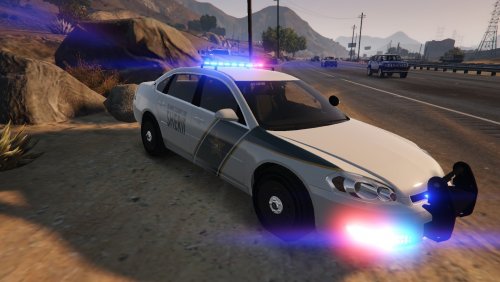 Oh my! How did you know I've been looking for this?!! I can tell that I love this already! The only markdowns I have that aren't even worthy of taking a star off for are purely cosmetic. - No MDC/MDT - Not a huge fan of the valor lightbar; personal reasons (too slim, makes the vehicle pretty close to being a slicktop, weird shape lol) I must commend you on the lighting as well. Well placed, not too much and not too little. I also cannot thank you enough for not putting those ugly ass dashboard lights on a marked unit! Stay on this path brother, can't wait to see how far you go here!
- 3 comments
- 3 reviews
-
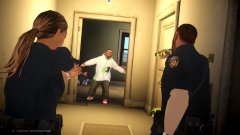 This makes me miss GTA IV....
 -
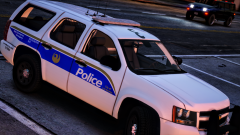 Oh no baby what is you doing? Are you trying to make us fall in love with you?
 -
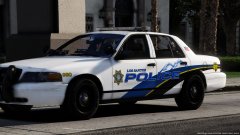 Yes, please...
 -
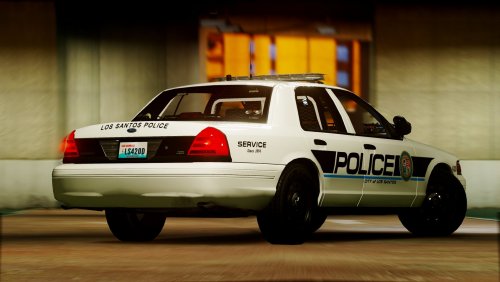 Looks absolutely amazing! I currently live in Puyallup and was also the Explorer post Captain for 2 years, just aged out last year. Thank you for such a wonderful gift!
 -
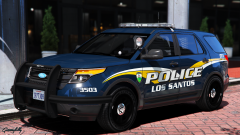 Now that is beautiful! Who's model is that?
 -
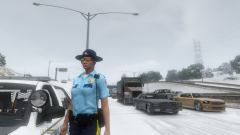 Oh my shit yes! Not trying to be that guy by any means but, possible release date? Looks good btw
 -
-
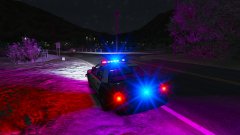 Yeah, halogens definitely aren't super bright. That was the whole reasoning for switching to LEDs for modern law enforcement for the added viability. I'll tell you, when I'm at work and I've gotta stop someone or turn my lights on for any reason, I can't see what the hell I'm doing and even when I get back into my car I'm still partially blind for a few minutes.
 -
I personally like them light that. Red and Blues in real life are just as blinding at night.
-
Here we follow the life of Vanessa Davis, currently employed with the Blaine County Sheriff's Office (BCSO). Deputy Davis began her career in Law Enforcement as a reserve officer with the Los Santos Police Department (LSPD) for 2 years. Davis moved on from the LSPD when a trooper cadet position opened with San Andreas State Patrol (SASP) where she served as a full-time state trooper for 5 years and eventually rose to the rank of 'Trooper Sergeant'. After divorcing her husband, she gave birth to a daughter, Davis realized that her financial situation needed re-evaluation, which puts her now as a full-time Deputy with the Blaine County Sheriff's Office where she hopes to remain for the remainder of her career.
-
Now the lights are purty
-
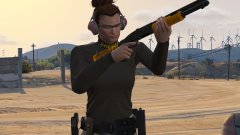 I like it!
-
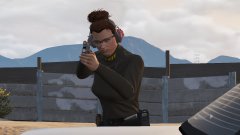 Range Day!
-
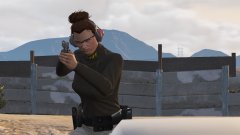 Range Day!
-
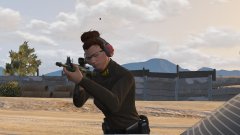 Range Day!
-
 Her backup is not far away at all
-
 Her backup is not far away at all
-
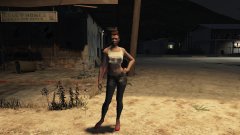 Deputy Davis assisting the Vice Unit
-
 Finally a day off
-
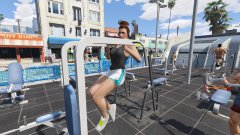 Girls can't do what?
-
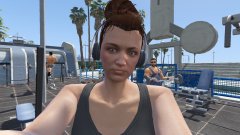 Let me take a "selfie". SHIT, I think he sees me...
-
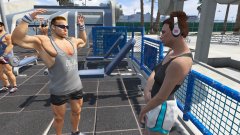 Even for a cop, I don't think anything is breaking her attention right now...
-
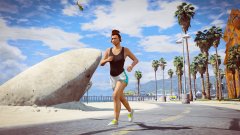 Cardio, cardio, and more cardio. Department PT test coming up
-
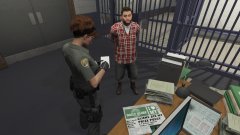 More....booking....paperwork....
-
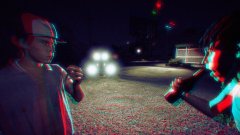 "Uhhhh Cletus....did you order a pizza?"
-
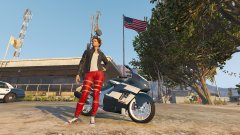 The new whip
-
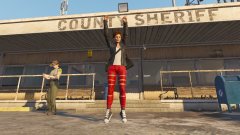 I can't be the only one excited to be getting off shift am I?
-
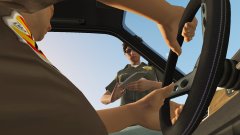 Nice try copblocker, I see your phone in your lap. Here's your copy of the citation, my name, badge number, and agency I work for is on the back...
-
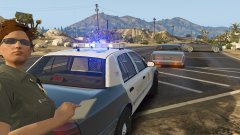 "Do y'all mind...."
-
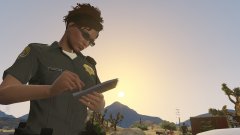 First citation of the day!
-
-
 I'm still playing with my visual settings. In game it looks good but everything I've tried it's either too bright or not bright enough.
 -
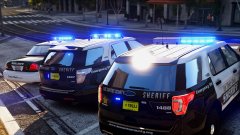 Oh my hell yes!
 -
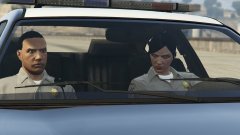 Damn she mad dogging hard!
 -
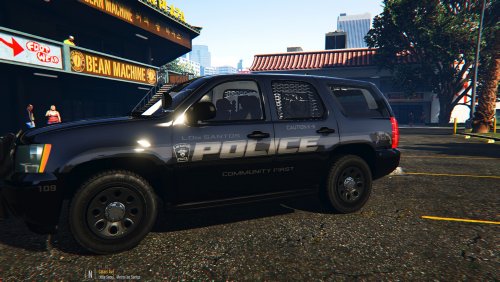 Lovely! Even though I'm not using them on Captain14's pack (they fit on BlackJesus's vehicles too) Good job 5/5
- 7 comments
- 4 reviews
-
-

- 1
-
-
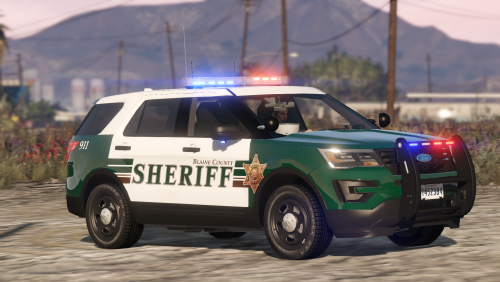 Love it brother! The only thing I would also love to see is that when I change the skin (i.e all white) there is that long black line on the model itself that persists and completely cuts graphics in half on the sides of the vehicle. Other than that, no problems. Good job again!
- 77 comments
- 32 reviews
-
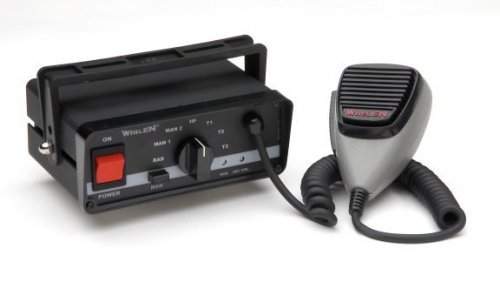 4/5. You absolutely surprised me, I'll be honest here. I did not have high hopes for this but I was dead wrong. The sirens loop perfectly, the quality is top-notch, and it is definitely loud enough. The only reason I took a star off is because I found one problem. The phaser siren is too choppy and I know you stated in your description that some may be like that so I'm not going to be the dead horse. Would love to see that phaser be fixed and then I'll have nothing to complain about.
- 4 comments
- 1 review
-
-
- 2
-
-
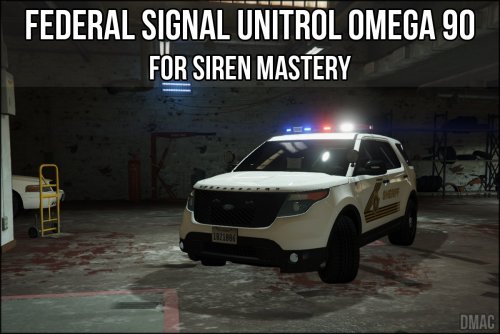 5/5 Love it! sounds cleaner than the Omego 90 I WAS using. The only gripe I may have is the echo effect but I'll learn to get over it.
- 2 comments
- 1 review
-
 Holy crap! This is based off of the Puyallup Police Department! I would know, I live in Puyallup and was head of the explorer post.
 -
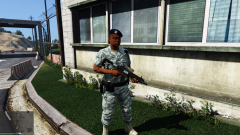 Really like it! I mean I'm biased because I am active duty Air Force Security Forces but its whatever haha
 -
 Absolutely amazing! Thank you for helping me with my technical difficulties as well!
- 168 comments
- 29 reviews
-
-
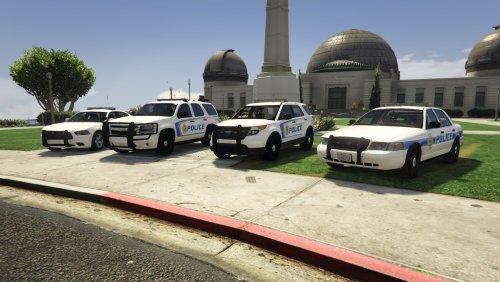 You say you were messing around, I say congratulations on accidentally creating beautiful skins! 5/5!
- 5 comments
- 2 reviews
-
-
- 1
-
-