manios
Members
-
Joined
-
Last visited
Everything posted by manios
-
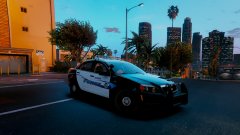
From the album: Random Screenshots
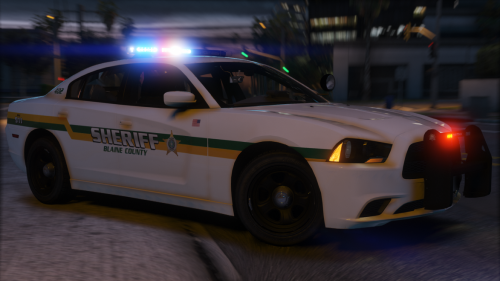
New Caprice sitting out for a quick photoshoot - great work on the skin pack @harrison90 -
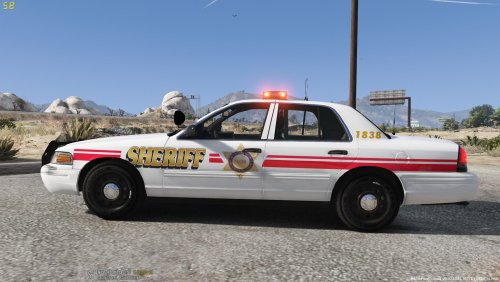 Please take ELS out of the title. Looking at the texture it seems like you may need to rework the placement of the text. "Sheriff" is cut off and the red line is not straight;You can see that it is angled. With a little work here and there I'm sure it will turn out great. Thanks for sharing!
- 7 comments
- 1 review
-
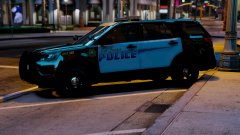
From the album: Random Screenshots
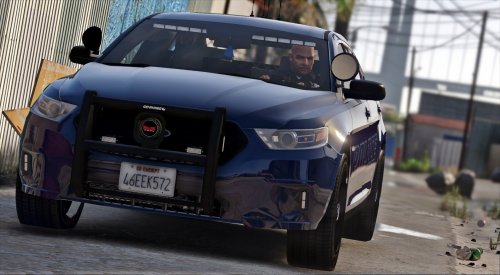
@thegreathah LSPD's new 2016 FPIU parked at the Rockford Hills station -
 Looove the FPIU you added ugh this is why you were my valentine this year ;) just a two minor things I noticed with the model that I would like to show you.. Weird bits of texture on top of pushbar and transparency in the car's interior dashboard. Dirt mapping is also way off. Not trying to be rude you know I love your work but hey this file is a WIP!
- 210 comments
- 59 reviews
-
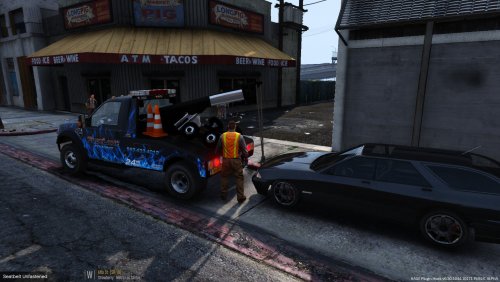 Thats such a cool paint job for a tow truck damn it could pick up my car any day.
- 6 comments
- 1 review
-
-

- 1
-
-
-
Well since you just did an earlier FPIU maybe switch it up a bit and do the FPIS!
-
Had a suggestion, I'm in love with this pack, and as you know all your other ones as well. Do you think you could add intersection lights in the side rear windows of the tahoe? Think it would look spectacular especially on this setup!
- 210 comments
- 59 reviews
-
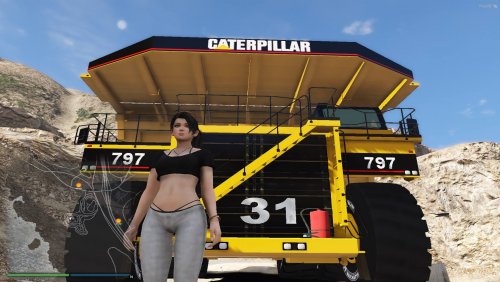 @grizzleftw There are no rules against having such a mod on this website. I for one think this is great! Would be awesome to see a callout utilizing this model in maybe a pursuit or such.
- 3 comments
- 2 reviews
-
-
- 5
-
-
This is simply a function in ELS. In real life, when a unit goes "code 3" the flash pattern on the light bar will automatically change to give the officer the best lighting (more recent setups, of course). I do not know or think there is a way to change it, after i looked in the .ini and did not see anything.
-
CanadianLegend, Canadude, or perhaps.. Sp1cyCaNad1aN !
-
-
Yes.. all the plugins you see listed must be installed individually. It's really not that hard- for the most part it is simply dragging and dropping files into your directory folders. Nearly all plugins show you the exact path to place them in. You get used to it after awhile! After you install each plugin start up your game and ensure that it is working before moving on to the next one.
-
Im excited to see the FPIU! Im really into the 13 model year. I hope to see some intersection lights in the side windows as well as good lighting in the rear window! You've really got me hyped up dude haha
-
I'm sure some members of the community would be glad to have this pack available! I have been in the Long Island area numerous times and would find it cool! Appreciate the work you guys are putting into pack making.
-
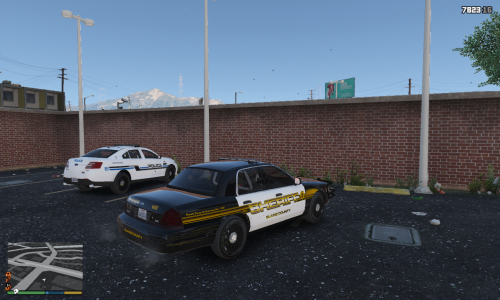 Wow, really well done! Will replace my sheriff slot. Thank you for sharing with the community!
- 17 comments
- 7 reviews
-
-
- 1
-
-
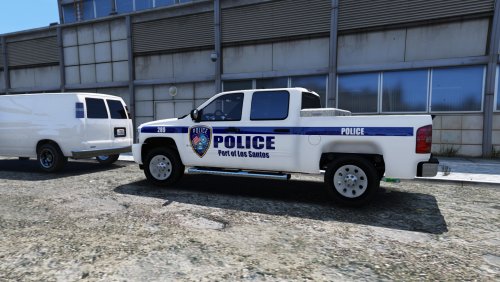 I can take a look at adding those skins soon, I've been busy working on a new pack so stay tuned!
- 4 comments
- 5 reviews
-
-
-
Alt-1 to alter headlight coronas, Alt-2 to alter tail light coronas
-
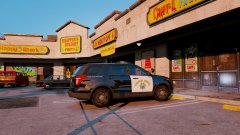
From the album: Random Screenshots
Officers stop for a small bite to eat at a local fine-dining Chinese eatery, proudly named "Wok-It-Off". Totally fine dining; right? -
 Ah, really? Didn't know that. Well you've got a great pack so it definitely has potential to add if ever need be!
- 132 comments
- 39 reviews
-
Do you plan on adding a 13 FPIU? Would look great with the intersection lights in the rear quarter windows and all.
- 132 comments
- 39 reviews
-
To get a mods folder you need OpenIV to begin with... the LSPDFR community is glad to help, however there is a plethora of videos online to watch/learn from, and it would simply be pointless for one of us to sit and write out step-by-step install instructions. Also, when I searched YouTube for tutorials I found one that is 7 months old and seems to cover a lot.. Check it out.
-
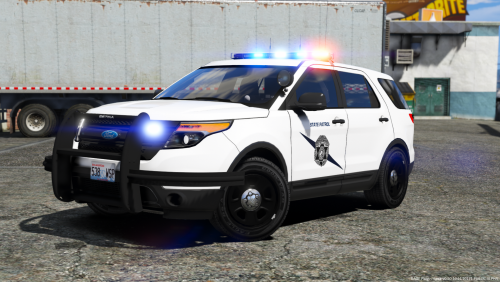 Thank you for the continuous amazing uploads dude! Wish the WSP used some sort of rear window lighting on the earlier FPIU.
- 35 comments
- 17 reviews