


THED
-
Joined
Everything posted by THED
-
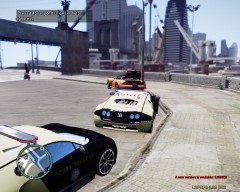
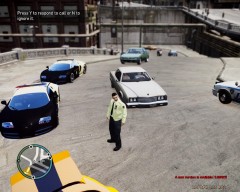
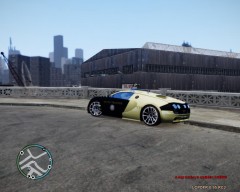
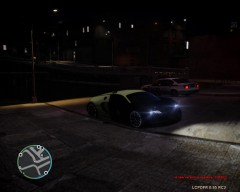
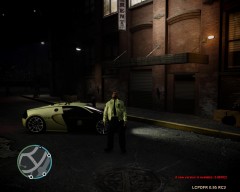
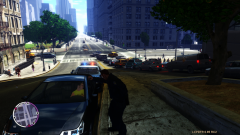
Pulled over for being in the wrong area later Sheriff department had reported it stollen so the suspect left a 1.3 million dollar car.
-
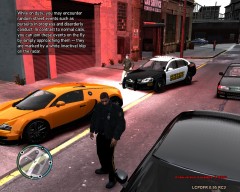
From the album: Pulled over a Bugatti Veyron
Pulled over for being in the wrong area later Sheriff department had reported it stollen so the suspect left a 1.3 million dollar car. -
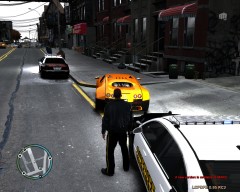
From the album: Pulled over a Bugatti Veyron
Pulled over for being in the wrong area later Sheriff department had reported it stollen so the suspect left a 1.3 million dollar car. -
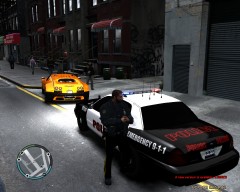
From the album: Pulled over a Bugatti Veyron
Pulled over for being in the wrong area later Sheriff department had reported it stollen so the suspect left a 1.3 million dollar car. -
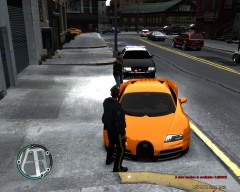
From the album: Pulled over a Bugatti Veyron
Pulled over for being in the wrong area later Sheriff department had reported it stollen so the suspect left a 1.3 million dollar car. -
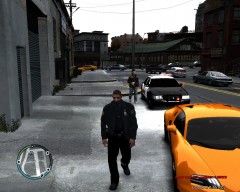
From the album: Pulled over a Bugatti Veyron
Pulled over for being in the wrong area later Sheriff department had reported it stollen so the suspect left a 1.3 million dollar car. -
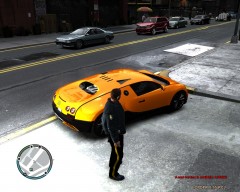
From the album: Pulled over a Bugatti Veyron
Pulled over for being in the wrong area later Sheriff department had reported it stollen so the suspect left a 1.3 million dollar car. -
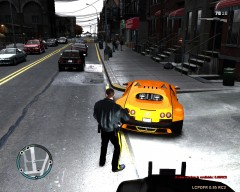
From the album: Pulled over a Bugatti Veyron
Pulled over for being in the wrong area later Sheriff department had reported it stollen so the suspect left a 1.3 million dollar car. -
When i go on duty the games stops and i cant select my police car and i have missing graphics in the game?
-
-
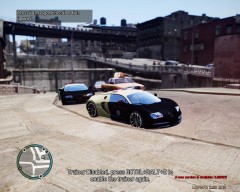
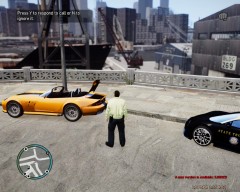
Pulled over a Banshee that was stolen on December 20,2012 finally found all 3 suspect have been arrested.
-
-
-
-
-
-
-
-
 Hey can you send me a link for the graphics
 -
Yes something like that but ralistic multiplayer thing enought of the LCPDFR shet boring.
-
This is very cool man,awesome!!! You should also create a multiplayer section it would be much realistic.
-
-
Ok i just upload the texture if someone ones the car file i would give them the link from here.
- 15 comments
- 5 reviews
-
-

