Emuracer
Members
-
Joined
-
Last visited
Everything posted by Emuracer
-
-
 Possibly It depends if I have time Since I have school starting up Soon
 -
It shouldn't I'll look Into it and find a Fix to it I won't be doing that as I will provide a Guide soon to install Vehicles.OAC into your Resident.rpf. The Main Purpose I did it in this format is so People can keep certain sounds without Replacing certain ones
-
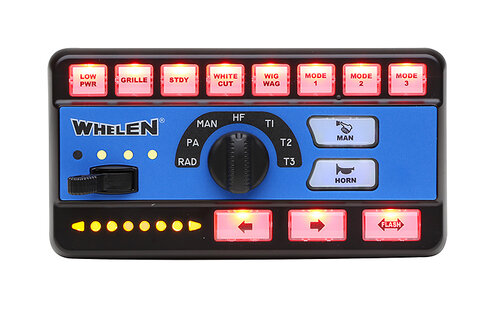
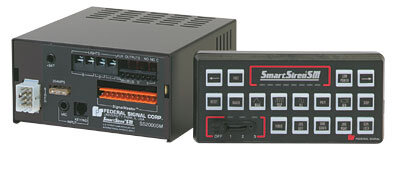
Hello All, Today I have Created a Mega Pack for GTA V! This Pack includes Sirens from: Code 3 PSE, Federal Signal, Feniex, Soundoff Signal, SVP-Galls, TOMAR, and Whelen Engineering! I all Siren Packs have working Fire sirens and is in Vehicles.OAC Format for people wanting to keep their gun sounds! Here is a Guide to install Vehicles.OAC into your Resident.rpf!: https://docs.google.com/document/d/1NGcRatejbS6usFhRdZ6fjvEkWbmyvpGDD22qFd6ObH4/edit?usp=sharing Exclaimer! I will not be Creating showcases for each siren it would be unnecessary as there is 20+ Sirens Thanks for Downloading and Have a Great Day!
-