sixium
Friends of LSPDFR
-
Joined
Everything posted by sixium
-
-
 You wait for the release. Or, if it's not released, then, you don't. That's just how it is.
 -
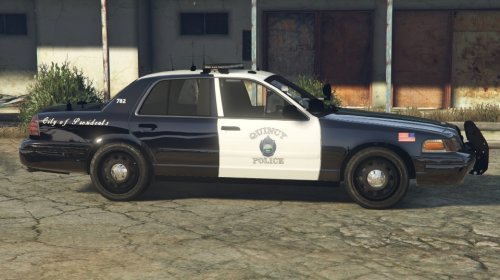 According to the real-life Quincy PD pic you posted, only the front doors are supposed to be white.
 -
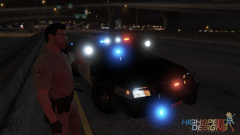 W R A P A R O U N D S ! ! ! ! !
 -
-
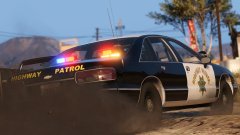 OMG I DIE
 -
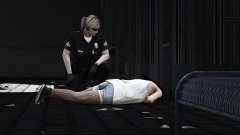
From the album: Los Santos Views
Got called in for a welfare check and this is what I find... What a shame. R.I.P. -
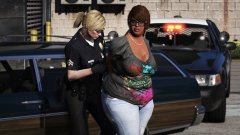
From the album: Los Santos Views
Officer Rostova wonders if her handcuffs are big enough... -
-
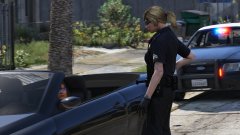
From the album: Los Santos Views
What's that? You're fifteen and don't have a license? Looks like your daddy will have to pick you, and his Zion, up from the station then, missy. -
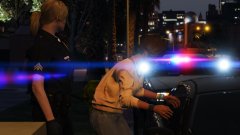
From the album: Los Santos Views
... I don't have all night! My shift ended half an hour ago! -
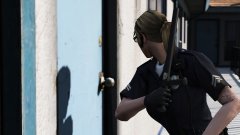 I LIKE STICKERS OKAY (╯° °)╯︵ ┻━┻)
 -
B...But, I like the sticker... =\
-
From the album: Los Santos Views
... to bust in once the door opens. No BS. 6Xray19 attempting contact with suspect at the 415 call, screams heard in residence, request backup Code 3. -
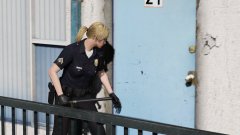
From the album: Los Santos Views
Los Santos Police Department! Open the door! -
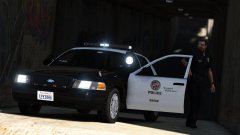 Featured images shows up in the Featured Images section on the gallery page... not that anyone visits that page anymore since it's pretty much useless. The only thing it's good for now is the comment feed.
 -
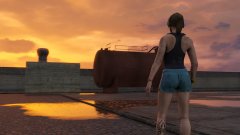
From the album: Los Santos Views
Watching the sunrise after a workout is one of Officer Rostova's favorite things. -
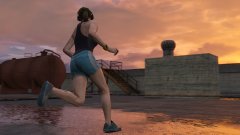
From the album: Los Santos Views
Officer Rostova gets in some early-morning sprints around an industrial rooftop. -
I think it's time to feature images again...
-
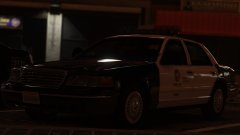 OMG
OMG -
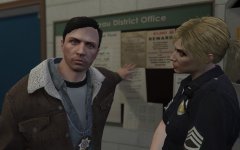 It's upcoming, it's a teaser. And I can't wait to get the Sergeant II patch!
 -
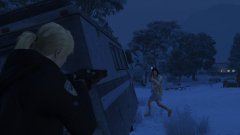 Poklonskaya is with SAHP now? =)
 -
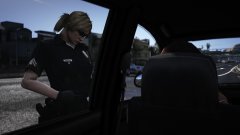 :(
:( -
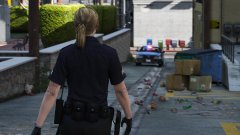 I can't believe I've never taken a complete picture of the slicktop, but it is the one in this picture. It is not based off of anything actually, it's my own skin =) Actually, I take that back, it is based off of a lot of things. There's obviously elements of the LSPD vanilla cars (bumper stickers), LAPD of course (roof and trunk number, "shop" number look), a bit of CHP, influence from a GTAIV skin pack I did, even a bit of Texas DPS (all black with white top) and NYPD (front fender). Lol
 -
Holsters are in "Accessories" I think 9 and 10. Or 8 and 9. Can't remember exactly off the top of my head.

.thumb.png.c2f2ad56bb49a1ba5758ce212af01492.png)