


RocketRed
Members
-
Joined
-
Last visited
Everything posted by RocketRed
-
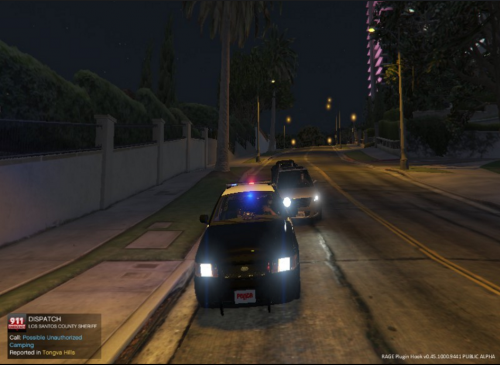 This is a vehicle texture to install make sure you have downloaded the car model or this will not work,you can get the car model here: NOTE: This Texture will not work unless u download the pack above Install: To install the vehicle you will need open iv..simply go to GTA V/update/x64/dlcpacks/patchday9ng/dlc.rpf/x64/levels/gta 5/vehicles.rpf turn on edit mode and throw the police files in there. To install the texture go to (in open iv)GTA V/update/x64/dlcpacks/patchday9ng/dlc.rpf/x64/levels/gta 5/vehicles.rpf once you are there double-click on police.ytd and replace the cvpi_sign_1 with the new one.
- 2 comments
- 1 review

