


AgentVictor
Members
-
Joined
-
Last visited
Everything posted by AgentVictor
-
Greetings, all. After focusing on OMSI for a little while, I have started an LSPDFR series on my YouTube channel. Care to leave any impressions? Thanks in advance, and I hope you like the first episode.
-
Unfortunately, not for you. There is no constant fix, many have reported other fixes that have in turn worked for them but not for me.
-
ALRIGHT, I FIXED IT. I did three things, but I am not sure which one of them was the life saver. I installed RAGE Native UI, I installed Albo's dll, and I also renamed the main folder's name to Grand Theft Auto V. This worked for me, at least.
-
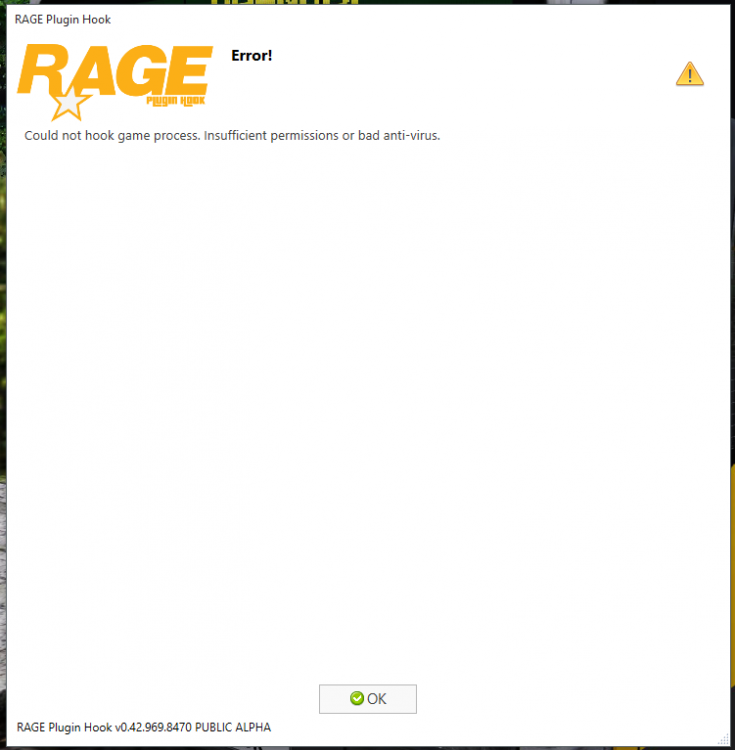
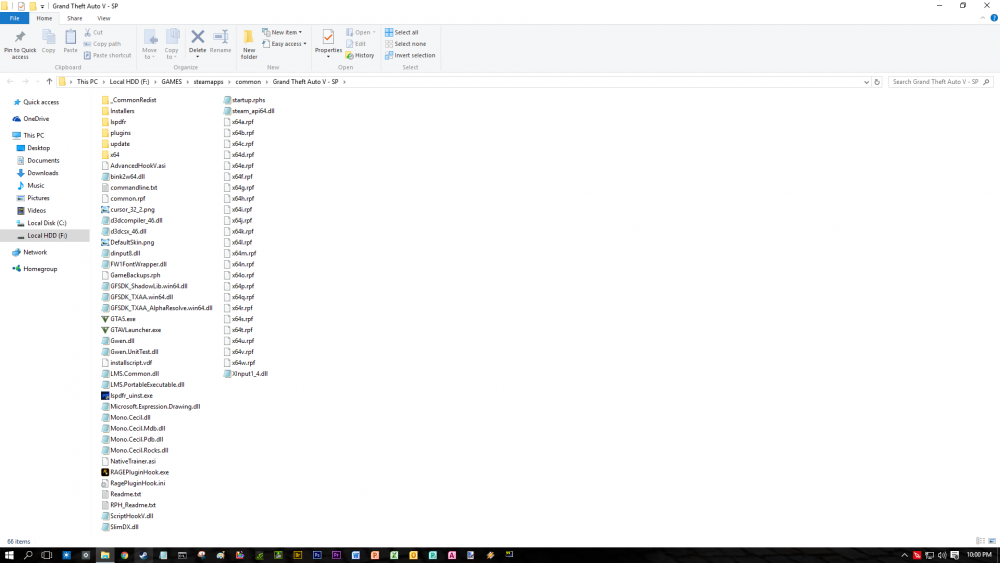
I am having this problem myself, as you can see in the picture, that's the result after I quit the game. What ticks me off is that I have turned off all possible AV software, and above all, have tried the fix they provided in that link to the RAGE website 3 times, to no avail. I am not even sure what's causing all this. All my files are unblocked, so there's no question on that behalf. What could possibly be causing this?! Worth mentioning is the fact that this a clean install of GTA V; I uninstalled the previous one and just downloaded it from Steam, naked, about 4 hours ago. Maybe I am missing out on something? Not sure - but it sure as hell is an unexpected problem. I installed LSPDFR just as I did last time, which was also (what a word game) the first time.
-
That makes sense. I'll try it out and report with the results. Thanks a lot! Great looking out, mate. Thanks a lot, works like charm! Of course, I will play with the graphics settings a bit because I dislike the now low framerate, but that I can figure out myself. Thanks, again! Wish you a beautiful day!
-
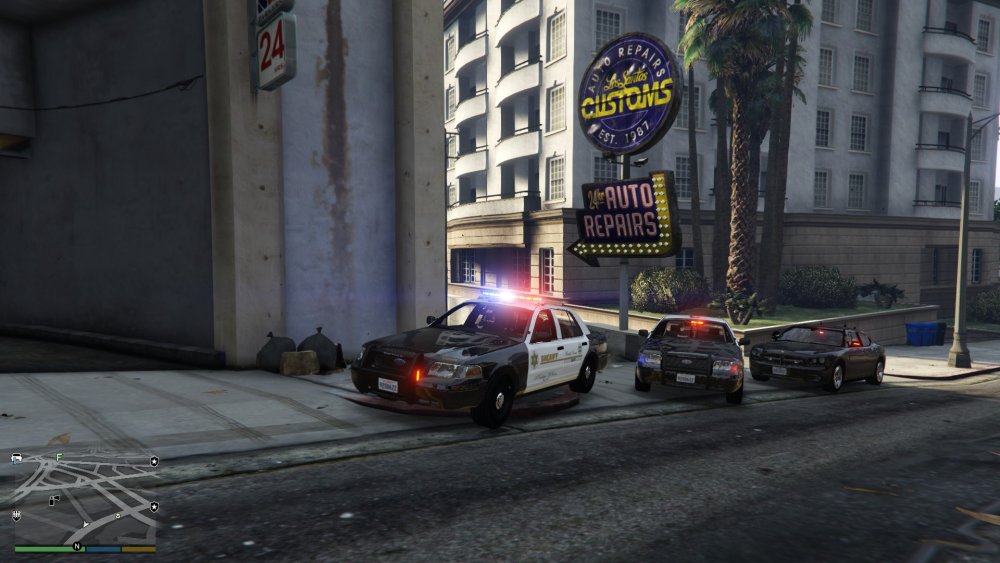
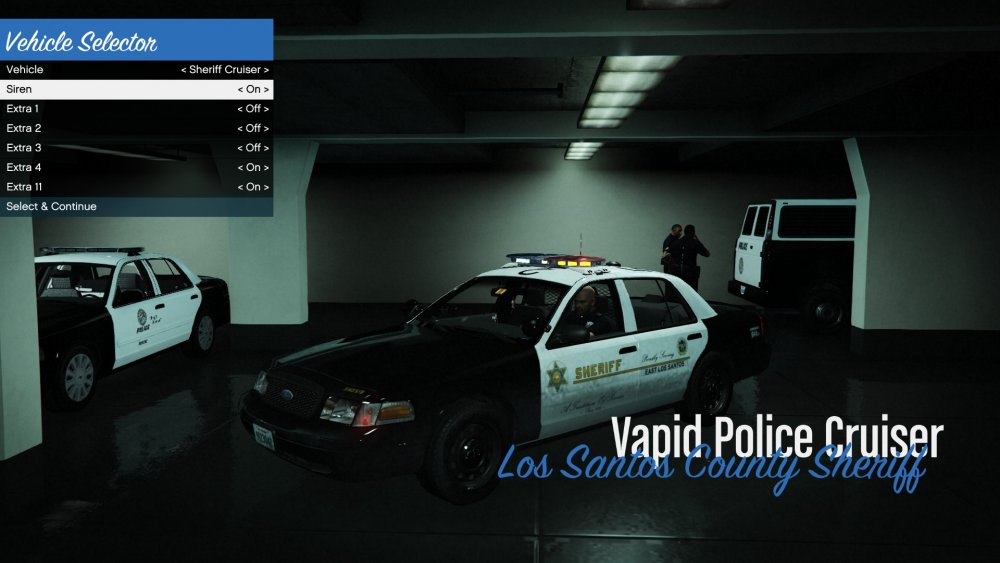
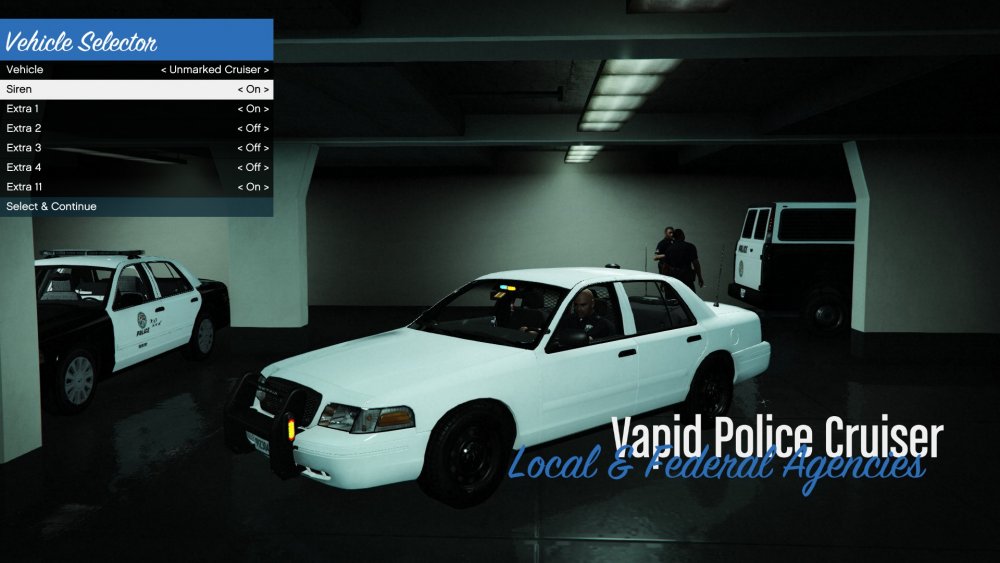
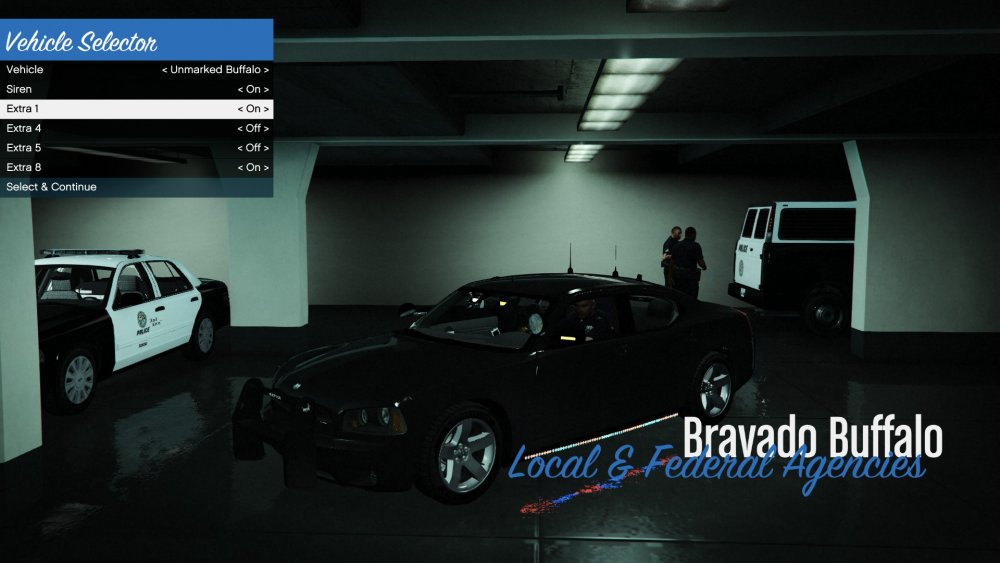
Greetings everyone! I am having a little bit of trouble with the emergency lights on some vehicles, specifically on the 2011 Sheriff CVPI by BxBugs123 (http://www.lcpdfr.com/files/file/9726-2011-crown-victoria-lasdlssd/) and the FBI Charger by PSource (http://www.lcpdfr.com/files/file/10686-2009-dodge-charger-unmarked/). The lights look washed out, and not even close to the ones showed in the pictures. I am using Radiance V, which was automatically installed by the CVPI installer package, and then installed manually by myself, but to no avail. Some lights are brighter, indeed, but not the ELS ones. I do not know what's causing this; I tried using the Spotlight and Better Lights mod as well, and that didn't work either. It seems something is wrong with the VisualSettings file. Anyone happen to know what might be causing this? Any help is greatly appreciated! (At some point, someone mentioned reading the readme, and changing something in the carvariations.meta or something similar. However, there is no readme in the package... I will say this, however - it seems this one installer, for the CVPI, affects other vehicles too, as some other members have said. Wether this is true or not, I dont know, but something is for sure: the lights on both unmarked vehicles look equally washed out.) [Sorry if I posted this in the wrong place, it's my first thread, and one of my first days on the forum.]
-
Greetings, all. There is no mention of any carvariations.meta or any other file in the readme photo (MIF.jpg); it just tells me to install the package through the OpenIV feature, which I did. The cars work fine and they look great, but the lights on the unmarked, as well as on the sheriff patrol cruiser look washed out, just as the fellow above described. I do not know what to change in carvariations.meta, nor do I know what to do with vehicles.meta. I just used the installer. Any ideas, anyone?




