K217
Members
-
Joined
-
Last visited
Everything posted by K217
-
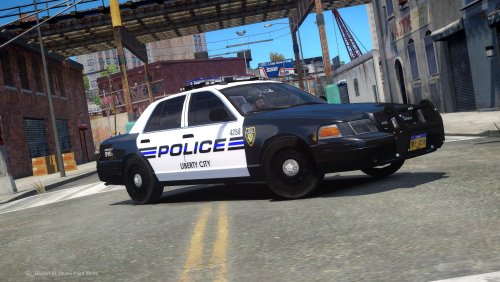
 i have the same problem, i have the cvic on policeold2 and ihave the <diffuseTint value="0x00FFFFFF" /> on that EDIT: fixed the problem... by putting this line <diffuseTint value="0x00FFFFFF" /> in both meta ( in mods folder and the stock one). have a nice day watch your 6'o thank you
 - 125 comments
- 51 reviews
-
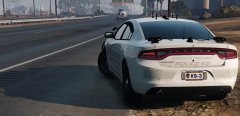 are you gonna release that beast, if yes when, this charger is one of the best iv ever seen. AMAZING, job well done as usual
 -
best enb ever tested, well done and were did you get that tahoe in the first image
- 28 comments
- 9 reviews
-
-
-
-
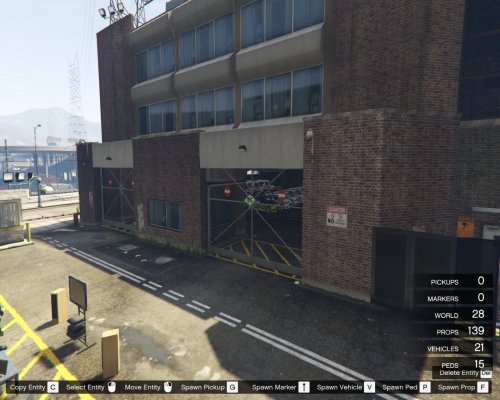 this is in a wrong place bro
 -
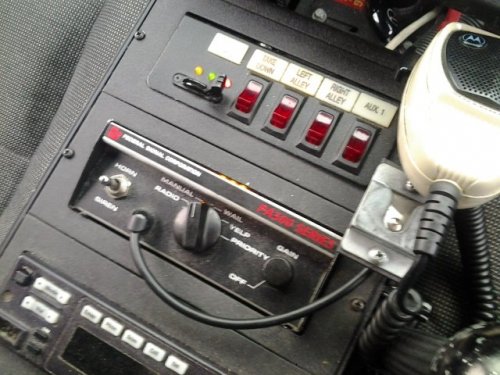 it sounds awesome but i cant put it in my game i tried many time but doesn't work please help
 -
-
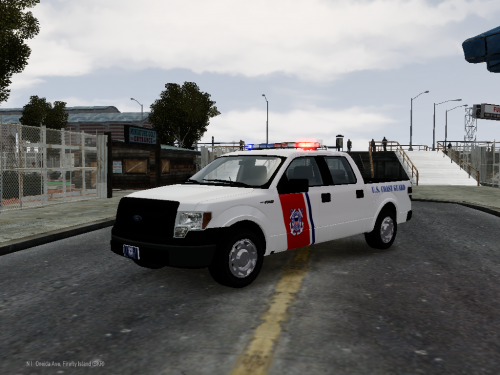 finally some pickup trucks thank you
 -
-