


DaCoolStuff
Members
-
Joined
-
Last visited
Everything posted by DaCoolStuff
-
LCPDFR very rarely crashes for me. The only thing that consistently makes it crash is the Drunken Disturbance Call. It crashes when I'm approaching the crime scene. LCPDFR Log from around the time of crash: [INFO - 4:12:06 PM] [Script.Ambient] Saving game [WARNING - 16:12:12] [AudioDatabase] GetAudioFileForAction: No file found for: DREBBEL [WARNING - 16:12:12] [AudioDatabase] GetAudioFileForAction: No file found for: COCKERELL_AVE [ERROR - 4:12:16 PM] [Stats] Error while updating stats file: The service cannot be started, either because it is disabled or because it has no enabled devices associated with it. (Exception from HRESULT: 0x80070422) [INFO - 4:12:36 PM] [Script.Ambient] Saving game [INFO - 4:13:06 PM] [Script.Ambient] Saving game [INFO - 4:13:36 PM] [Script.Ambient] Saving game [INFO - 4:14:06 PM] [Script.Ambient] Saving game Any help would be appreciated :)
-
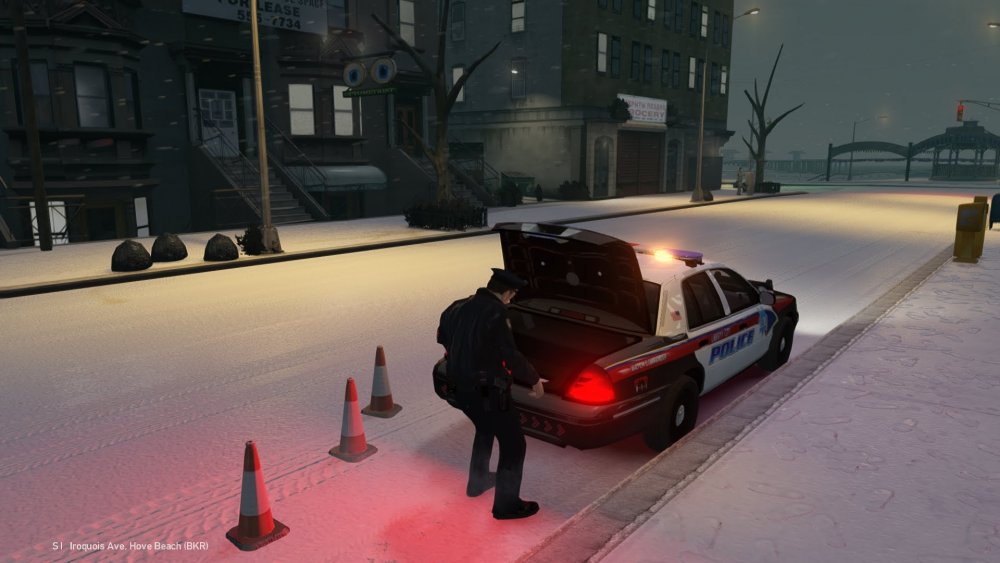
Sometimes when I'm patrolling and just going about my business, the cop I'm playing as gets taken over by A.I. It drives around the map like every other A.I in Liberty City and it's very annoying :/ It mostly happens when I get into cars but sometimes it happens at random. (in cars) If you have this problem or know how to fix it please tell me :) The main mods I'm using: (Thought that maybe they're the problem) Snow Mod 2.0 Multiple Graphic Mods Vdh Police Helper Vdh Tow Truck Callouts + Els 8.51 Backup Callout Wouter's Callouts
-
Thank you soo much :D
-
Is there any way of stopping the camera zooming in on drunk people because it's quite annoying when I'm in a middle of a high-speed chase and the camera just decides to start zooming in on drunk people :c This screenshot has nothing to do with my problem.


