



7 Mary 4 Mods
Members
-
Joined
-
Last visited
Everything posted by 7 Mary 4 Mods
-
I am working with a server to set up a CAD/MDT/RMS program, and they decided to use use DCRS (https://dcrscad.com/). There is a free version that you can use or you can get the pay version. Unfortunately, it doesn't sync with LSPDFR but still awesome for roleplay.
-
We use GIMP to work on vehicle textures... it's a free download and in my opinion just as good as the programs that you would pay for.
-
 Saginaw County, Michigan is doing this exact thing with 2015 Dodge Chargers... and I can't wait for it here!!
 -
 2015-2016 Dodge Charger my friend... they not like 2013.... but better than Ford ;)
 -
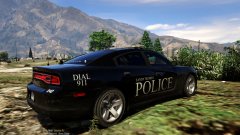 Simple but very classy!!
 -
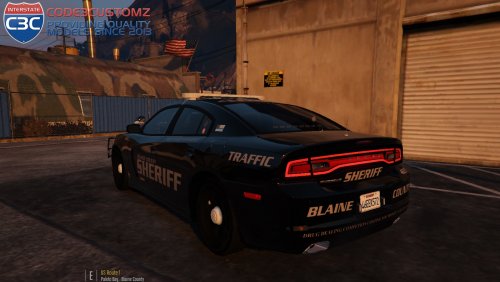 Love the Soundoff Pinnacle!!! Always a refreshing breath of air to see something different! (Especially since this lightbar is what all my local departments use)
- 34 comments
- 17 reviews
-
-

- 1
-

