mets1fan
Members
-
Joined
-
Last visited
Everything posted by mets1fan
-
-
 i tried looking for the fbi/fbi2 meta file but i cant seem to locate it. Any idea where it would be? Update i just found it if you want to use it for fbi/fbi 2 the meta file are here Mods\update\update.rpf\common\data\levels\gta5
- 74 comments
- 23 reviews
-
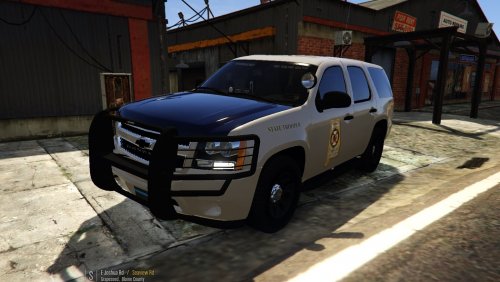
I tried to replace fbi slot but it rolls over. i tried to replace fbi 2 to see if it will remedy this but it didn't. Any way i cacn get the vehicle to not roll over cause this an awesome looking tahoe and i really want to use it. thanks.
- 74 comments
- 23 reviews