.png.f2895f6a8f5003ce360fa9fcf8a618e3.png)
Wolf Designs
Members
-
Joined
-
Last visited
Everything posted by Wolf Designs
-
From the album: FiveM Photos and Texture W.I.Ps
© Squad 65
-
From the album: FiveM Photos and Texture W.I.Ps
© Squad 65
-
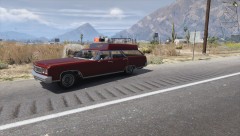
From the album: FiveM Photos and Texture W.I.Ps
© Squad 65
-
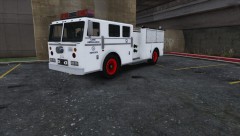
From the album: FiveM Photos and Texture W.I.Ps
© Squad 65
-
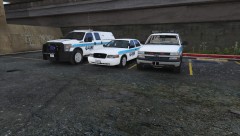
From the album: FiveM Photos and Texture W.I.Ps
© Squad 65
-
-
-
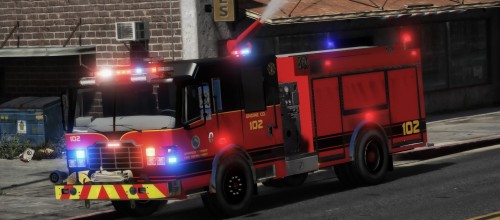
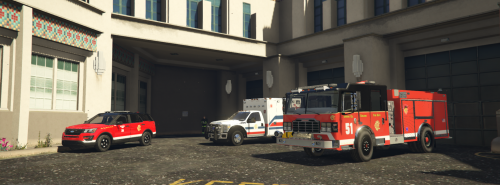 The Engine 51 Skin will work on the Non ELS Version just to give everyone a heads up.
 -
-
-
-
-
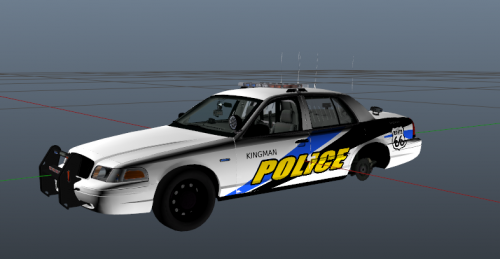 Agreed, since I tested skins for him he is harsh as fuck.
 -
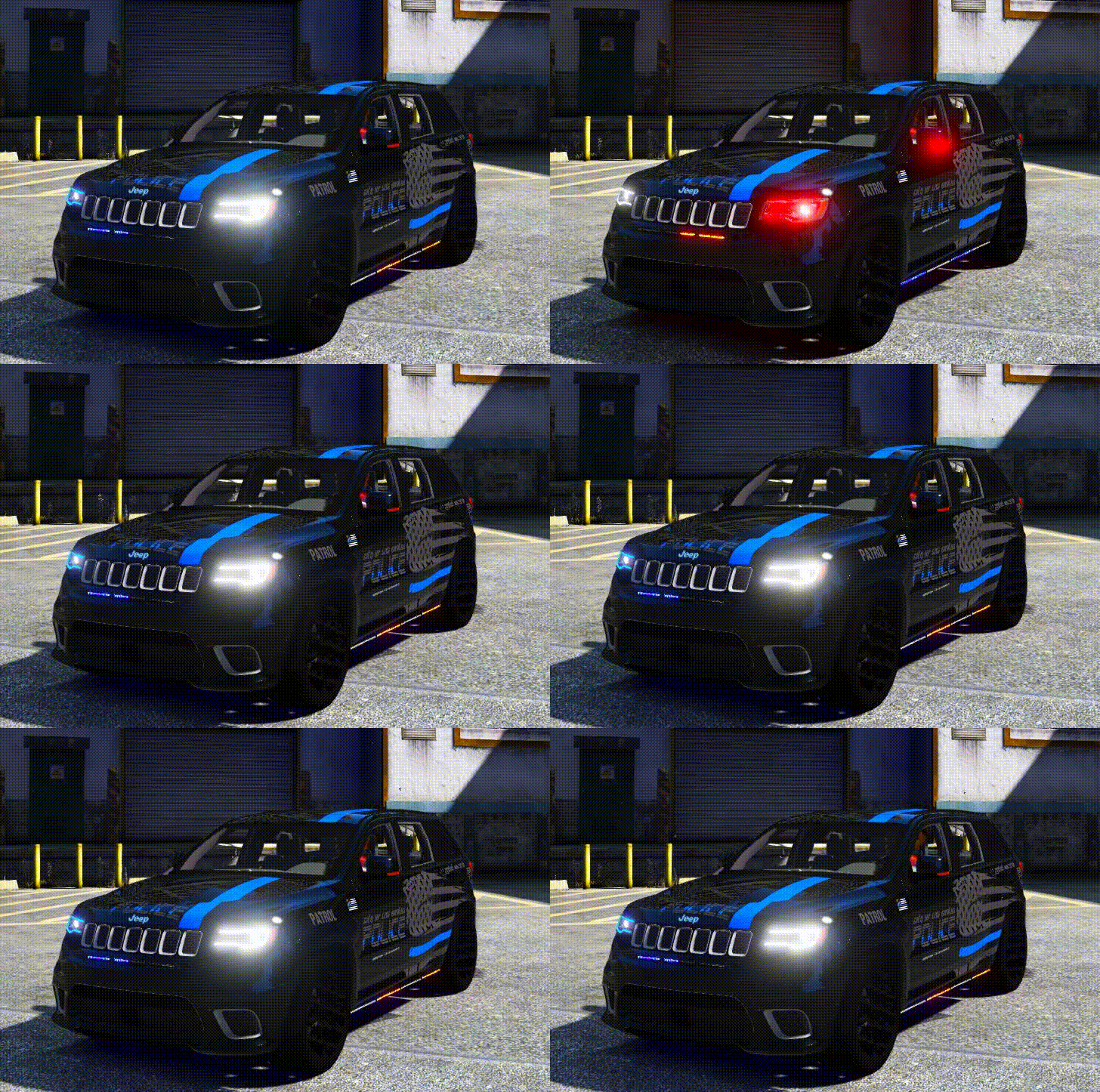 I love this Jeep. I have been waiting for it since I have seen pictures. I give a 10/10 on the lighting!
- 45 comments
- 3 reviews
-
-

- 1
-
-
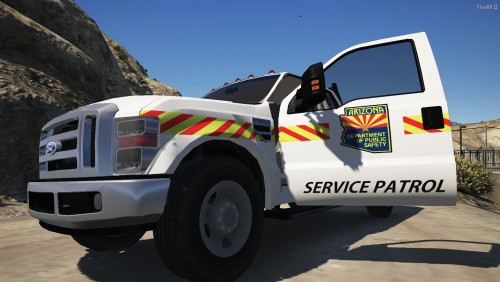 Agreed. Atleasted He tried. Like you dont even release you stuff anymore Liveries.
- 2 comments
- 1 review
-
-
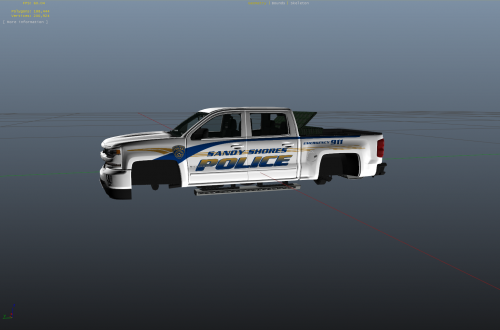 So Cant wait to use this on my fiveM server 😂
 -
-
 The topkick should work under the spawn name gmc unless you have a GMC already
- 54 comments
- 2 reviews
-
-
-
Because he switched to a different website and this is off topic to Veteran's Fire pack
- 54 comments
- 2 reviews
-
-
-
.thumb.png.950cd655f1bb6c563396a254d2692803.png)