.png.f2895f6a8f5003ce360fa9fcf8a618e3.png)
Wolf Designs
Members
-
Joined
-
Last visited
Everything posted by Wolf Designs
-
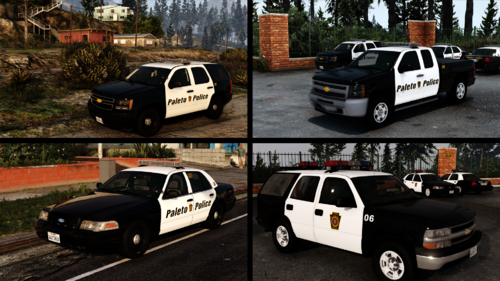 That's DLS in Rockstar Editor
 -
-
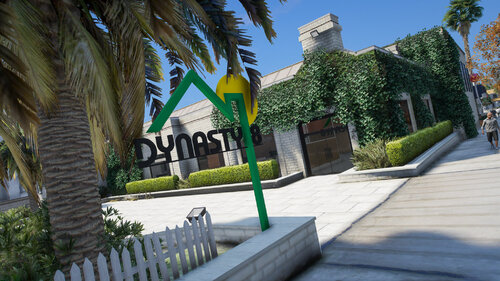 Do you know of a way to prevent this interior from colliding with others?
 -
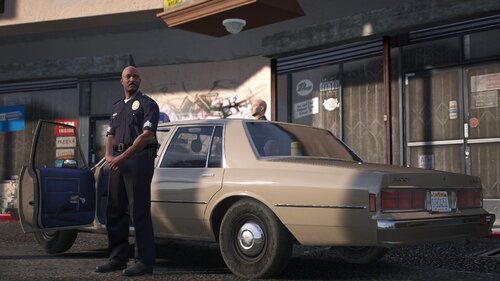 The Goat of Retro Vehicles is back!
 -
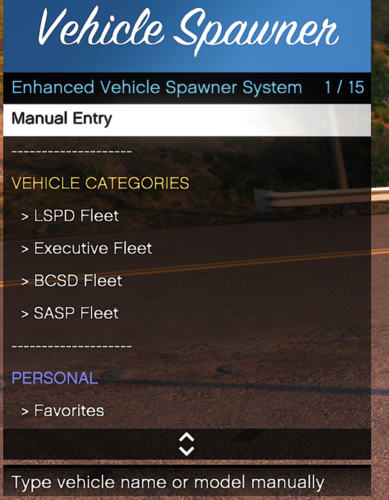 Would it be possible to add a section in the config file to spawn a certain vehicle with extras?
 -
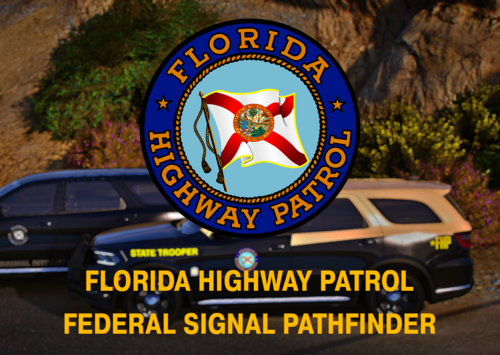 The Federal Signal one
 -
It's because they are the raw tones from the website
-
-
-
-
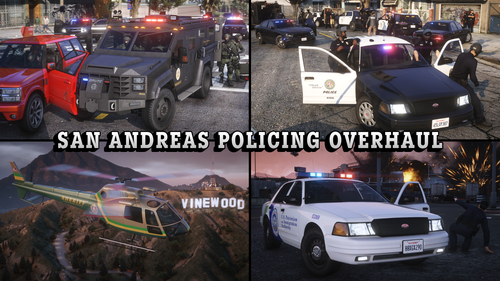 Only having a small issue with it in FiveM, the interior for the replacements (Sheriff, Police, Police4) and then the vehiclelayouts for the Chieftains don't seem to be working properly.
 -
 Okay thank you.
 -
Do you know why the template that is in the YTD isn't working?
-
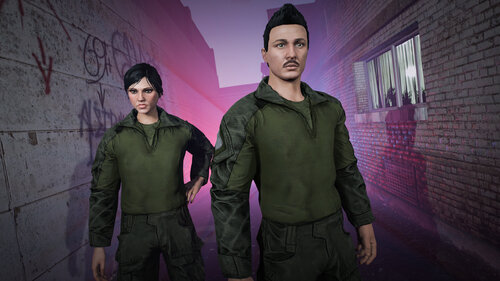 Are there any plans for a Female Variant of these?
 -
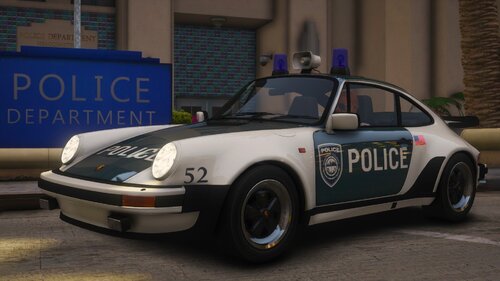 Just curious, what does the ELS file technically do with this vehicle?
 -
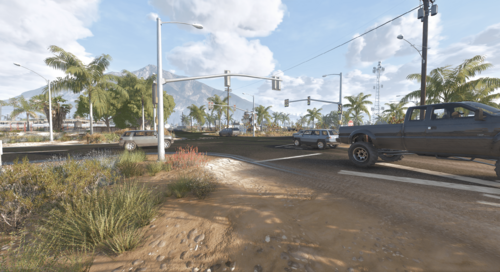 Is this compatible with the Paved road next to the Sandy Airfield?
 -
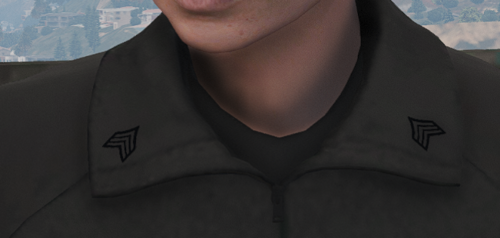 Thanks
 -
Whose G3's are these for?
-
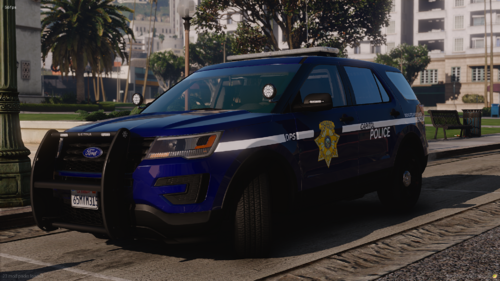 Any chance of a Lore Friendly version of this? It's rare to see NVDPS stuff that isn't just the Highway Patrol / State Police
 -
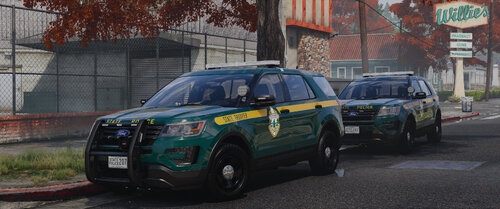 Is it possible to get a version of EUP to match the Lore Liveries?
 -
-
 Those look amazing!!
 -
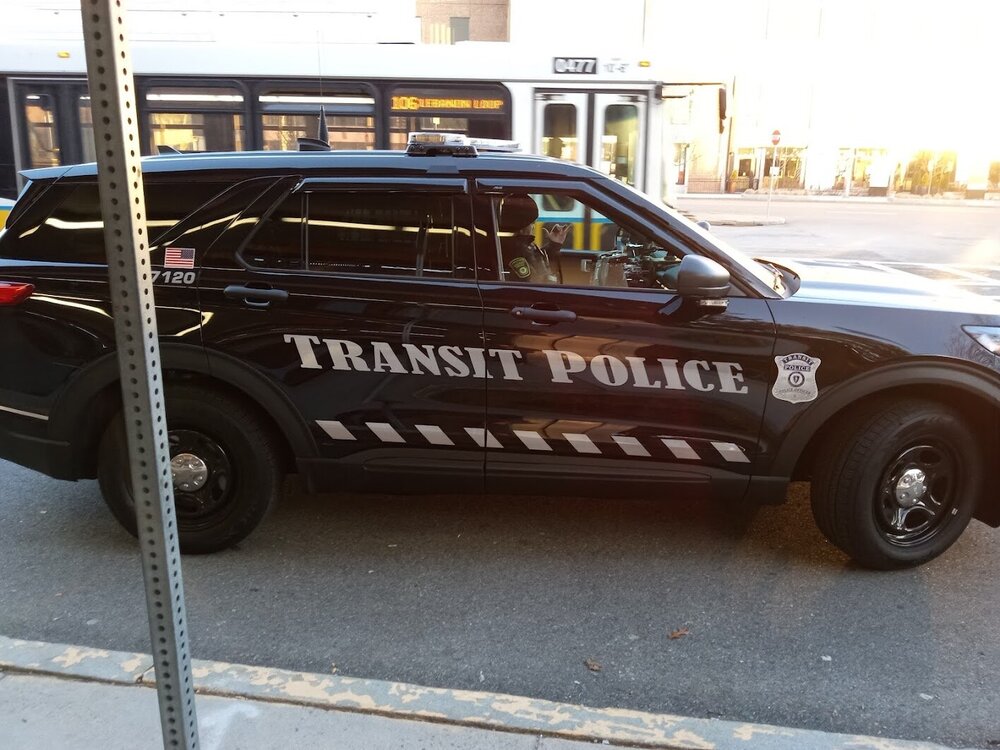
Does anyone know what the font is on the new black FPIUs? I haven't been able to figure it out, cloest I got was Times New Roman but the C isn't proper
-
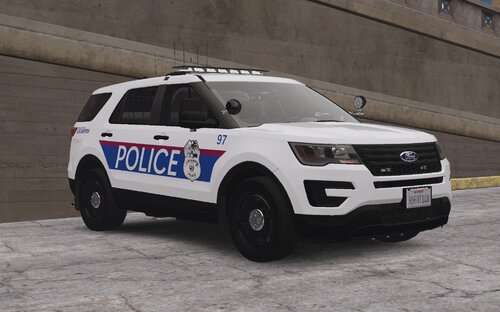 Same here lol.
 -
Sorry but that doesn’t make sense. The US in Columbus is red and that has nothin to with the state.
.thumb.png.950cd655f1bb6c563396a254d2692803.png)