



.png.f2895f6a8f5003ce360fa9fcf8a618e3.png)
Wolf Designs
Members
-
Joined
-
Last visited
Everything posted by Wolf Designs
-
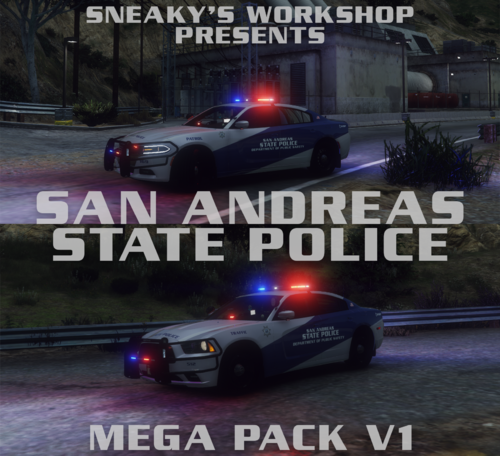 Oh lmao. These look nice regardless.
 -
These look amazing. Reminds me of SA'Fs a little.
-
 Anytime.
 -
They do. CA only doesn't permit it unless the vehicle has a secondary siren or a horn that doesn't interrupt the siren. Hence why LACoFD and LAFD use to run Two Tone horns.
-
-
-
-
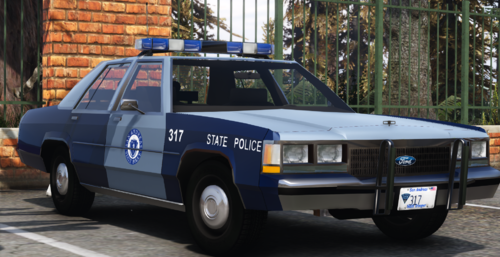 I don't know if it's just me or anyone else has this issue but the emissive are bright as all hell after turning the carcols red.
- 38 comments
- 1 review
-
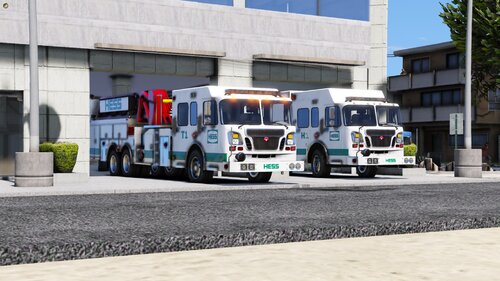 Amazing worth Jethro.
 -
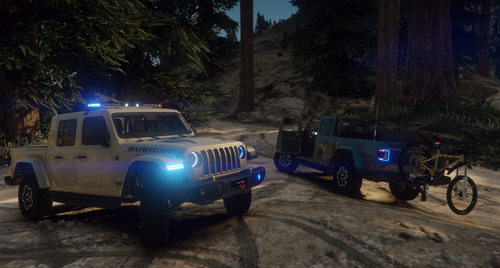 So Amazing.
 -
 Amazing, I've been waiting for a better Sabre.
 -
 Awww... That sucks
 -
You can walk right through the middle of the car
-
-
 Ah Alrighty, Yeah its the one small detail that sorta bugged me about it, Keep up the good work. Would love to see more CHP stuff from ya
 -
This pack is actually one of the better realistic packs my only complaint is the air freshener on the motorcycles handlebars
-
.thumb.png.08a8bdacd96c77bea62ff661595b1bd6.png) I have 😂 I just dont release my shit
I have 😂 I just dont release my shit -
Why?
-
.thumb.png.2a41dd71606717e8231ac7c0f1fd4b50.png) Its DanwiththeVans. Its like 20-35$ dollars
Its DanwiththeVans. Its like 20-35$ dollars -
 Technically there shouldn't have to be permission to make something off of a video or based off a community. If that was the case then 90% of people would have to be asking permissions from IRL Departments to make liveries off of.
 -
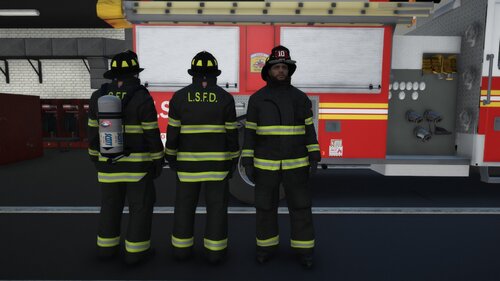 Amazing retexture of EUP. It looks so amazing and nice with the tan not being yellow. Good work. Hope to see more from you soon.
- 12 comments
- 3 reviews
-
-

- 1
-
-
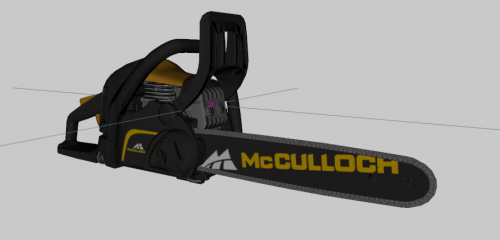 Where did they come from?
 -
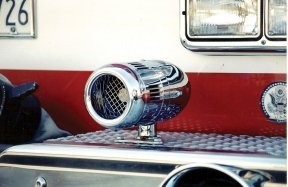 It is setup for siren mastery. You have to install and add them yourself
 -
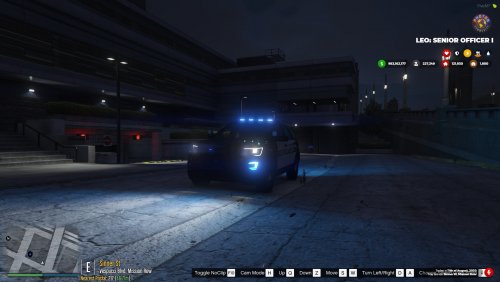 Wouldn't it be smarter to wait then instead of waiting before when not alot of people have ELC?
 -
Whats ELC? And where can we get it?
.thumb.png.950cd655f1bb6c563396a254d2692803.png)


.thumb.png.08a8bdacd96c77bea62ff661595b1bd6.png)
.thumb.png.2a41dd71606717e8231ac7c0f1fd4b50.png)
