


Marenghi
Members
-
Joined
-
Last visited
Everything posted by Marenghi
-
I had this problem too when using the latest rage and LSPDFR 0.4 but never on 0.3.1. The fix for me is to set the ragepluginhook.exe to launch with admin rights (right click the .exe and find the tick box under the 'compatibility' tab) AND then always launch the .exe from the game folder. When I used shortcuts with admin rights, it never seemed to work.
-
Awesome!
-
 I see others have posted their logs with a crash using computer+ but I'm including mine just incase. Love the new features btw RagePluginHook.log
- 1,743 comments
- 172 reviews
-
I was getting this issue but the last few days haven't had any problems. My adblocker is disabled for the site but since I refuse to have flash installed it was incorrectly stating I was blocking ads.
-
 Any news for the fix for EUP and this mod making LSPDFR plugin crash? Other than this issue, great mod
- 89 comments
- 36 reviews
-
-

- 1
-
-
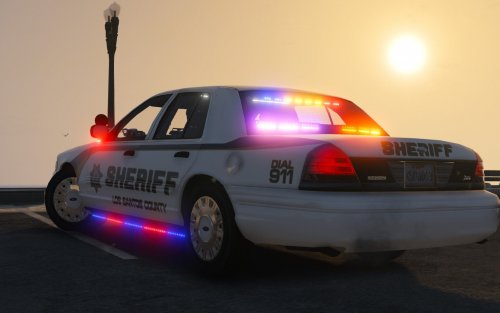 When using this mod I couldn't help but be impressed by the amount of quality that's gone into the work of this. Works flawlessly
- 51 comments
- 27 reviews
-
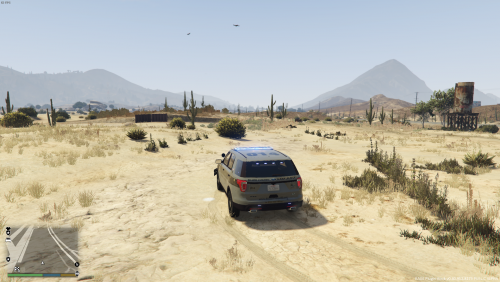 A must have if you've installed RadianceV as it tweaks the settings to make a better and more realistic experience when playing. The two biggest pluses for me are car headlights and the taxi roof sign aren't as bright as before
- 31 comments
- 17 reviews
-
-
- 2
-

