AC-Teddy
Members
-
Joined
-
Last visited
Everything posted by AC-Teddy
-
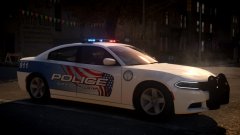 AWESOME livery mate! Nice job!
 -
-
Accurate Studio Modifications
-
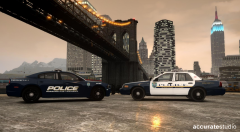 Robbinsville Township Police NJ Pack
-
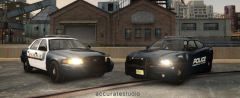 Robbinsville Township Police NJ Pack
-
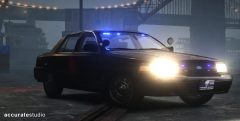 LCSO "We Own The Night"
-
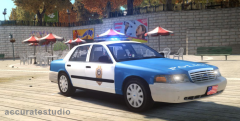 2009 Ford Crown Victoria Police Interceptor
-
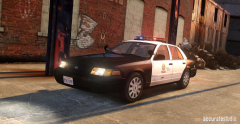 LSPD Crown Vic
-
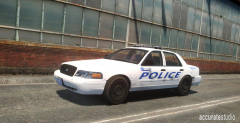 Mesquite AZ Police Departement pool car
-
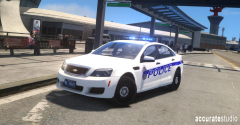 LCPD Caprice
-
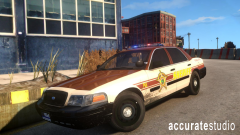 Lake County Sheriff's Departement P7B
-
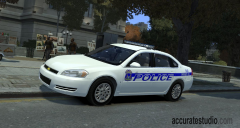 North Berchem Police Impala
-
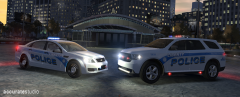 LCPD New Vehicles...
-
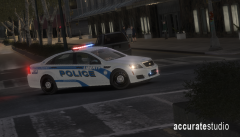 LCPD Supervisor Caprice Code 3
-
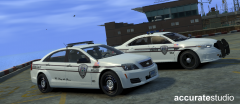 Dem cars doe
-
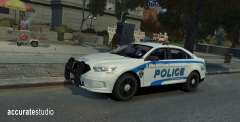 Liberty City Police 2014 Ford Police Interceptor Sedan
-
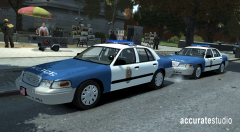 Raleigh NC PD Ford Crown Victorias
-
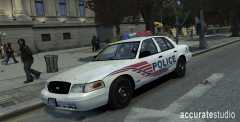 Download Now! Merry Xmas
-
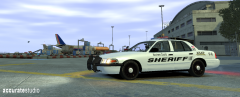 Berchem County Sheriff ASAP Ford Crown Vic
-
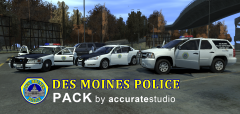 Des Moines Pack #2
-
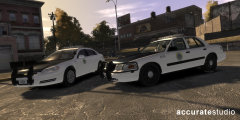 Des Moines PD Pack
-
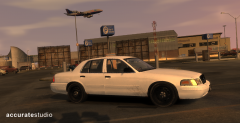 Panther is always the answer
-
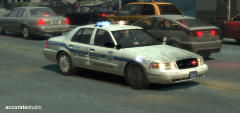 Code 3!
-
-
From the album: Accurate Studio Modifications
Released! -
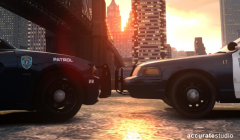
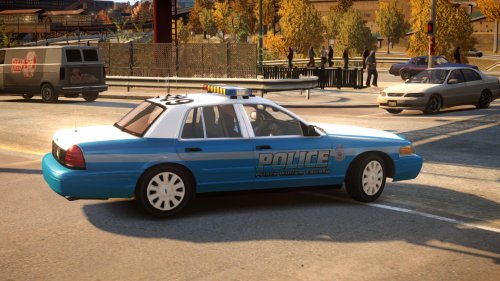
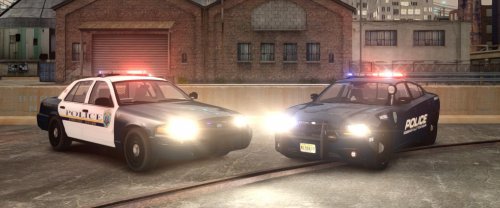 accuratestudio Robbinsville Township (New Jersey) Police Department Pack Version V1.0 Optimized for police, police2 Lightbar Federal Signal Raydian and Whelen Liberty ELS Support ELS 8 Multiple Liveries Yes (.wtd only contains 1 livery, additional liveries must be added manually) Author(s) Teddy & Chippy Credits 2009 Ford Crown Victoria Robbinsville Township Police Department - Ford Crown Victoria from Driver SF, converted to GTA IV by F5544, extensively modified by Cj24. - Wheels from NFSMW and converted by trewq34, modified by Cj24, Textures by GreenAid. - Honeycomb Grill by Cj24, Gauge and other Dashboard parts by Grimm, Seats and other Interior parts by Schaefft, Door Trims by Ridgerunner. - Federal Signal Raydian by KevinDV - Setina BodyGuard 6/7 made by Tim98. - Rambar by Schaefft converted by Teddy - Whelen 500 TIR6 by VooDoo - Whelen Avenger by EVI - Interior Console made by Kygo using parts from Heisenberg and Ridgerunner, modified by Cj24 - Skin by Teddy 2013 Dodge Charger Robbinsville Township Police Department - 2011 Dodge Charger R/T from Real Racing 3, ripped by DMN - Converted and edited into a 2013 Dodge Charger Pursuit by Chippy - Taillights and rambar by Turn 10 Studios - Templates by Chippy - Some scratch made parts by Chippy - Wheels by GerryStudio, Edited & converted for GTA IV by Bxbugs123 - Rim textures by Bxbugs123 - Whelen Liberty SX by KevinDV - Whelen Avenger by EVI - Whelen ION, HAVIS console, and Setina The Bodyguard by deco - Whelen PAR32 by Corleone - Whelen Cencom siren control, Uniden Bearcat by Chippy - Decatur Genesis Radar by BxBugs123 - Federal Signal In-car video camera by Hilth0 - Panasonic Toughbook by Ridgerunner Designs - Spotlight by Ghost games, converted by JewishBanana - Skin by Chippy Files included Vehicle files pictures readme.pdf Installation Use SparkIV or OpenIV to import the police.wft, police.wtd, police2.wft and the police2.wtd from the Vehicle Files folder into GTAIV\pc\models\cdimages\vehicles.img. Copy the provided ”ini” into the GTAIV\ELS folder and replace the “file” line value associated with the model(s) in the “_SLOTCONTROL.ini” with our provided “ini” file and ensure the “status” value is on. Terms of use You may: Replace or edit textures. Redistribute modified variants of modifications as long as correct credits and a link to the original download on accuratestudio.com are provided.
- 3 comments
- 3 reviews
-
-

- 1
-
-
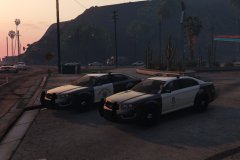 looking awesome!
 -
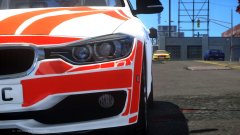 the quality of the livery is quite impressive!
 -
-
From the album: Accurate Studio Modifications
Crown Vic by Teddy Charger by Chippy release soon -
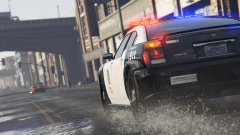 nice shot!
 -
-
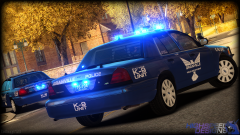 Noice
Noice -
-
Am I the only retard who can't figure out how to use, or even equipe the god damn Flashlight? Anyone? EDIT: for anyone who are still wondering you have to bash U to get it in hand
-
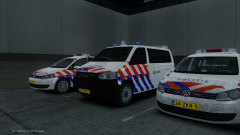 eurotrash boner intensify :D
 -
holy sha-it that radio animation :D I think im in love
-
-
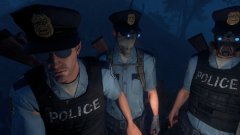 the ex-policeman feeling is real haha
 -
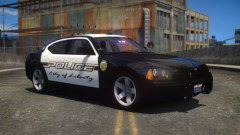 looking gewd!
 -
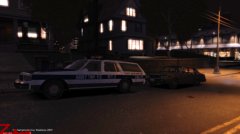 Nice!
Nice! -
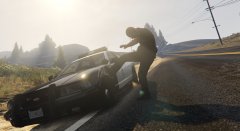 You sir have anger management issues.... just saying
 -
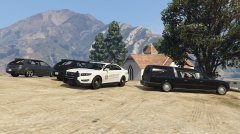 I'm so glad Rockstar got that "small american town" feeling just right!
 -
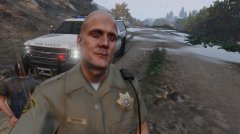
From the album: GTA V Pics
Park Ranger doing what they do best -
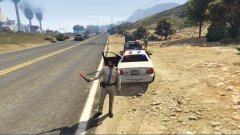 Now that's cool :)
 -
Good eye! They are indeed. It amplify the "darkside" of the vehicle ;)