



badass22
Members
-
Joined
-
Last visited
Everything posted by badass22
-
@Puschi999 I looked up into this pic: The vehicles are from the 1980s, the timeline I was talking about. So then I made the ped. You can find it in the latest uploads.
-
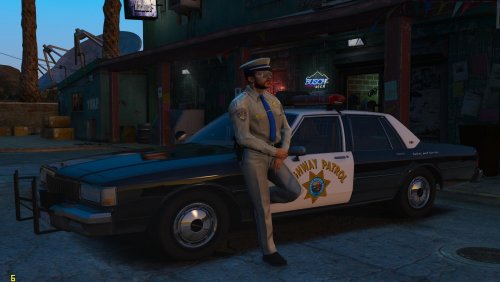 Hello! I'm proud to present you something that will bring back memories to people who experienced the days before the 21st century: here is the California Highway Patrol vintage uniform. This uniform was used probably since when CHP was formed, 1929, up to the late 1980s or early 1990s, when they changed hats and pistols too. This uniform was originally made in July 2016 by Lundy. After an year and a half, I saw that this uniform needed some rework, especially the color and the nameplates, so I did it. And, here it is!
- 6 comments
- 1 review
-
-

- 3
-
-
I'm about to make a California Highway Patrol uniform replicating the one the officers wore in the 1980s. Maybe I could take Lundy's 1970s uniform as base. But I don't know if the uniform colors are exactly the same or have the same tan color (shirt and pants), if they were already using campaign hat back in the day. A suggestion of yours would be nice.
-
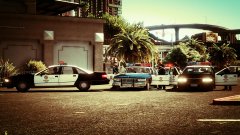
From the album: Time machine
Throwback in 1992. -
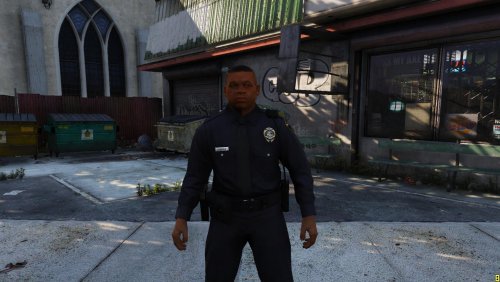 Yes, it was requested by kahlandir, probably because Carlton is his hometown.
- 6 comments
- 2 reviews
-
-
- 1
-
-
-
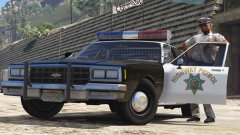 Ah well, nice car by the way.
 -
This one is slicktop. Did they actually have Aerodynic? I knew Ford LTD Crown Vic and Chevy Caprice have JetStream.
-
Did CHP have Impalas back in the day?
-
-
 https://www.modding-forum.com/downloads/file/49-2010-ford-crown-victoria-p7b-ventura-county-sheriff-s-department/
 -
-
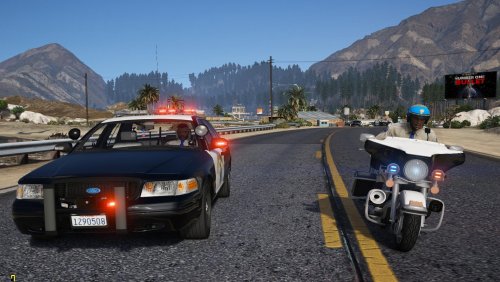 @jkwong Ah sorry, I didn’t edit the audio files. Because I was using it with SirenMastery. Go the original VCF file and copy the audio strings, then paste them in the quotes.
- 9 comments
- 1 review
-
 I edited the VCF files of the 2011 CVPI, you can check it out in my profile.
- 951 comments
- 158 reviews
-
Hello guys! I enjoyed Thehurk's California Highway Patrol vehicles for a long time, along with my CHP ped pack. But in these days I felt like the ELS patterns on these vehicles need a bit of rework. So I put my hand on the .xml files in order to make the lights flash like in real life. TBH this is NOT exactly accurate (due to ELS patterns limitation), but I'm sure it's pretty damn close! I started with the 2011 Ford Crown Victoria, just to make it try to you, and then you'll leave your opinion in the comments. If you like it, I'll do it with the other vehicles too. Hope you like it.
- 9 comments
- 1 review
-
-
- 1
-
-
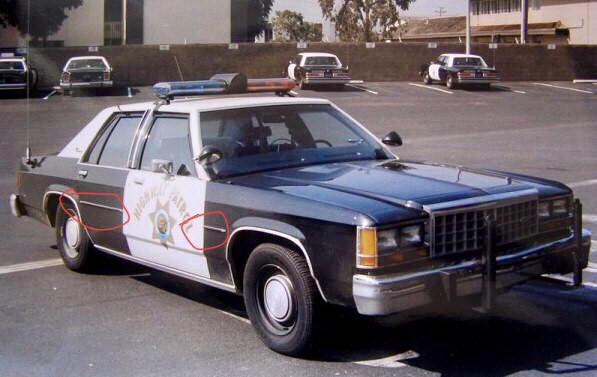
Hello! I don’t know if you can do me this favor, but that’s it: https://drive.google.com/file/d/12YQo9yows-ETNPDbIcu8pD45a2rhtfbc/view?usp=sharing I have a Ford LTD with the silver moldings on the doors, but I need someone who can put them in front of the front fenders too. I marked what I meant, if you didn’t get it.
-
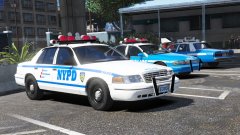 What a fantastic vehicle pack! I suggest you to use Dualift's NYPD uniforms when it's about peds for this.
 -
-
-
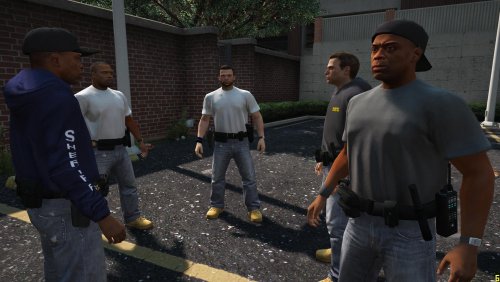 It’s always the long sleeve one. You have to change the color by using a trainer.
- 17 comments
- 1 review
-
-
-
-
-
How can I change the ELS pattern? I open the UI and the PRML pattern is stuck to 000. I'd like to modify the pattern to make it like the one of CHP in real life. Just like Mikael Granli did, but he said he lost his VCF file.
- 951 comments
- 158 reviews

