


Corsair121
Members
-
Joined
-
Last visited
Everything posted by Corsair121
-
 I love it. There's nothing else I can say about it. It's just perfect. However, my only minor complaint is that the width (section width) of the tires are a bit too fat.
- 427 comments
- 75 reviews
-
 The model is overall great. The lighting, the detail, the handling, everything. I use it all the time when patrolling Blaine County. It's my spirit animal. Anyway, the reason why I give it 4 stars though is because of how small it is compared to the Ford Taurus; they're relatively the same size, but the Taurus is much longer. If you look at Ford's website that showcases both the Taurus and Explorer and you compare the outlines of both models, the Taurus looks much smaller in terms of height and is roughly the same length as the Explorer. In a way, it does bother me since I replaced the sheriff Crown Vics with Tauruses. Overall the model is still great, not saying it's bad. I hope you can fix the size disparity in a later version if you have the chance.
- 269 comments
- 67 reviews
-
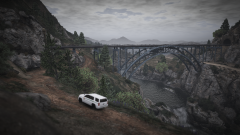
From the album: Endeavours Through Los Santos
-
-
57817fceeda21-GrandTheftAutoV2016-07-0911-54-16AM.png
-
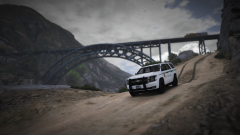 Grand Theft Auto V 2016-07-09 11_51_21 AM.png
-
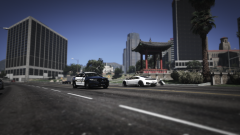 Grand Theft Auto V 2016-07-08 12_04_41 PM.png
-
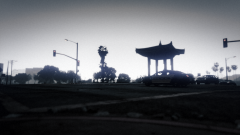 Grand Theft Auto V 2016-07-07 1_50_46 AM.png
-
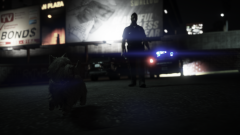 Puppy Pursuit
-
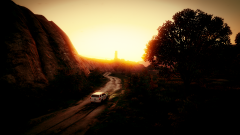 57817fb737879-GrandTheftAutoV2016-07-0511-20-43AM.png
-
 57817fb48d097-GrandTheftAutoV2016-06-3011-24-47PM.png
-
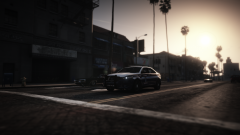 Little Seoul
-
-
From the album: Endeavours Through Los Santos
-
From the album: Endeavours Through Los Santos
-
From the album: Endeavours Through Los Santos
-
From the album: Endeavours Through Los Santos
-
From the album: Endeavours Through Los Santos
-
From the album: Endeavours Through Los Santos
-
From the album: Endeavours Through Los Santos
-
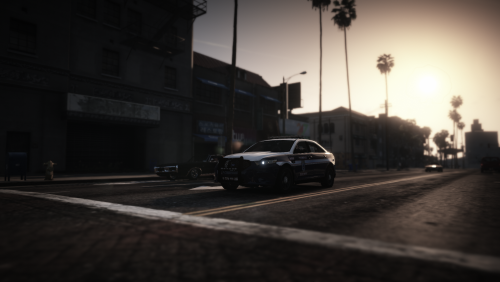 This is the Fairfax County Police Department skin exclusively for thehurk's Ford Taurus Police Interceptor (for now at least). The skin textures should be able to work with any other Taurus as long as it uses the same template. Under development: Ford Explorer Police Utility Interceptor (2013 and newer) Ford Crown Victoria Police Interceptor Instructions: Replace the current interceptor_sign_x.png texture located in the .ytd file of the vehicle that you are modifying. Other Information: If you find any visual issues, please let me know. If you don't find it visually appealing and hate everything about life, then you can make things better by downloading these skins. -Corsair121 (yass bb)

