
Gallonman20
Members
-
Joined
-
Last visited
Everything posted by Gallonman20
-
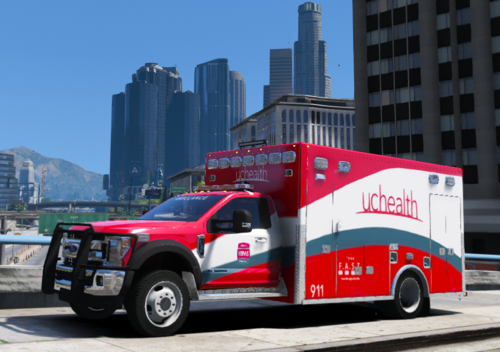
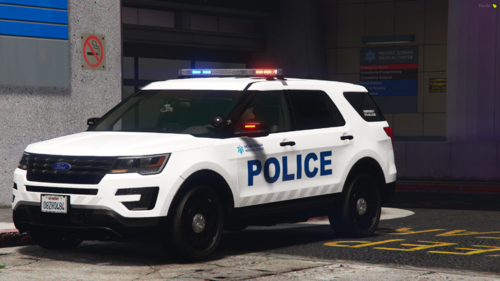 Before reading the title and looking at the screenshot only. I thought this was a Cincinnati PD Skin (it of course wasn't) but i am glad to see something a little different on here. Great job
 -
 Good to know. Glad that was cleared up. Thank you!
 -
Let me know how you like it: If you dont like it tell me why: (I can handle any and all comments) What can i improve on?: Have a Great Day! 🙂
-
*Livery Only, Vehicle Not Provided* UC Health (Colorado Based Thanks to the Comment Section) & Green Township Livery (Ohio Based) Most Recent Upload On My Channel: https://goo.gl/Uvdpec Livery Timelapse On My Channel: UC Health Livery Timelapse - YouTube HAVE A SUGGESTION ON SOMETHING THAT YOU WANT ME TO MAKE LET ME KNOW IN THE COMMENTS VIDEOS
-
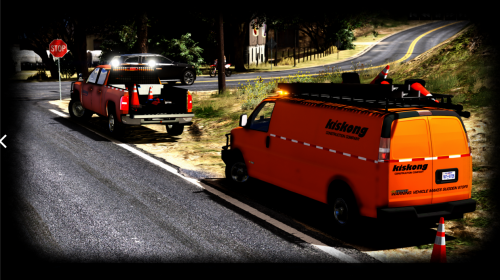 I know you said to not ask about making these vehicles non-els but Im going to ask because these are some amazing vehicles and its rare to find GOOD construction vehicles out there. I use them in SP (have been since 4/13/18, looking back on my files) but I would like to use them on my FiveM server which is a non-els server. If you do ever make these non-els let me know. Again great models and lighting
- 6 comments
- 8 reviews
-
 I appreciate you making this. I attempted to make this a long time ago but I couldn't think of what to add. What made sense etc. Fantastic Job
 -
 Whats the tree for?? Just wondering
 -
-
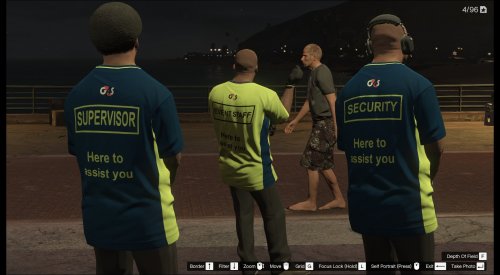 Thank you for making these. Wonderful idea 🙂
 -
-
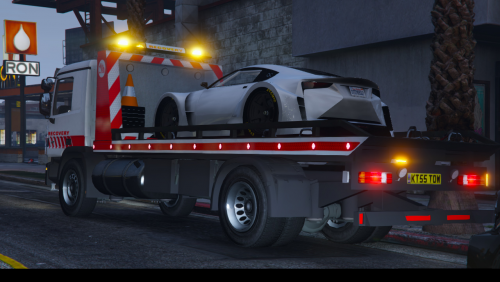 You did an awesome job on this. Added it to my game and it works beautifully. Also checked out the Highway Maintenance Video and oh boy cant wait till that gets released :)
- 4 comments
- 2 reviews
-
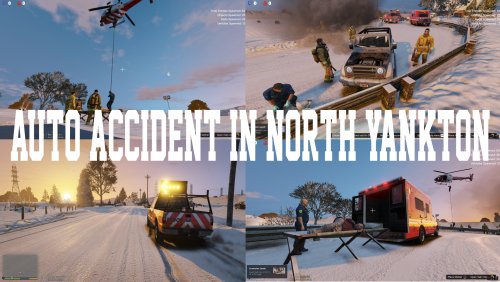 ▼How to Install Auto Accident▼ 1. Install Menyoo Here: https://www.gta5-mods.com/scripts/menyoo-pc-sp 2. Download Accident Scene 3. Open GTA 5 Directory 4. Click on "menyooStuff" 5. Click on " Spooner" 6. Place file inside ▼Video Preview here▼ Part 1 - Enjoy! :)
 -
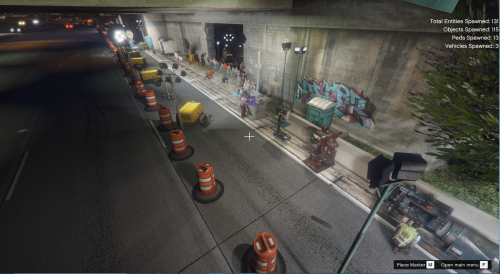
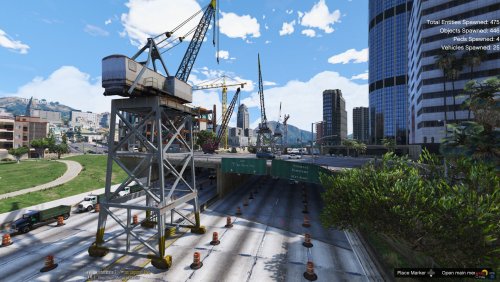 As Requested from the Comments on the video published 8 months ago. I have decided to release the Construction Zone as seen in the video. ▼If somebody could make me some Construction Vehicles like this vehicle here▼ That would be fantastic as I am working on another construction zone now ▼How to Install Menyoo and Construction Zone▼ 1. Install Menyoo Here: https://www.gta5-mods.com/scripts/menyoo-pc-sp 2. Download Construction Zone 3. Open GTA 5 Directory 4. Click on "menyooStuff" 5. Click on " Spooner" 6. Place file inside 7. To activate Menyoo Press F8 in Game 8. Go down to Object Spooner 9. Click Spooner Mode 10. Click Spawn Entity into World to add Vehicles, Peds, and Objects ▼Video Preview here▼ Part 1 - Part 2 - Enjoy! :)
 -
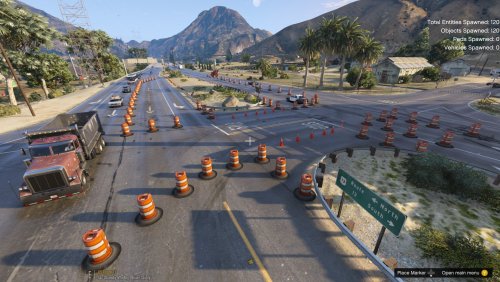 I'm working on a couple more projects this week. Should be done by Thursday and have it out to everyone by Friday
- 10 comments
- 1 review
-
-
I agree. I kinda did that so people could add it to there liking. I do have a version on my end that has the construction workers. I didn't know if anyone was interested in that. 1. Install https://www.gta5-mods.com/scripts/menyoo-pc-sp 2. Download Construction Zone 3. Open GTA 5 Directory 4. Click on "menyooStuff" 5. Click on " Spooner" 6. Place file inside 7. To activate Menyoo Press F8 in Game 8. Go down to Object Spooner 9. Click Spooner Mode 10. Click Spawn Entity into World to add Vehicles, Peds, and Objects Hoped this helped and will be adding it to my description now :)
- 10 comments
- 1 review
-
-

- 1
-
-
They do indeed follow the new traffic pattern. It took a lot of testing with the placement of the barrels. You will see that in the video above
- 10 comments
- 1 review
-
As Requested from the Comments on the video published 8 months ago. I have decided to release the Construction Zone as seen in the video. ▼If somebody could make me some Construction Vehicles like this vehicle here▼ That would be fantastic as I am working on another construction zone now ▼How to Install Menyoo and Construction Zone▼ 1. Install Menyoo Here: https://www.gta5-mods.com/scripts/menyoo-pc-sp 2. Download Construction Zone 3. Open GTA 5 Directory 4. Click on "menyooStuff" 5. Click on " Spooner" 6. Place file inside 7. To activate Menyoo Press F8 in Game 8. Go down to Object Spooner 9. Click Spooner Mode 10. Click Spawn Entity into World to add Vehicles, Peds, and Objects ▼There is going to be 2 files to choose from▼ Version 1.0 - Cones Only with some cop carsVersion 1.1 - Final Product ▼Video Preview here▼ Enjoy! :)
- 10 comments
- 1 review
-
-
- 1
-
-
.thumb.png.e2108197eebd2a115a71434e78afdd67.png) You will see me showcasing this at some point in the day. I just got done trying this out and it is Amazing!!!!!! Edit: I used your screenshot on here for the thumbnail, credited you in the description and put the link to the mod in the description as well. Let me know if you want me to change the Thumbnail if needed
You will see me showcasing this at some point in the day. I just got done trying this out and it is Amazing!!!!!! Edit: I used your screenshot on here for the thumbnail, credited you in the description and put the link to the mod in the description as well. Let me know if you want me to change the Thumbnail if needed- 31 comments
- 15 reviews
-
-
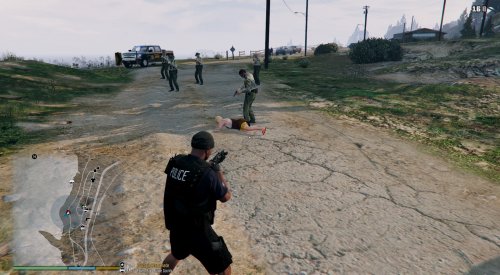 Fantastic Job on this callouts Pack. Its very well done. I Still have to remember to call in a lot of back up on the "Active Threat" Because as you saw yesterday I died a lot :)
- 110 comments
- 33 reviews
-
I will be showcasing this callout tonight in a livestream. Youtube.com/Gallonman20
- 110 comments
- 33 reviews
-
-
- 1
-
-
-
-
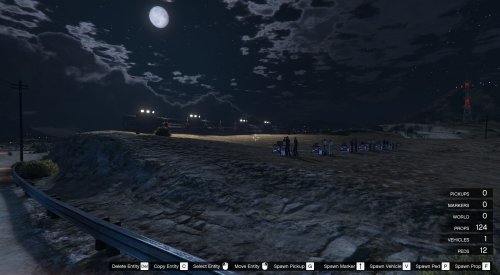
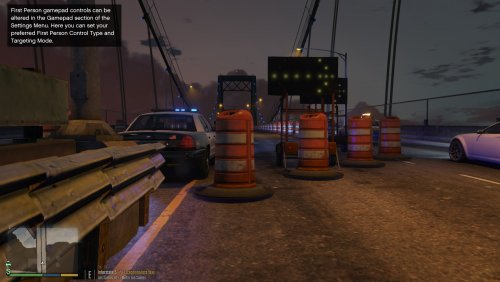 When you install Menyoo. Go to the "MenyooStuff" Then "Spooner" and place the file inside Now are you asking how to install Menyoo or the file itself??



.thumb.png.e2108197eebd2a115a71434e78afdd67.png)