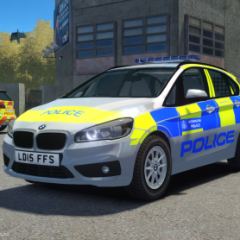

Spencer Nicholson
Members
-
Joined
-
Last visited
Everything posted by Spencer Nicholson
-
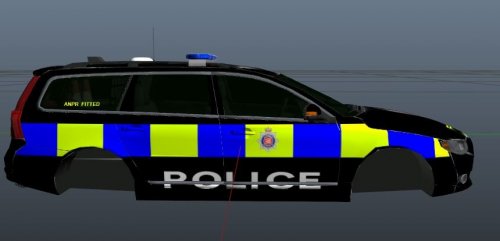 NEW ACCOUNT DUE TO OLD ONE NOT LOGGING ME IN! Recently got into skinning in Photoshop CS6 and I thought it would publicly release them, I have also had permission from Luke at Bleep999 to use his models for my skins and release them to you! Lukes YouTube channel: https://www.youtube.com/user/Bleep911