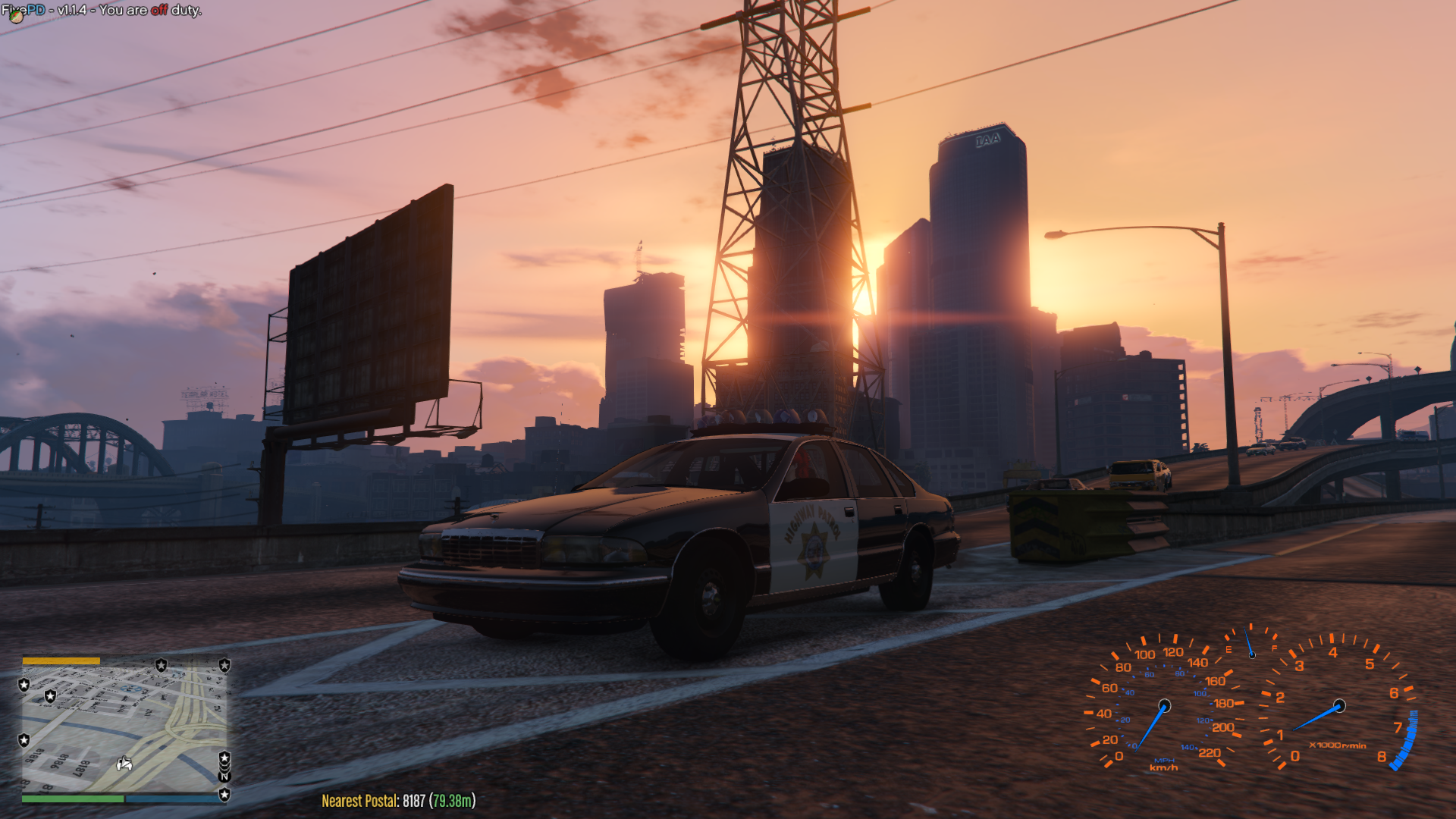
Currently learning how to make mods and edit cars/code. I rent out a ZAP hosting server which I have made into a 90's retro server using the FivePD Mod that takes insperation from LSPDFR (Really good if you want a multipler version of LSPDFR).
I am a big fan of 80's and 90's american police cars and worked on quite a few cars as edits. I have asked the owners of the cars I have worked on, they have allowed me to edit the models as long as I don't upload them (I do not think it is fair to upload other people work). Please do not ask me for car packs or releases, I respect the orginal owners wishes and these cars are only for my own use/projects for learning.
If you do want to have a look at these cars or want a retro play style while playing with others, my FivePD server is open to the public. If you do join the server please join the discord as it will have the server rules and server controls. Server details bellow;
Discord Server: discord.gg/aRQjeVD
My Discord Name: StarFireReaper
FivePD Server: FivePD The 90's (Search in fiveM to find the server)