


stevenwright6379
Members
-
Joined
-
Last visited
-
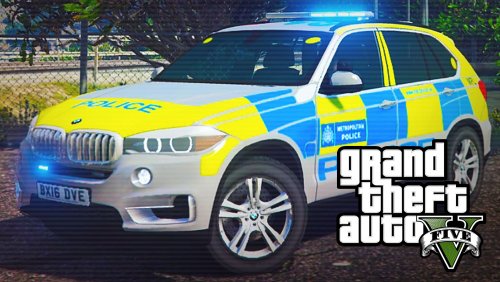 Anyone had any luck getting this to work in the slot for the Marked SUV? would love to have it in that slot and then the unmarked version DD uploaded in the unmarked slot. or actually the other way round, im not fussy just want them both in the game.
- 17 comments
- 6 reviews
