AussieGamer1
Members
-
Joined
-
Last visited
Everything posted by AussieGamer1
-
Really?! thats fair enough, i do agree with you on that, i guess its just because the ACT police is a branch of the AFP apposed to being just the state police, they just had to be different hahaha!! thats super interesting thanks heaps for that. could you explain how NSW work?!
-
I actually don't mind it at all, its better then the boring livery we use to have here in the ACT, just the standard AFP checkers it was.
-
Yeah I know what your talking about, but i think Aussie gaming is talking about something different, anyway definitely going to need pictures if you want any chance of a model.
-
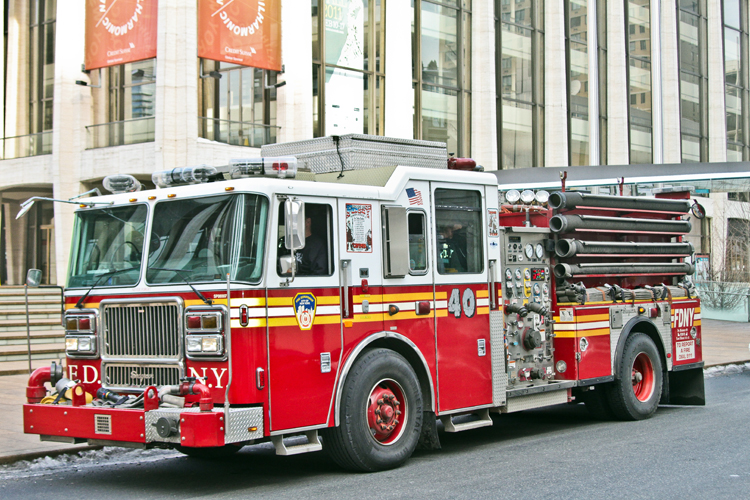
Thats interesting, i had no idea, maybe its a new unit formed in light of recent events, patrolling public events and areas with a large number of people gathered. either way would be awesome to see a picture of it, could defiantly give a shot modelling it. Currently giving the F&RNSW Pumper a go.
-
Most states in Australia have their own Counter terrorism unit which consists usually of just detectives, that operate in conjunction with the AFP and ASIO, any counter terrorism "raids" or "take downs" on a target are conducted by that states police "tactical unit". For example the NSW police have the tactical operations unit (TOU). these units usually just rock up in the bear cat or in marked or unmarked land cruisers. Would defiantly be cool to see some of those.
-
Hows V2.0 going?!
-
I cannot wait for this to be released it already looks amazing, you have done a fantastic job!! but if its not late you should make that back window a little bit bigger, if you fix that it can't be faulted on realism.