x7TiGaMeR
Members
-
Joined
-
Last visited
-
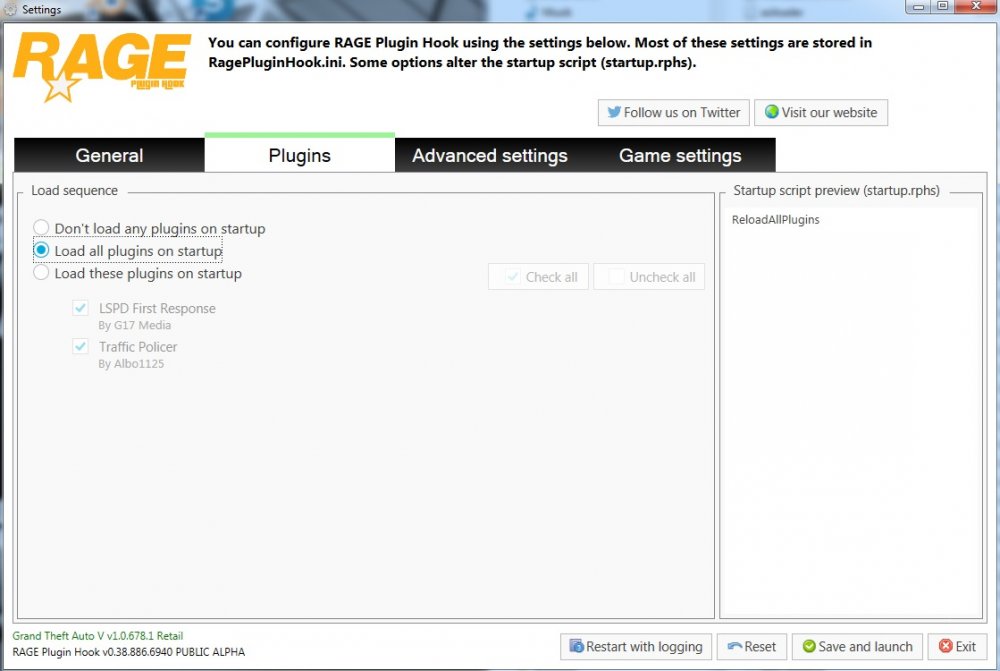
Ich weiß es leider nicht genau ich habe die Plugins genauso installiert wie es beschrieben war und hab den RageHock Launcher gestartet ohne auf das Zahnrad zu klicken und auf einmal wurden alle geladen aber nicht angezeigt
-
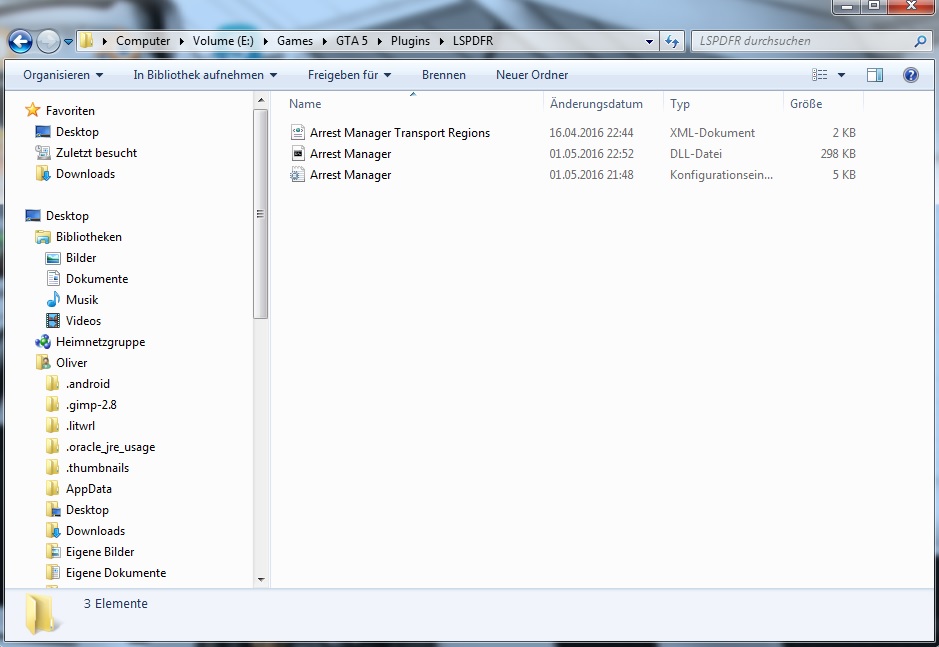
Ja ich habe die Neuste Version Was bringt es mir wenn ich Arrest Manager angeblich richtig installiert habe es aber es nicht geladen wird.... es wird nicht automatisch geladen und bei manuellem Laden gibts ein ERROR oder er findet sie nicht ob sie Im Plugins Odner sind oder im Plugins/LSPDFR Ordner beides funktioniert nicht... Ich weiß nicht wie ich es noch erklären soll oder ob ich dich nicht verstehe was du meinst aber ich bin mir ziemlich sicher das bei mir irgendetwas nicht stimmt..Ebend nicht.....sie werden nicht angezeigt und nicht geladen und wenn ich sie manuell lade gibts ein ERRORHallo, ich habe das Problem das mir viele Plugins die ich installiere habe im Rage Hock Launcher nicht angezeigt werden obwohl ich sie genauso installiert habe wie es in der ReadMe Datei steht Zum Beispiel wie bei diesem Plugin: Arrest Manager