
beastinRAPPER
Members
-
Joined
-
Last visited
-
beastinRAPPER changed their profile photo
-
 Greenington reacted to a comment on a file:
[Non-ELS] All Blue & Red & Blue Westward Go4 interceptor [FiveM Ready]
Greenington reacted to a comment on a file:
[Non-ELS] All Blue & Red & Blue Westward Go4 interceptor [FiveM Ready]
-
Foxtrot510 reacted to a comment on a file:
[Non-ELS] All Blue & Red & Blue Westward Go4 interceptor [FiveM Ready]
-
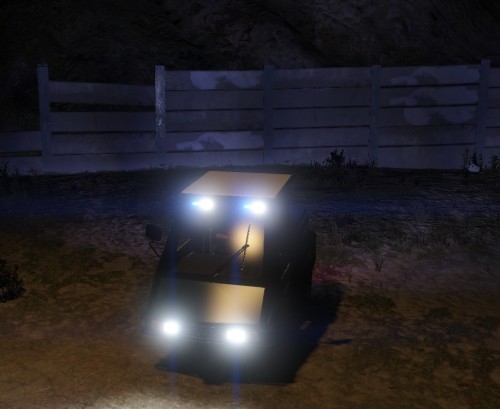 Kinda unrealistic considering it doesnt have a roof mounted light bar but i will give you props only because this is the first Go-4 i have seen Non-Els so on the other hand good job. Just needs a light bar lol. im sure you'll update it..... hopefully
 -