
Drixize
Members
-
Joined
-
Last visited
Everything posted by Drixize
-
 You Want a heli pad ?
 -
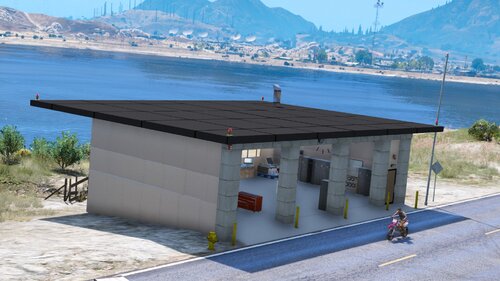
Aujourd'hui je vous met en ligne une caserne que j'ai réalisé sur le secteur de Grapeseed, un simple petit CIS pouvant acceuillir 3 engins. télécharger/Download : - Map Editor : https://www.gta5-mods.com/scripts/map-editor Comment Installer ? Copier puis coller le dossier scripts dans la racine de votre GTA V How to Install ? Copy and Paste le scripts folder in your game folder Crédit : Drixize Youtube : https://www.youtube.com/drixize Twitter : https://twitter.com/drixize Instagram : https://www.instagram.com/drixize/?hl=fr Facebook : https://www.facebook.com/Drixize
-
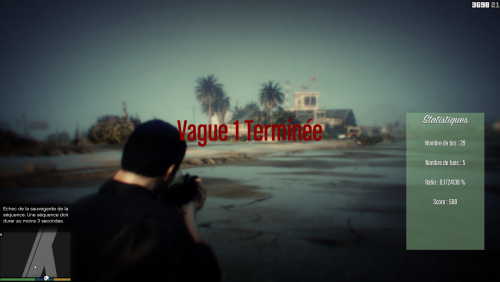 Salut j'ai pas encore testé ton mod, mais il à l'air génial pour une série sur ma chaine. Je t'invite à me contacter sur mon discord ou sur un de mes reseaux sociaux 😉