Jason4217
Members
-
Joined
-
Last visited
Everything posted by Jason4217
-
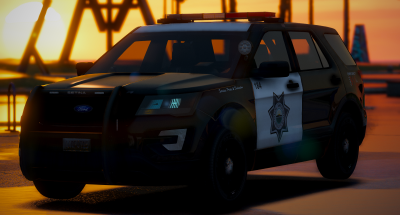 The discord link is expired
 -
Anyway to purchase the other vehicles that match the FPIU?
-
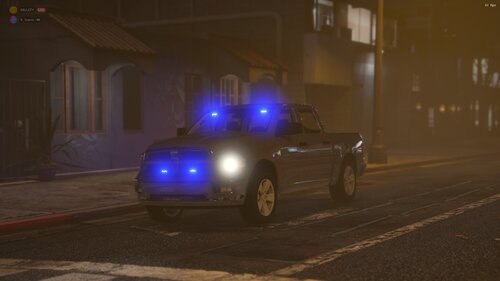 The only problem I see with it is that in the TV show Antonio drives a 2002 Dodge Ram 1500 Quad Cab not a newer version. The only new Ram is Jay Halsteads and he drives a 2019 matte black Ram. Other then that good work love the model
 -
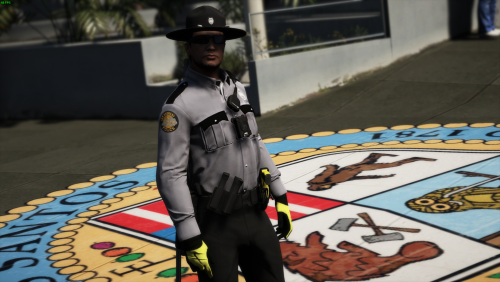 The EUP looks great the only thing is KSP's Uniform is all grey. The pants are Dark Grey and so are the hat. They don't do Black pants or a Black Campaign hat. That is the only issues I see coming from someone who lives in Kentucky and sees the Troopers everyday. Keep up the good work
 -
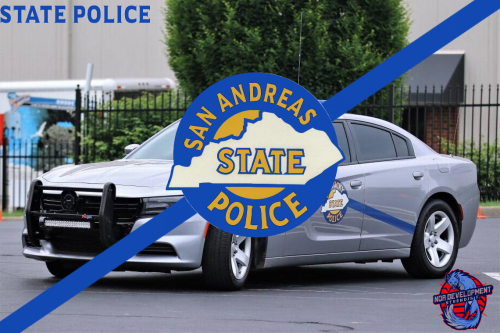 It would be nice to keep the liveries but do San Andreas instead of Kentucky outline
 -
-
 The blue parts on the Charger are realistic to its real life counter part. If you don't like it you can go into the YTD file and change it.
- 215 comments
- 38 reviews
-
-
 Considering that there is a law in Georgia stating that they have to have all blues it would look weird. Just like Cali has a law stating that there has to be a Steady burn red in the front and a amber light in the back. Georgia has a law stating that all emergency services have to have All Blue lighting.
- 42 comments
- 13 reviews
-
 I drive a 2018 PPV Tahoe they aren't as big as every one else says they are. My partner drives a 2017 Utility my Tahoe is about 3 or 4 inches bigger then his Utility. They aren't that big to be honest.
- 964 comments
- 158 reviews
-