
Josh M
Members
-
Joined
-
Last visited
Everything posted by Josh M
-
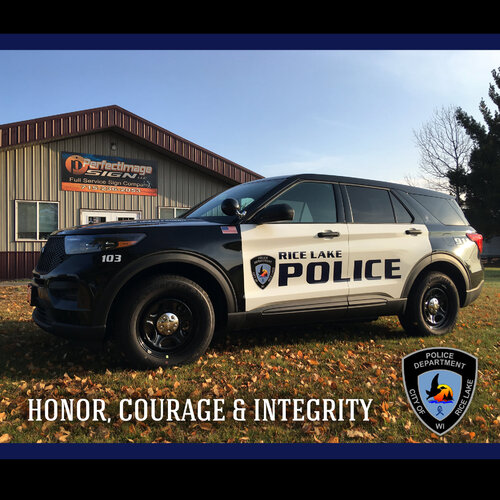 I never thought I would see RL in here...
 -
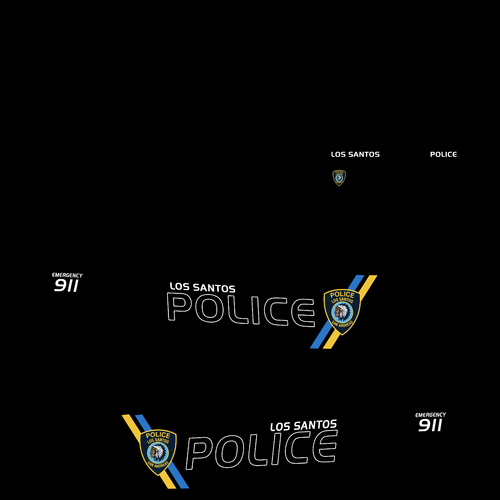 This is just a completely random "pack" contains liverys for Explorers, Charger, and Tahoes. Covers Roxwood County and LSPD.
 -
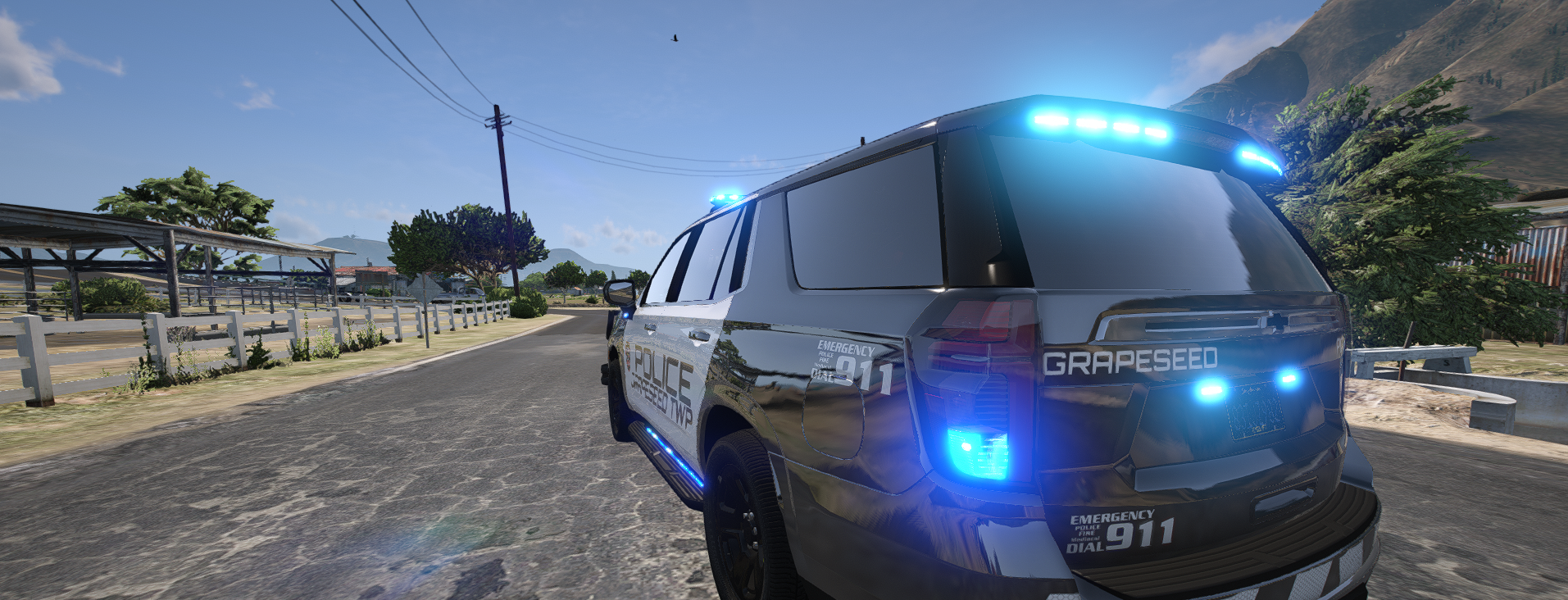
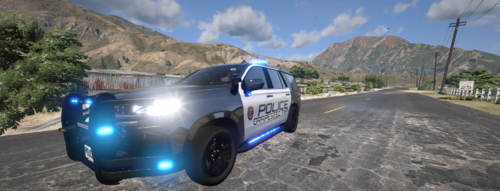
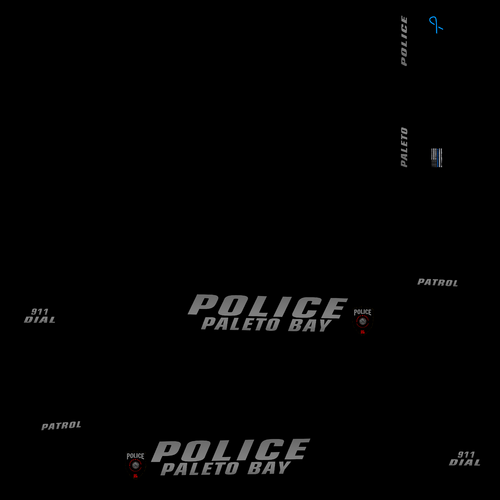 Paleto Bay Police Pack that I created for my FiveM Community. Includes : 18 Charger, 23/24 Tahoe, 20/25 FPIU, 23 F150, 20 F250 Feel free to reach out with any questions. If you are interested in more designs join my discord : https://discord.gg/2Bz6rrJp7J
 -
 I'd have to go back in my downloads and check for you. I will let you know then.
 -
It is a paid Non-ELS model, if you reach out to me on discord, I can point you to the dev.
-
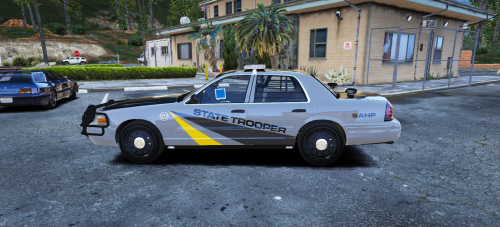
Howdy y'all! I decided to try something a little bit different, and gave making liveries a shot. I know it is not much, and isn't exactly the greatest. But I am proud of it as it turned out well. Leave your honest feedback below. Currently this mini pack includes a - 2018 Dodge Charger, 2023 Tahoe, 2024 Durango, and 2024 Mustang (Ghosted Traffic) Personally love how this project turned out. I might come back around and add more to this pack in the future. However, as of right now I am planning to move on to other projects. If you are interested in seeing updates, join my discord! If you need any support or want to follow the development of liveries, join my discord! https://discord.gg/2Bz6rrJp7J
-