




Officer.Woods
Members
-
Joined
-
Last visited
Everything posted by Officer.Woods
-
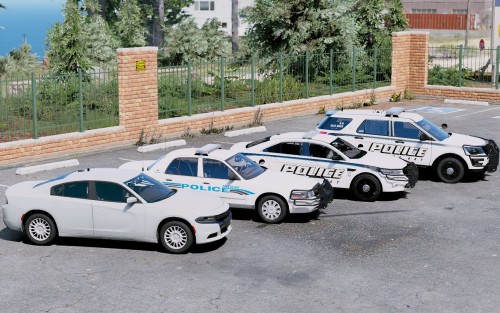 Absolutely Lovely pack from an amazing developer! Very detailed work, can't wait to see more of it! 😁🎊 Make sure to join Suttons brand new shiny discord server! https://discord.gg/JyrbxMN
- 14 comments
- 4 reviews
-
-

- 2
-
-
-
-
-
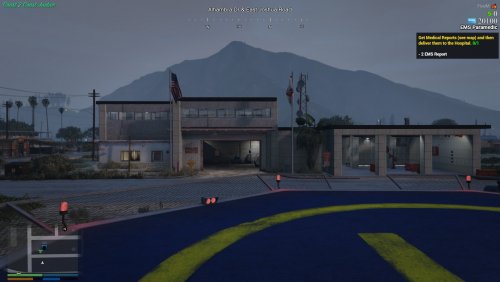 Hey, Awesome thing you have created!! Really think it's the best out there! I'm pretty new to map editing, so I was wondering if anyone could direct me to a tutorial/video on how to get this into a FiveM server and how to work with ymaps and dropping them into fivem, thanks alot everyone.
- 51 comments
- 2 reviews
-
Nevermind fixed now.
-
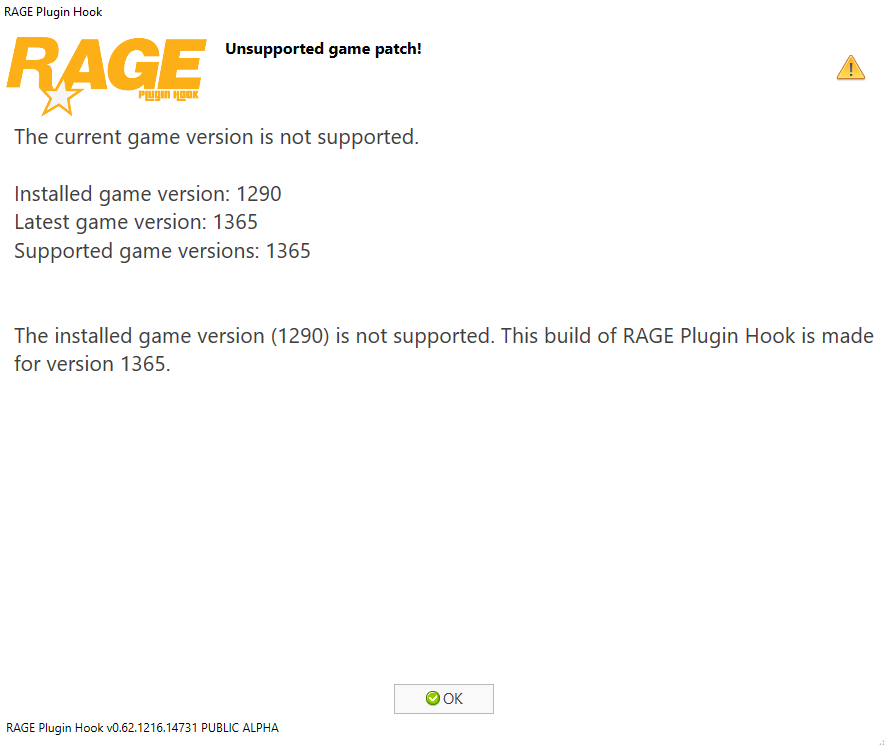
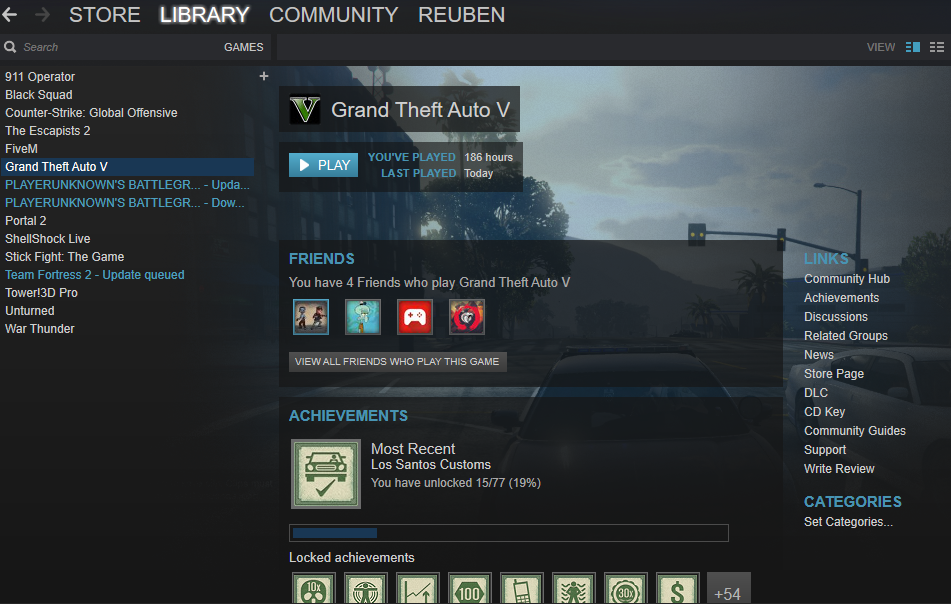
Hi, Not sure that you can help but I'll ask anyway. Ok, so I have multiple directories to run mods. And when the new update came around I had my clean game as "Grand Theft Auto V" so when I opened steam to update the game say last week it only updated my clean game, so to my knowledge that runs ok, but the ones I want to play and mod are still on the 1290 or 1280 game patch meaning when I put the new rage plugin hook and script hook v into my US modded files and other ones it comes up with an error patch message and doesn't run the game. I have tried the modded version by running it on steam and through rage plugin hook, and still no sign of the update. Thanks Anyway Reuben


.thumb.png.28aa0963faa0c6b7fe8ec683d28ec677.png)
