



MattG222
Members
-
Joined
-
Last visited
Everything posted by MattG222
-
From the album: LSPDFR; British Vehicles
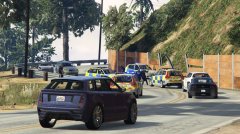
Suspect of the arson is surrounded by units. Vehicles; BMW X5, BMW 3 Series Estate, Volvo V70. -
A number of examples of the vehicles used in game, mostly are basic re skins that I've done of other members vehicles (Double Doppler, BritishGamer88 etc.).
-
From the album: LSPDFR; British Vehicles
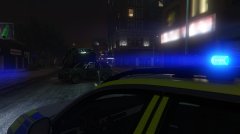
At the scene of an RTC, road closed. Vehicle BMW 3 Series. -
From the album: LSPDFR; British Vehicles
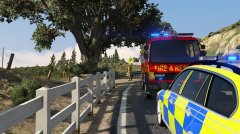
At the scene of an arson. Fire dealing with putting it out, off to area search for the suspect. Vehicle; BMW 3 Series. -
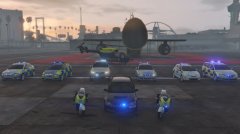
From the album: LSPDFR; British Vehicles
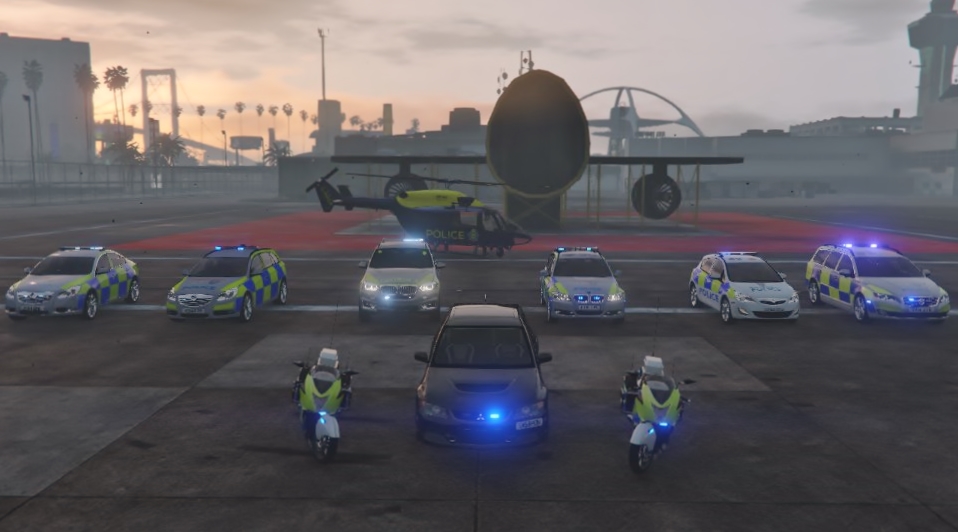
(L-R) Vauxhall Insignia Saloon (TVP/Hampshire Crests on Bonnet) Vauxhall Insignia Estate (TVP/Hampshire Crests on Bonnet) Hakuchou British Police Bike (w/ full blue lights) BMW X5 (TVP/Hampshire reskin) Eurocopter EC145 (NPAS reskin) Mitsubishi Evo (Unmarked) BMW 3 Series Estate (TVP/Hampshire Crests on Bonnet) Vauxhall Astra (TVP full reskin) Volvo V70 Estate (TVP/Hampshire reskin)

