darkhatos
Members
-
Joined
-
Last visited
Everything posted by darkhatos
-
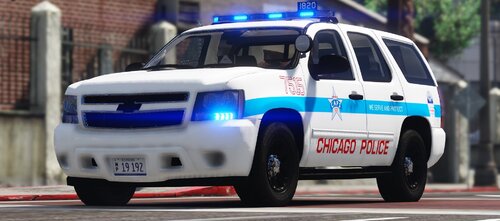 great job i love your Chicago pack please make more vehicles mods 🥰🥰 just CPD11 interior texture bug !!!
- 125 comments
- 14 reviews
-
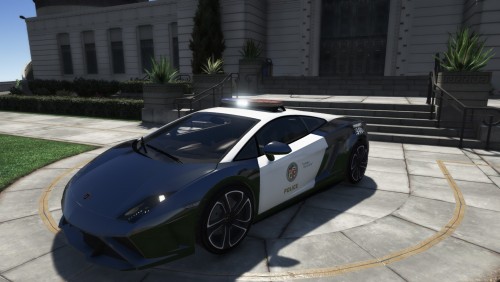 CREDITS Model: gta sa Textures: gta sa conversion to GTA V: Swpok Unlocked version : 2w90k Conversion Police version : DarkHatos Fedsig Arjent S2 : 0taku ,DarkHatos Panasonic Toughbook CF : 0taku Template : DarkHatos Skin : DarkHatos Install ADDONS go to OpenIV, drag and drop "lambolapd" folder here "GrandTheftAutoV\mods\update\x64\dlcpacks" go to "GrandTheftAutoV\mods\update\update.rpf\common\data" open dlclist.xml add this <Item>dlcpacks:/lambolapd/</Item> lambolapd.xml here C:\Program Files\Rockstar Games\Grand Theft Auto V\ELS\pack_default Update 1.1 Add New Taillight Add New Handling Rework all textures and matérials fix hubs wheel fix lights fix Collisions update 1.2 Fix Handling & vehicles.meta for LSPDFR Update 1.3 Fix Plates Fix Headlights Add Template folder THANKS FOR DOWNLOADS MY LAPD CAR 🙂
- 22 comments
- 2 reviews
-
-

- 1
-
-
-
-
-
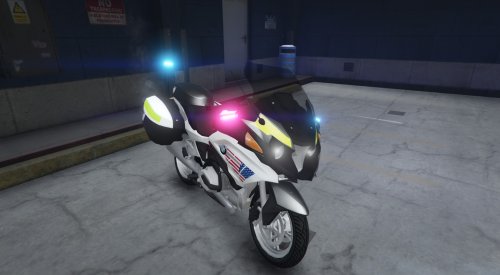 FRANCAIS Version Pour la Moto aller dans OpenIV ensuite Grand Theft Auto V\Mods\update\x64\dlcpacks\patchday17ng\dlc.rpf\x64\levels\gta5\vehicles.rpf Pour le vehicles.meta aller dans OpenIV ensuite Grand Theft Auto V\Mods\update\update.rpf\common\data\levels\gta5 extraire le vehicles.meta d'origine sur votre bureau et l'ouvrir avec NotePad ensuite aller dans le dossier du mods ouvrez le fichier "META" copier le contenu qui ce trouve dans "vehicles.meta" et coller le a la place de celui d'origine en effacant les lignes qui correspondent a celui-ci ! pour l'ELS ouvrir le dossier "ELS" et copier le contenu dans Rockstar Games\Grand Theft Auto V\ELS\pack_default ENGLISH Version For the Moto go in OpenIV then Grand Theft Auto V \ Mod \ update \ x64 \ dlcpacks \ patchday17ng \ dlc.rpf \ x64 \ levels \ gta5 \ vehicles.rpf For the vehicles.meta go in OpenIV then Grand Theft Auto V \ Mods \ update \ update.rpf \ common \ data \ levels \ gta5 extract the original vehicles.meta on your desktop and open it with NotePad then go to the mods folder open the file "META" copy the content found in "vehicles.meta" and paste it instead of the one original by erasing the lines that correspond to this one! for the ELS open the "ELS" folder and copy the content into Rockstar Games \ Grand Theft Auto V \ ELS \ pack_default
- 17 comments
- 5 reviews
-
-
-

- 4
-