Joshif
-
Joined
-
Last visited
Everything posted by Joshif
-

From the album: Greek Police & Authorities
-
-
Χωρίς τίτλο.png
-
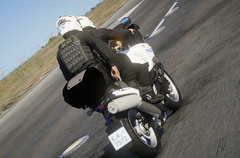 222.png
-
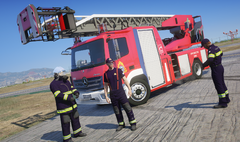 c4d8072a1df7167a.png
-
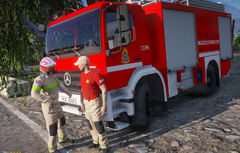 Χωρίς τίτλο.png
-
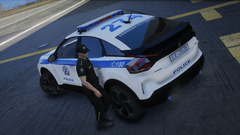 9f08a86b11c5c8bc.png
-
 Χωρίς τίτλο.png
-
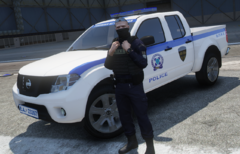 Screenshot_10.png
-
 Screenshot_9.png
-
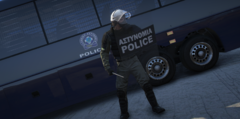 Screenshot_5.png
-
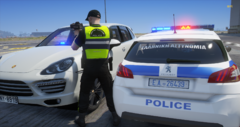 Screenshot_4.png
-
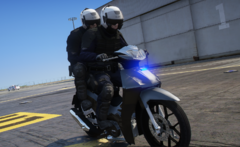 Screenshot_2.png
-
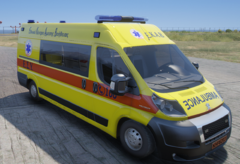 34182b7f5a0a867d.png
-
 Χωρίς τίτλο.png
-
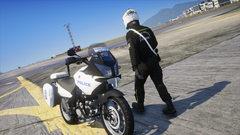 Screenshot_2.png
-
 Screenshot_1.png
-
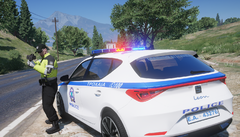 34182b7f5a0a867d.png
-
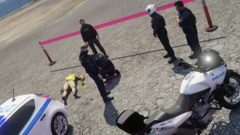 Screenshot_4.png
-
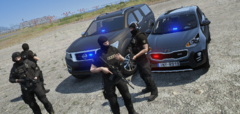 Screenshot_5.png
-
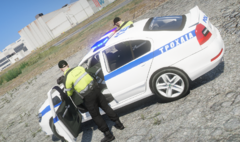 Screenshot_4.png
-
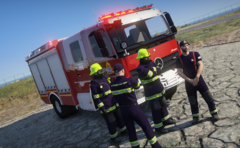 Screenshot_2.png
-
-
-
From the album: Greek Police & Authorities
-
From the album: Greek Police & Authorities
-
I ll just wait for fix i dont want to remove nve or lspdfr either
-
-
Hello it seems after last nve update isn’t compatible with lspdfr. When i load lspdfr or eup menu via the console it crashes the game and drop shv errors with crash of all asi like els trainerv etc. Has anyone the same issue? Any solution?
-
From the album: Greek Police & Authorities
-
From the album: Greek Police & Authorities
-
From the album: Greek Police & Authorities
-
From the album: Greek Police & Authorities
-
From the album: Greek Police & Authorities
-
From the album: Greek Police & Authorities
-
From the album: Greek Police & Authorities
-
From the album: Greek Police & Authorities
-
From the album: Greek Police & Authorities
-
From the album: Greek Police & Authorities
-
From the album: Greek Police & Authorities
-
From the album: Greek Police & Authorities
-
thanks for the info, I have a problem even if i add "Crash" everywhere objects materials etc and apply to everything, when i export and import again seems like the options crash isnt saved anywhere. Maybe you know a solution?
-
Hello how did you fix the non breakable glass or the bulletproof like kuruma via zmod? I ve tryed with crash in user defined options but nothing
-
Yeah i create them
-
-
From the album: Greek Police & Authorities
-
From the album: Greek Police & Authorities