Cedo Nulli
Members
-
Joined
-
Last visited
Everything posted by Cedo Nulli
-
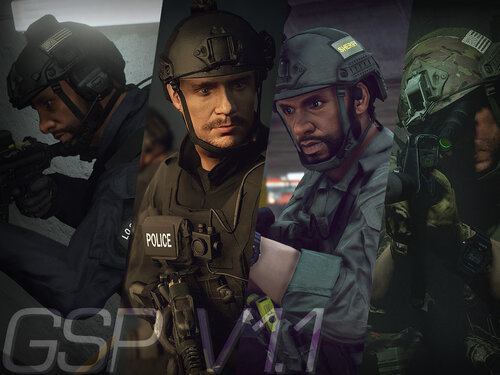 Awesome job on these...very accurate. Any way to get the uniforms as a MP clothing mod...in particular the OCP ones your FBI skins have?
- 45 comments
- 5 reviews
-
 Update ScripthookV...got my ELS working again. http://www.dev-c.com/gtav/scripthookv/
- 2,700 comments
- 240 reviews
-
-

- 1
-
-
Same problem...hopefully I don't have to reload from scratch, but I can't get the game to load either by itself or with LSPDFR.
-
-
Following all the tutorials on installing mods (cars, liveries, etc) and I'll eventually get to the mod day files that only contain a .rpf file that I cannot further open. Is there another program I need to run to open the .rpf to install the necessary car files? Thanks. Just downloaded game tonight.
-
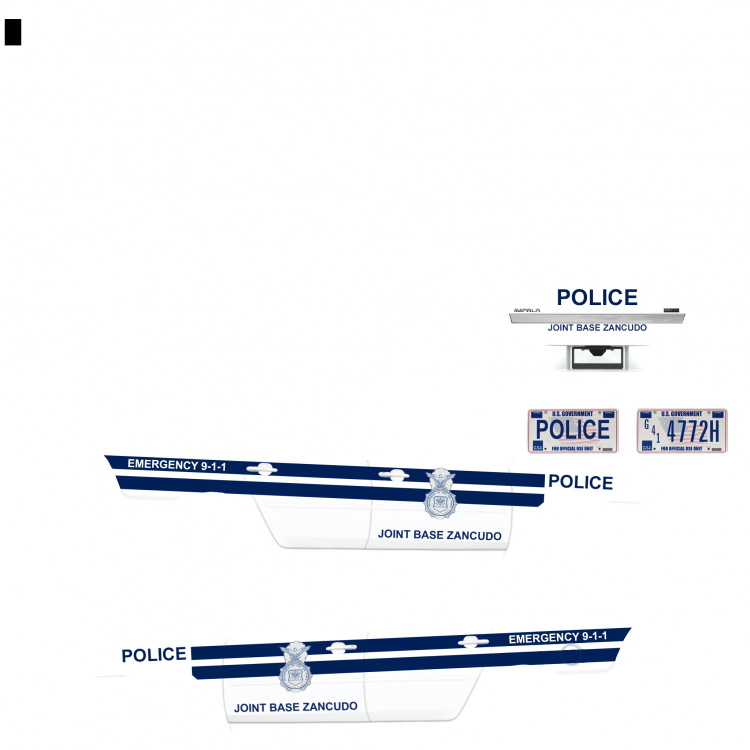
Hi all, I just came across LSPDFR randomly and have been watching a few of the vids on youtube lately. I don't have GTA V on PC yet, but will soon. In the meantime, I do spend a lot of time drawing in photoshop and began a skin using the Impala template from BXBugs123 of the US Air Force Security Forces (Military Police). I've seen only a few other similar skins, so I figured I'd give it a shot (since I'm pretty familiar with them). I've attached the .png file of the skin if anyone would like to use with their BXBugs123 impala. This is my first skin attempt, so suggestions/comments are welcome so I can figure this out. Case in point, if I needed to clip the white down to the template or white out the entire page (as I've done) since the base car is all white. If anyone could test this skin and then screen shot it, that'd be great. I'll also take ideas for other stripe packages...I've got time to draw here!