


tuscanitib
Members
-
Joined
-
Last visited
Everything posted by tuscanitib
-
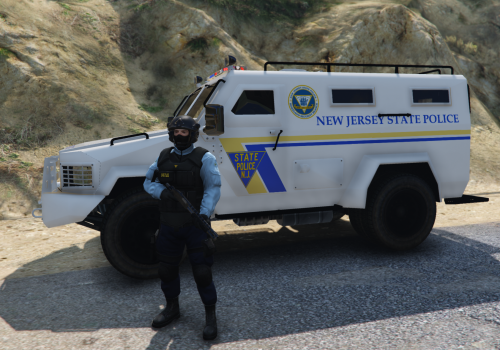 Awesome work on this man. Being a firefighter in NJ, I gotta represent my NJSP. However, I do agree with the one previous comment. No matter what I have tried, I can not get the new slicktop's lights to work, other then the rear corner LEDs. Any fix for this? Thanks
- 17 comments
- 4 reviews
-
Agreed, keep getting an Error -200
